Hardware-Level Real-Time
Dubbing Box processes your voice on-device with Sub-300 ms latency, so Splatoon callouts and Fortnite pings land in sync — no laptop, no OBS, no audio routing.

Nintendo Switch ignores third-party audio drivers, virtual microphones, and PC voice-changer apps — the console only reads the mic feed through its USB-C headset jack. Dubbing Box solves this in hardware: plug your headset into Dubbing Box, plug Dubbing Box into the Switch, and every word you say is converted on-device before the console hears it. Fortnite lobbies, Splatoon 3 coordination via the Nintendo Switch Online app, and Roblox chat all pick up the persona.
✓ Free voice changer • ✓ 500+ AI voices • ✓ Under 300ms latency
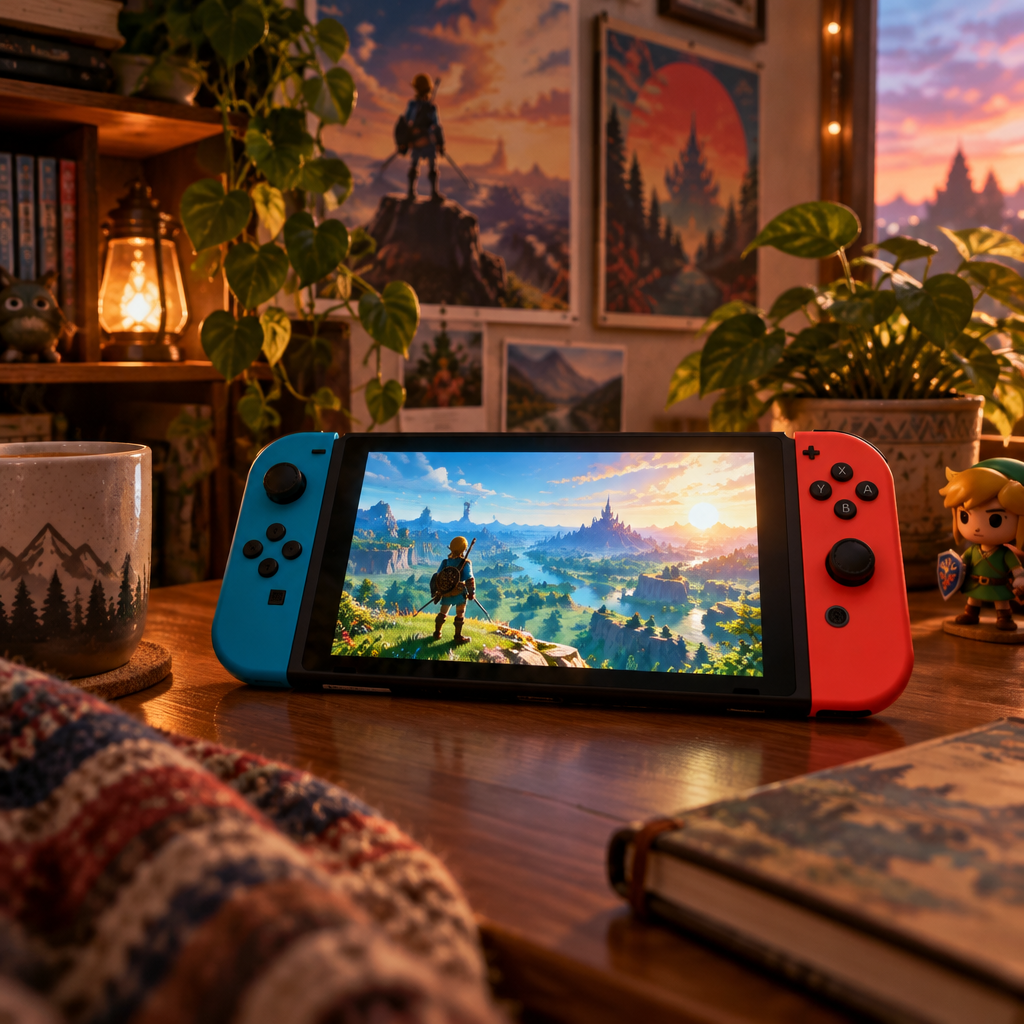
Nintendo Switch does not accept third-party audio drivers, virtual microphones, or PC voice-changer apps. Whether you play Fortnite in the Switch app, coordinate Splatoon 3 splats through the Nintendo Switch Online mobile chat, or hop into a Roblox lobby, the console only reads the mic feed coming through its USB-C headset jack. Dubbing Box solves this at the hardware layer. You plug your headset mic into Dubbing Box, plug Dubbing Box into the Switch via USB-C, and every word you say is transformed before it reaches the console. To Switch, it is just a normal wired mic — but the voice on the other end is Pennywise, an anime protagonist, a deep villain, or any of 500+ AI voices from the Dubbing AI library.
Dubbing Box processes your voice on-device with Sub-300 ms latency, so Splatoon callouts and Fortnite pings land in sync — no laptop, no OBS, no audio routing.
OLED, standard, and Lite all accept the same USB-C connection. Dock mode and handheld mode both pass mic audio through Dubbing Box unchanged.
Nothing touches Switch firmware or online services. Dubbing Box appears as a standard USB audio device, the same way any wired gaming headset does.
OLED, standard, and Lite accept the same USB-C connection in dock and handheld modes.
Conversion runs inside Dubbing Box — no laptop, no software, no drivers.
The Switch sees a standard USB audio device; firmware and Nintendo Switch Online stay untouched.
Switch voice chat is split across in-game lobbies and the Nintendo Switch Online phone app — Dubbing Box sits in front of both.
In-game voice chat reads the USB-C mic feed, so Fortnite squads hear your character.
Match voice in Splatoon 3 comms routed through the Switch mic path.
Carry a persona into Roblox lobbies and friend parties on the console.
Take the same voice changer into handheld mode or a mobile streaming setup.
Install the free voice changer app for Windows or macOS. Setup takes under two minutes and needs no credit card.
Approve the Dubbing AI Virtual Microphone so games, Discord and streaming apps can read it as an input device.
Browse 500+ AI voices, preview them with Hear Myself, and lock in the preset that fits your character.
Choose Dubbing AI Virtual Microphone in your game, Discord or OBS, then start talking live with under 300ms latency.
Explore more AI voice changers for games, apps, and characters.
The same Dubbing Box hardware for PlayStation 5 party chat.
Learn moreParty-chat personas on Xbox Series X|S with the same device.
Learn moreSwitch in-game chat in Fortnite passes through Dubbing Box.
Learn moreRoblox lobbies on Switch pick up the transformed mic.
Learn moreGrab the free voice changer for real-time gaming and online chat, layer in the soundboard for instant effects, and browse community sounds for voices other creators already made.
Get Dubbing Box