The Sylvanas Scream Curve
Patty Mattson's "For the Horde" isn't a shout — it's a guttural, throat-tearing escalation that cuts the roar of a battlefield. The preset keeps that curve, so your battle cries land like a cinematic, not a chipmunk filter.

Twenty years of raid comms, one iconic shriek: Sylvanas' "For the Horde" — voiced by Patty Mattson in the Battle for Azeroth cinematic — is the most replayed rally cry in MMO history. Dubbing AI carries that same guttural intensity, plus Thrall's gravel (Chris Metzen), Jaina's steel (Laura Bailey), and every faction in between, straight onto your mic for raid nights, faction RP, and Azeroth-flavored streams.
✓ Free voice changer • ✓ 500+ AI voices • ✓ Under 300ms latency
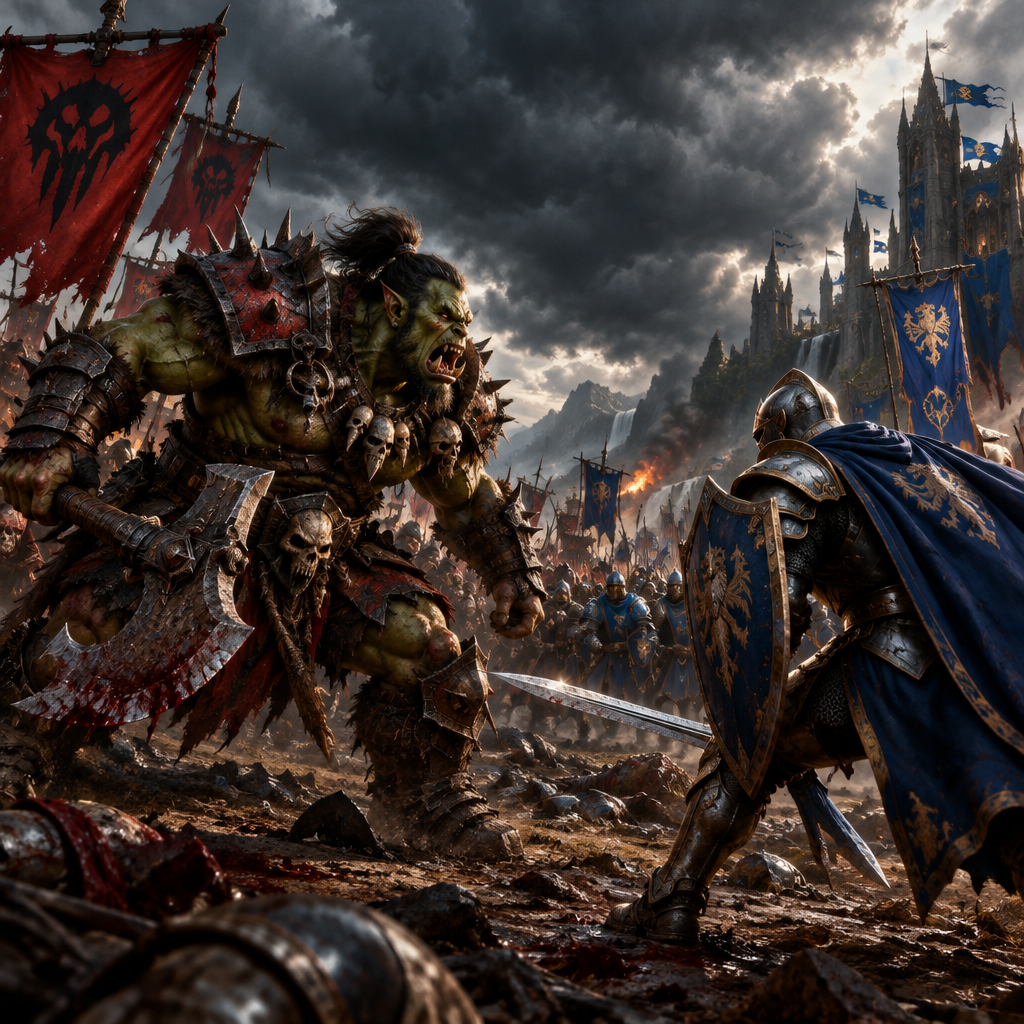
World of Warcraft voices speak for an entire world — Horde ferocity, Alliance nobility, and everything in between. For the Horde! For the Alliance!
The voice of the world's most massive online world — legendary characters, faction leaders, and the countless heroes of Azeroth.
Patty Mattson's "For the Horde" isn't a shout — it's a guttural, throat-tearing escalation that cuts the roar of a battlefield. The preset keeps that curve, so your battle cries land like a cinematic, not a chipmunk filter.
Bind a Horde preset and an Alliance preset to hotkeys and flip between them mid-battleground. The faction war plays out in your own voice chat.
Azeroth's fantasy voices stay intelligible through the chaos of a boss fight — because a muffled 'stack on me' wipes the raid, and nobody wants that on their record.
Sub-300 ms delivery keeps pull timers, kicks, and stack-up calls landing on time through a 20-man comms channel.
Runs as a system-level virtual microphone. It never touches WoW's files or memory — anti-cheat sees a headset, not a mod.
One app spans Sylvanas' banshee rasp, Thrall's orcish bass, and Jaina's aristocratic steel — hot-swap between factions mid-run.
WoW's voice is bigger than any character — it's the sound of factions screaming, raid leaders counting down, and one paladin ruining a perfect pull since 2005.
Call interrupts as a Tauren warrior, count down dispels with a gnome's squeak, or bark pull timers like a goblin raid leader. The voice fits the class fantasy while staying crisp enough to hear.
Recreate the Leeroy Jenkins charge, dub faction-rivalry skits, or make your own cinematic-style "For the Horde" reaction — 20 years of meme material, one hotkey.
Walk into an RP server as a Forsaken apothecary or a Blood Elf magistrate with a voice that matches the tabard. Immersion is the whole point, and the voice sells it.
Host guild events and community raids in character. The giggle, the growl, and the war cry keep chat guessing which of your alts just logged in.
Download Dubbing AI and install on Windows or macOS. Under a minute.
Choose 'Dubbing Virtual Device' as your mic in sound settings.
Browse 500+ voices and select your character. Hear Yourself to test.
Join any app or game and talk — voice lands in character at Sub-300 ms.
Explore more AI voice changers for games, apps, and characters.
Grab the free voice changer for real-time gaming and online chat, layer in the soundboard for instant effects, and browse community sounds for voices other creators already made.
Download Desktop App