Desktop-First Setup
Runs on WhatsApp Desktop through the virtual mic — voice calls, video calls, and voice notes all pick it up with no phone-side setup.

WhatsApp's voice notes are the most personal thing you send — your actual voice, compressed into an Opus file and sent across the room or across the world. Dubbing AI puts the character before the codec: send notes as an anime hero, narrate your day as a movie trailer, keep 1:1 calls anonymous when you need to. Sub-300 ms, end-to-end encryption untouched, free tier.
✓ Free voice changer • ✓ 500+ AI voices • ✓ Under 300ms latency
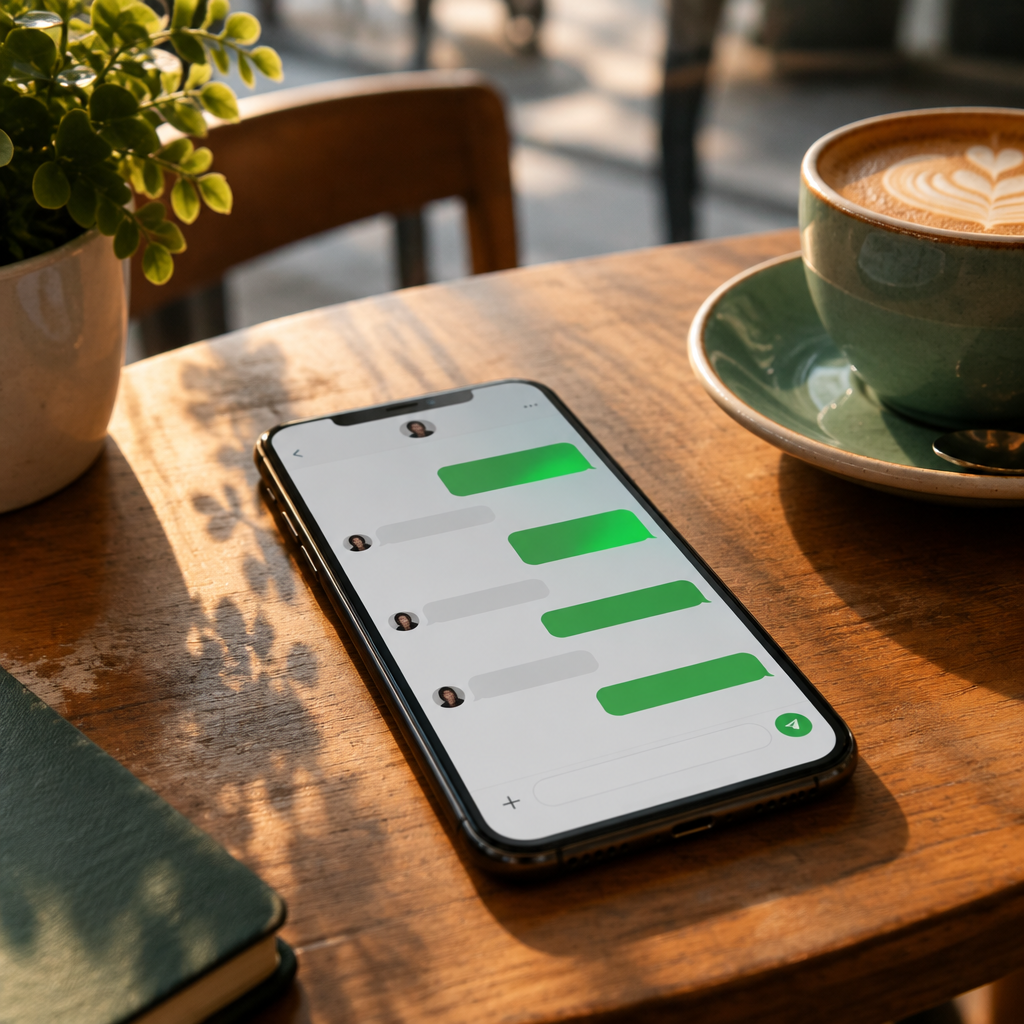
Runs on WhatsApp Desktop through the virtual mic — voice calls, video calls, and voice notes all pick it up with no phone-side setup.
WhatsApp re-encodes voice notes to Opus at ~16–24 kbps for transport. Dubbing AI transforms your voice before that — the character survives compression.
A different voice per contact or group chat — hotkey-swap between chats without reconfiguring the mic each time.
Voice notes, video calls, and audio messages all pick up the transformed voice through the virtual mic.
Runs before the app — WhatsApp's end-to-end encryption is unaffected.
Assign a different voice per contact or group chat and hotkey-swap between them.
WhatsApp is the most personal voice app you use — so personal that a character voice lands twice as hard.
Send WhatsApp voice notes as a movie villain, anime hero, or deep narrator for punchier group-chat bits.
Surprise family and friends on WhatsApp video calls with a character voice that never breaks the illusion.
Join sensitive WhatsApp group calls with a neutral overlay voice so your identity stays private while you still participate.
Install the free voice changer app for Windows or macOS. Setup takes under two minutes and needs no credit card.
Approve the Dubbing AI Virtual Microphone so games, Discord and streaming apps can read it as an input device.
Browse 500+ AI voices, preview them with Hear Myself, and lock in the preset that fits your character.
Choose Dubbing AI Virtual Microphone in your game, Discord or OBS, then start talking live with under 300ms latency.
Explore more AI voice changers for games, apps, and characters.
Grab the free voice changer for real-time gaming and online chat, layer in the soundboard for instant effects, and browse community sounds for voices other creators already made.
Download Dubbing AI