
Why Dubbing AI is Perfect for Video Calls
Dubbing AI voice changer makes video calls unforgettable—instantly switch personas, surprise friends with hilarious voices, or sound professional in meetings, creating engaging, dynamic, and personalized conversations unlike anything before.
Why Dubbing AI is a Must-Have for Video Calls
Fun & Social: Turn every video call into a comedy show—Dubbing AI voice changer lets you prank friends, spark laughter, and keep conversations endlessly entertaining with playful voices. Professional: Impress clients and colleagues—Dubbing AI refines your tone, masks background noise, and delivers polished voices, making every video call feel smooth, confident, and perfectly professional. Creative Expression: Why settle for boring? With Dubbing AI, transform into characters, storytellers, or unique personalities, making video calls a stage for creativity, imagination, and unforgettable communication. Privacy & Identity: Protect your identity effortlessly—Dubbing AI lets you disguise your voice during video calls, ensuring safety while staying natural, versatile, and completely in control of how you sound.

Video Calls Enhancements
1. Transform dull calls into exciting shows—Dubbing AI lets you switch voices instantly, surprising friends and making every conversation unforgettable. 2. Add humor and creativity—sound like a celebrity, cartoon, or mysterious stranger, keeping video calls lively and engaging. 3. Break monotony—Dubbing AI infuses fun, expression, and character into everyday video chats, making even routine meetings memorable.

The Ultimate Soundboard for Video Calls
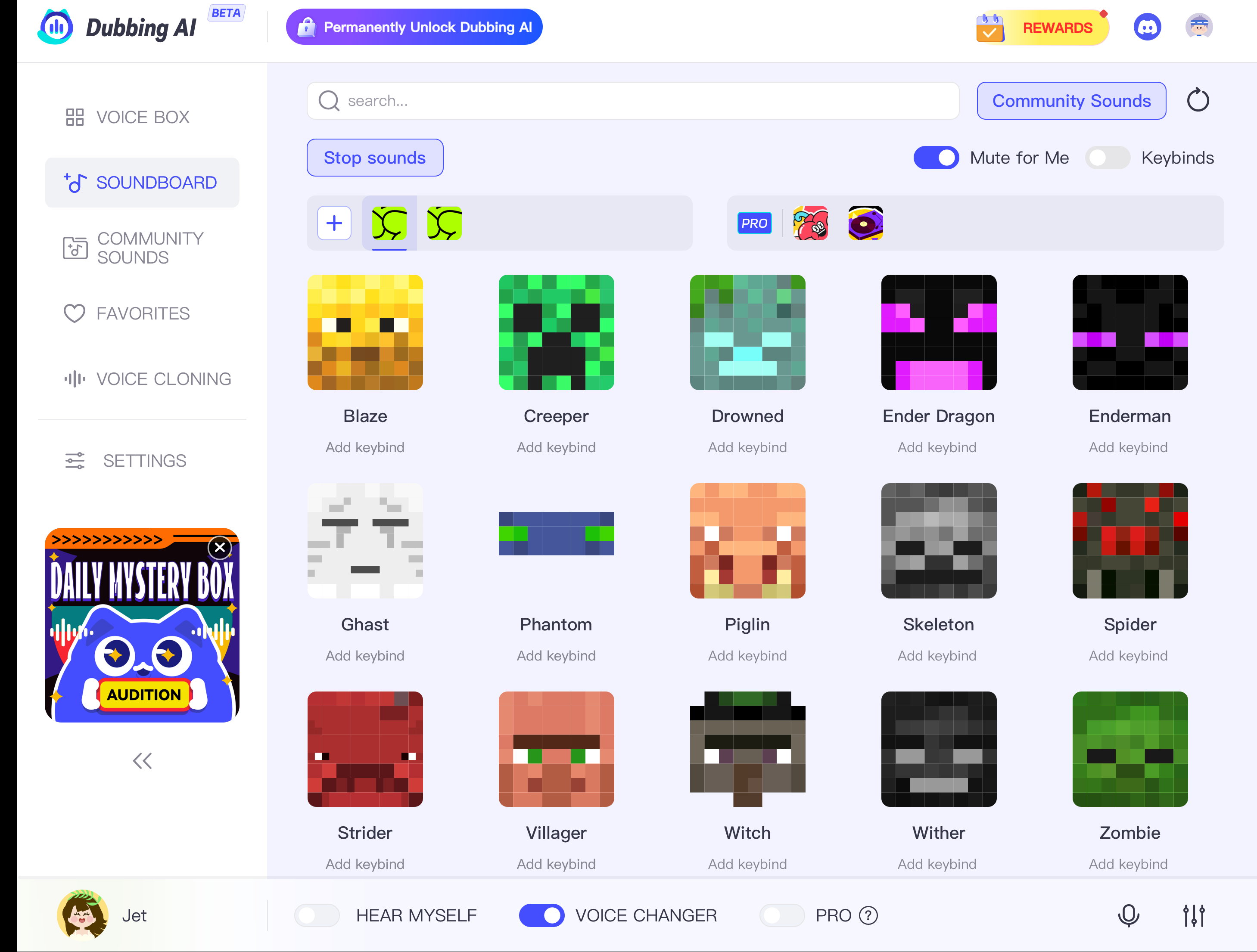
Enhance your Video Calls with a soundboard full of classic audio cues. Bind keys to play: Meme Soundboard – Packed with viral sounds, internet jokes, and funny effects to make friends laugh mid-call. Professional Soundboard – Includes applause, transitions, and subtle effects to enhance presentations or online meetings. Gaming Soundboard – Features in-game sound effects, taunts, and victory cues to bring gaming energy into casual chats. Cinematic Soundboard – Filled with dramatic music, suspense stingers, and epic sound effects to turn video calls into movie-like moments.
HOW TO USE DUBBING AI?
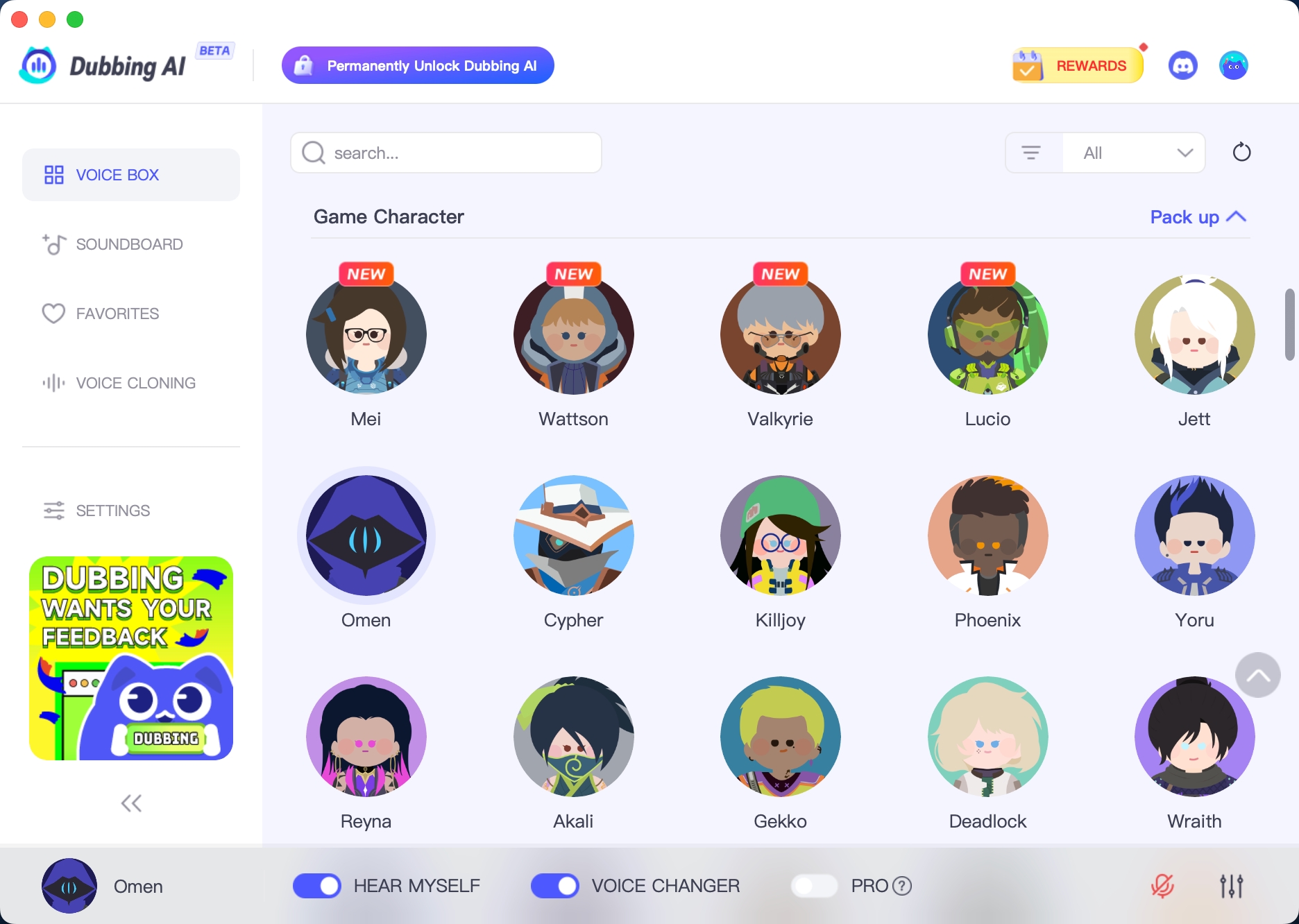
1. Download Dubbing AI: Install the application on your Windows or macOS computer. 2. Configure Your Audio: Set your primary microphone as the input in Dubbing AI. Then, in your computer's sound settings (or Discord/in-game chat), set your input device to "Microphone (Dubbing Virtual Device)". 3. Start Roleplaying: Open the Voicebox in Dubbing AI, select a voice, and make sure the "Voice Changer" is toggled on. Your new voice is ready for the blocky world!
How does Dubbing AI Voice Changer enhance video calls?
It transforms your voice in real time, letting you choose from different tones, characters, or effects so conversations feel more fun, engaging, or professional depending on the setting.
Does it work with platforms like Zoom, Google Meet, or Teams?
Yes. Dubbing AI integrates smoothly with major video conferencing apps, ensuring your changed voice comes through clearly without extra setup or interruptions.
Can I use it for both casual and professional calls?
Absolutely. Whether you want a playful voice for friendly chats or a polished tone for work meetings, Dubbing AI adapts to fit any conversation style.