

Umamusume voice changer

Umamusume Voice Changer: Build Your Umamusume Identity

With Dubbing AI’s Umamusume Voice Changer, craft your own racing idol persona—full of charm, energy, and personality. Transform your voice into dynamic Umamusume characters, immerse in their world, and create a unique voice identity fans instantly recognize.

Why Dubbing AI is Perfect for Umamusume Fans

1. Step into the racing track with Dubbing AI—experience Umamusume voices firsthand, bringing every thrilling moment alive in multiplayer chats. 2. Create fan content with flair—Dubbing AI’s Umamusume soundboard fuels memes, roleplays, and streams, letting your creativity gallop at full speed. 3. Connect with fellow fans—synchronize your favorite voices, bond through shared laughter, and immerse in the vibrant Umamusume community like never before.

Tokai Teio Voice Changer

The Iconic Umamusume Voice Pack

Choose from a wide range of voices that every Umamusume trainer will recognize: Tokai Teio’s voice sparkles with boundless energy, perfect for trainers who want their chats bursting with optimism and infectious excitement. Oguri Cap’s voice carries quiet determination, delivering calm yet powerful tones that make every conversation feel focused, strong, and unforgettable. Kitasan Black’s voice shines with warmth and cheer, creating lively, uplifting moments that resonate deeply with every passionate Umamusume fan and trainer.

Oguri Cap Voice Changer

Advanced AI Voice Technology

500+ Character Voices: From horror icons to anime characters and celebrities Multi-Language Support: Transform voices in 40+ languages with emotional expressions Ultra-Low CPU Usage: Runs efficiently at <3% CPU without impacting game performance Cross-Platform Compatibility: Works seamlessly on Windows, macOS, and VR platforms

Professional Soundboard Integration

100,000+ Sound Effects: Massive library including horror-specific audio clips Custom Soundboard Creation: Build and share your own horror sound collections Hotkey Integration: Quick access to sound effects during intense gameplay moments Community Sound Sharing: Access user-generated horror soundboards
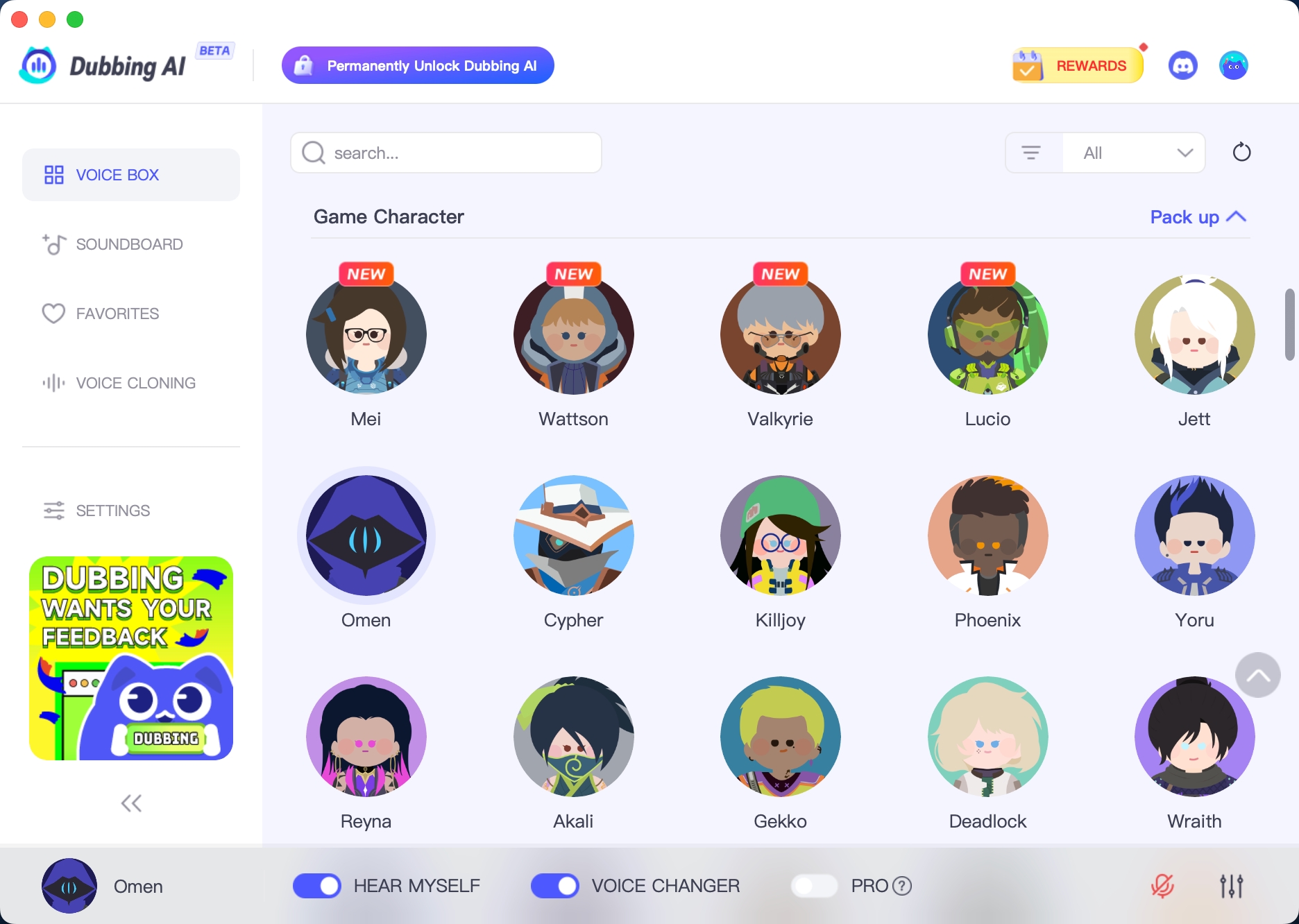

HOW TO USE DUBBING AI?

1. Download Dubbing AI: Install the application on your Windows or macOS computer. 2. Configure Your Audio: Set your primary microphone as the input in Dubbing AI. Then, in your computer's sound settings (or Discord/in-game chat), set your input device to "Microphone (Dubbing Virtual Device)". 3. Start Roleplaying: Open the Voicebox in Dubbing AI, select a voice, and make sure the "Voice Changer" is toggled on. Your new voice is ready for the blocky world!

Minecraft Voice Changer
What can I do with Umamusume voice changers in Dubbing AI?

You can transform your voice into iconic Umamusume characters like Tokai Teio or Oguri Cap, perfect for roleplay, streams, and fan content creation.

Does it work in real time during games or chats?

Yes. Dubbing AI applies the Umamusume voice instantly, so you can use it in Discord, live streams, or multiplayer games without delays.

Can fans customize or mix voices?

Absolutely. You can adjust pitch, tone, and effects to personalize each Umamusume-inspired voice, making your performances more unique and immersive.