Built for Co-Op Context
Terraria's best comedy is the gap between the pixel art and your voice — a boss-fight narrator or goblin scream makes every run a bit.

Terraria is co-op by design — and it ships with no voice chat, so every coordinated run runs through Discord or a tModLoader proximity-chat mod. Dubbing AI drops into whichever one you use: narrate the Wall of Flesh fight as a movie villain, scream as a goblin when the slime rain starts, or keep a calm narrator voice for building sessions. Sub-300 ms, free tier.
✓ Free voice changer • ✓ 500+ AI voices • ✓ Under 300ms latency
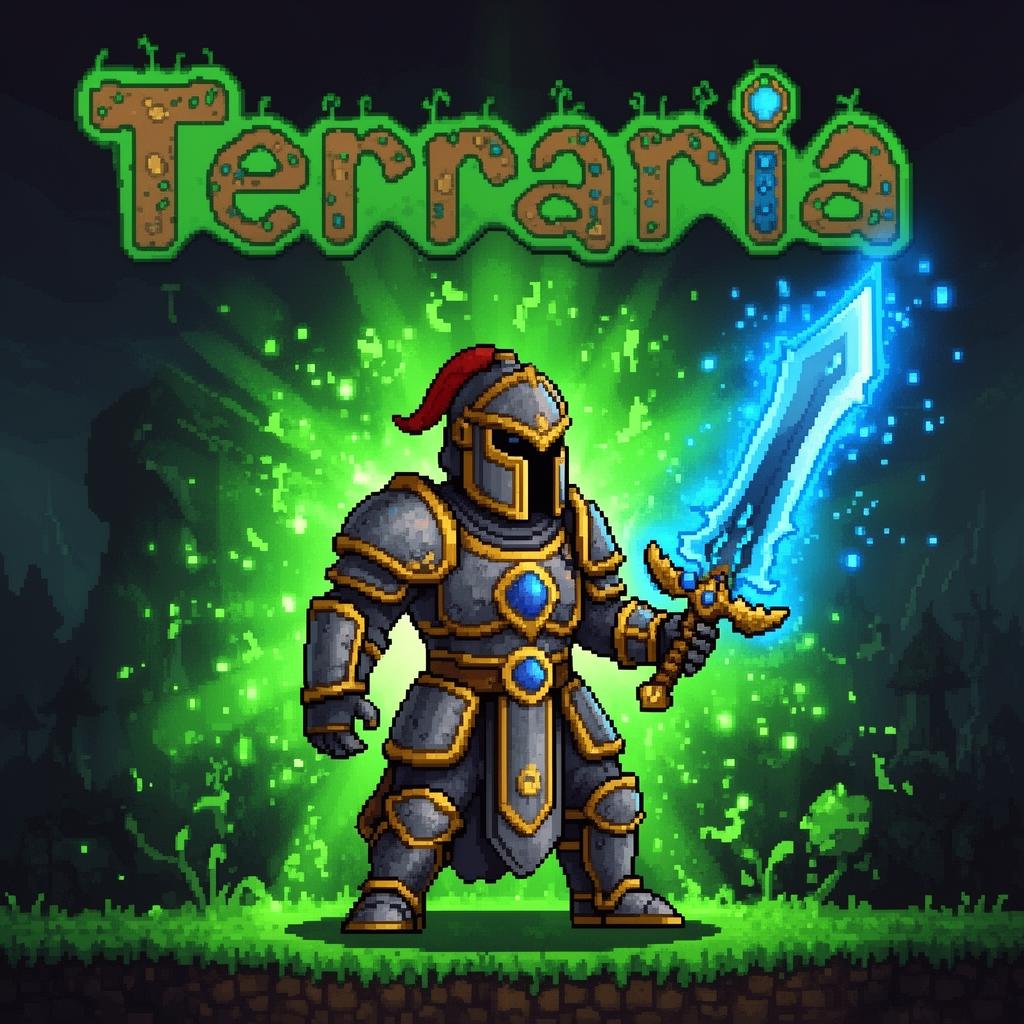
Terraria's best comedy is the gap between the pixel art and your voice — a boss-fight narrator or goblin scream makes every run a bit.
Terraria has no native voice chat, so runs coordinate through Discord or InfraSonic's proximity mod. Dubbing AI is the mic both already read.
Calm narrator for building, villain for boss fights, goblin for chaos — hotkey-swap as the run changes tone.
Routes through the mic your Terraria server and Discord call already use.
Works alongside tModLoader voice mods like InfraSonic — no client modification.
Rotating free voices daily — bring a new character to every run.
Terraria runs are long and co-op — a rotating cast of voices keeps the 40-hour playthrough from going quiet.
Announce the Wall of Flesh, Plantera, and Moon Lord in a movie-trailer voice — the tension is real and the voice makes it a moment.
Keep a soft narrator voice for long building and terraforming sessions so the co-op chat stays cozy.
Blood Moon, slime rain, and invasion events hit harder when someone on comms is screaming in character.
Install the free desktop app for Windows or macOS — under two minutes, no credit card.
Approve the virtual microphone driver so games and chat apps can read Dubbing AI as your input device.
Browse 500+ AI voices, preview with Hear Myself, and lock in your favorite preset.
In Discord, your game, or OBS, choose Dubbing AI Virtual Microphone — start talking live.
Explore more AI voice changers for games, apps, and characters.
Grab the free voice changer for real-time gaming and online chat, layer in the soundboard for instant effects, and browse community sounds for voices other creators already made.
Download Desktop App