#1 Smolder Voice Changer for LoL Online Chat

    Change Your Voice to Smolder
    with Dubbing AI

    Sound like Smolder, League of Legends' young fire dragon, in real time. The best free AI voice changer app for LoL, Discord, online chat, and video — 1000+ voices, <200ms latency, no GPU required.

    1000+
    AI Voices
    <200ms
    Latency
    Free
    Voice Changer Tier

    ✓ Free voice changer tier • ✓ Works on Windows & Mac • ✓ Fan-made, not affiliated with Riot Games

    What is the Smolder Voice Changer?

    The Smolder voice changer is a real-time free voice changer preset modeled on Smolder, the young fire dragon released as League of Legends' 167th champion in Patch 14.2. It keeps your phrasing intact while swapping your timbre for Smolder's bright, playful dragon tone.

    Who uses it? LoL players in champion select banter and party voice, ranked teammates roleplaying their bot-lane carry, Discord roleplayers, TikTok content creators, and streamers who want a dragon voice for online chat without a studio chain.

    How is it different from a pitch shifter? Dubbing AI's ai voice changer re-synthesizes every syllable with a neural model — your accent and pacing stay yours. Layer in roar SFX and dragon clips from the community sounds library. Fan-made, not affiliated with Riot Games.

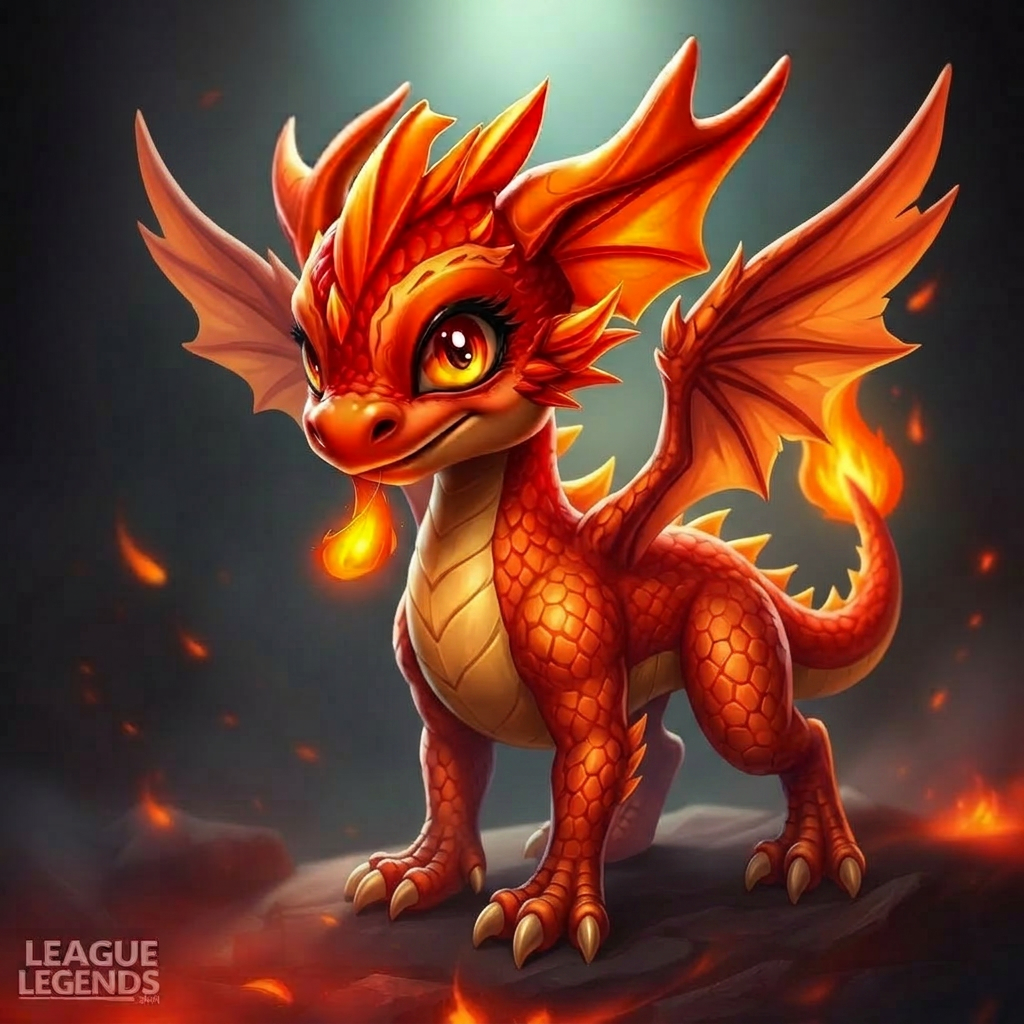
    Smolder voice changer - young fire dragon League of Legends champion in ember orange and crimson

    Three Flavors of the Smolder Voice Clone

    Hatchling Smolder carries the bright, playful chirp for casual online chat and TikTok skits. Ember Smolder adds heat for ranked LoL callouts and Discord roleplay. Blaze Smolder turns the dial to fully-grown fire dragon for cinematic fan dubs — pair with roar stingers from our AI soundboard. All three ship on the free voice changer tier.

    Hatchling Smolder voice changer preset for LoL online chat
    Hatchling Smolder
    Ember Smolder voice changer preset for LoL online chat
    Ember Smolder
    Blaze Smolder voice changer preset for LoL online chat
    Blaze Smolder

    Try Voice Changer Now

    Experience real-time AI voice transformation. Record your voice and hear the magic instantly.

    Dubbing AI free voice changer app interface with Smolder LoL preset

    Why Pick This Smolder Voice Changer?

    Genuinely free. The Smolder preset is part of the free AI voice changer tier — no watermark, no credit card, no time limit.

    Fast enough for ranked LoL. Sub-200ms latency and 2-3% CPU keep the voice changer app invisible during champion select, lane swaps, and Baron calls.

    1000+ voices and counting. Browse dragons, anime characters, celebrities, and game heroes in the library, or sample fan-uploaded packs in our community sounds hub.

    Doubles as a video voice changer. Route the virtual mic into OBS, CapCut, Premiere, or DaVinci Resolve — the same Smolder voice that lands in online chat lands in your YouTube and TikTok clips.

    Works everywhere. Windows and Mac, 100+ apps — League of Legends, Discord, Valorant, Zoom, Teams, Twitch, and any browser online chat.

    How Does the Smolder AI Voice Changer Work?

    A neural voice-conversion model runs locally. Your mic audio is split into 10-20ms frames, encoded into a speaker-independent representation, then re-decoded with Smolder's young dragon timbre. End-to-end latency stays under 200ms on a mid-range laptop and idles around 2-3% CPU — far below the threshold that would lag a LoL voice call.

    Why does it sound natural? The model preserves your prosody — pacing, accent, pauses — and only swaps the voice fingerprint. The same architecture powers the rest of the 1000+ voice library, so jumping between Smolder, anime heroes, and celebrity presets is one hotkey away.

    How to Use the Smolder Voice Changer

    01

    Download the Free Voice Changer

    Grab Dubbing AI's free voice changer app for Windows or Mac. Install in under two minutes — no credit card needed.

    02

    Pick the Smolder Preset

    Open the soundboard, search 'Smolder', and select the young fire dragon preset. Preview live with your own mic.

    03

    Route Your Microphone

    Set 'Dubbing AI Virtual Microphone' as your input in League of Legends, Discord, Valorant, OBS, or your video editor.

    04

    Speak as Smolder

    Hotkey the preset, talk normally, and your voice ships live as Smolder in online chat, ranked LoL, or your next clip.

    Most players finish setup in under five minutes. Set Dubbing AI Virtual Microphone in your OS sound panel, mirror it in League of Legends or Discord, and hotkey the Smolder preset alongside your normal voice — perfect for flipping between serious shotcalls and bot-lane dragon banter. Browse more dragon and fan clips in our soundboard.

    Hands-On With the Smolder Voice Changer

    The Smolder preset lands best when you speak with a relaxed, playful cadence — the young dragon tone leans bright, not booming. Quick callouts in LoL voice chat come through clean, and the voice keeps its color even on lane-swap chatter.

    On a mid-range laptop the voice changer app held 2-3% CPU through a full ranked LoL match with no audible artifacts on a standard USB mic. Hotkey switching back to your real voice was instant, and OBS captured the same virtual mic for the replay clip with no extra routing.

    Note: fan-made, not an official Riot or League of Legends product. Use it for parody, roleplay, and fan content in online chat — not misleading impersonation. Pair with dragon clips and roar stingers from our community sounds library.

    Frequently Asked Questions

    Everything you need to know about the Smolder voice changer.

    Roar Like Smolder in LoL Today

    Download the free voice changer trusted across League of Legends, Discord, OBS, and every major video editor. The best AI Smolder voice changer for ranked banter, fan dubs, online chat, and streaming.

    Download Free Now