Robot voice changer

How To Sound Like a Robot

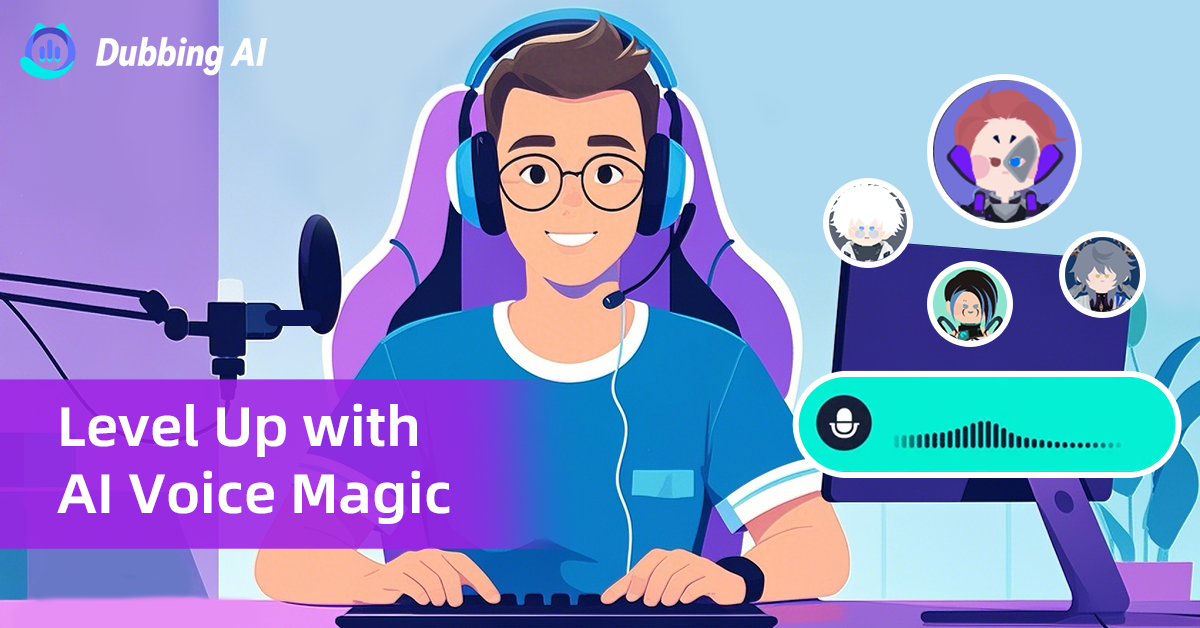
With Dubbing AI voice changer, transform your voice into a metallic, robotic tone—crisp, echoing, and futuristic. Perfect for gaming, streaming, or roleplay, it instantly gives conversations a machine-like edge.

Robot-Specific Voice Collection

Robot-Specific Voice Collection from Dubbing AI unlocks a futuristic soundscape. Futuristic Voice: Unlock a library of metallic tones, echo effects, and robotic distortions. Playful Voice: Switch from squeaky toy robots to clunky tin-can voices. Fun, quirky, and perfect for lighthearted chats. Professional Voice: Refined robotic modulation ensures crisp articulation like precision. Dramatic Voice: From deep, booming AI overlords to chilling cybernetic whispers, unleash robotic voices that sound larger-than-life and unforgettable.

Robot Voice Changer

Advanced AI Voice Technology

500+ Character Voices: From horror icons to anime characters and celebrities Multi-Language Support: Transform voices in 40+ languages with emotional expressions Ultra-Low CPU Usage: Runs efficiently at <3% CPU without impacting game performance Cross-Platform Compatibility: Works seamlessly on Windows, macOS, and VR platforms

Professional Soundboard Integration

100,000+ Sound Effects: Massive library including horror-specific audio clips Custom Soundboard Creation: Build and share your own horror sound collections Hotkey Integration: Quick access to sound effects during intense gameplay moments Community Sound Sharing: Access user-generated horror soundboards
The Ultimate Robot Soundboard

Enhance your gameplay with a soundboard full of classic audio cues. Bind keys to play: The sound of Metallic Clank Keys trigger neon-like beeps, fast pings, and sci-fi pulses Rotating gears, servo motors, and turbine hums burst Classic monotone alerts, countdowns, and cybernetic phrases

robot Voice Changer

HOW TO USE DUBBING AI?

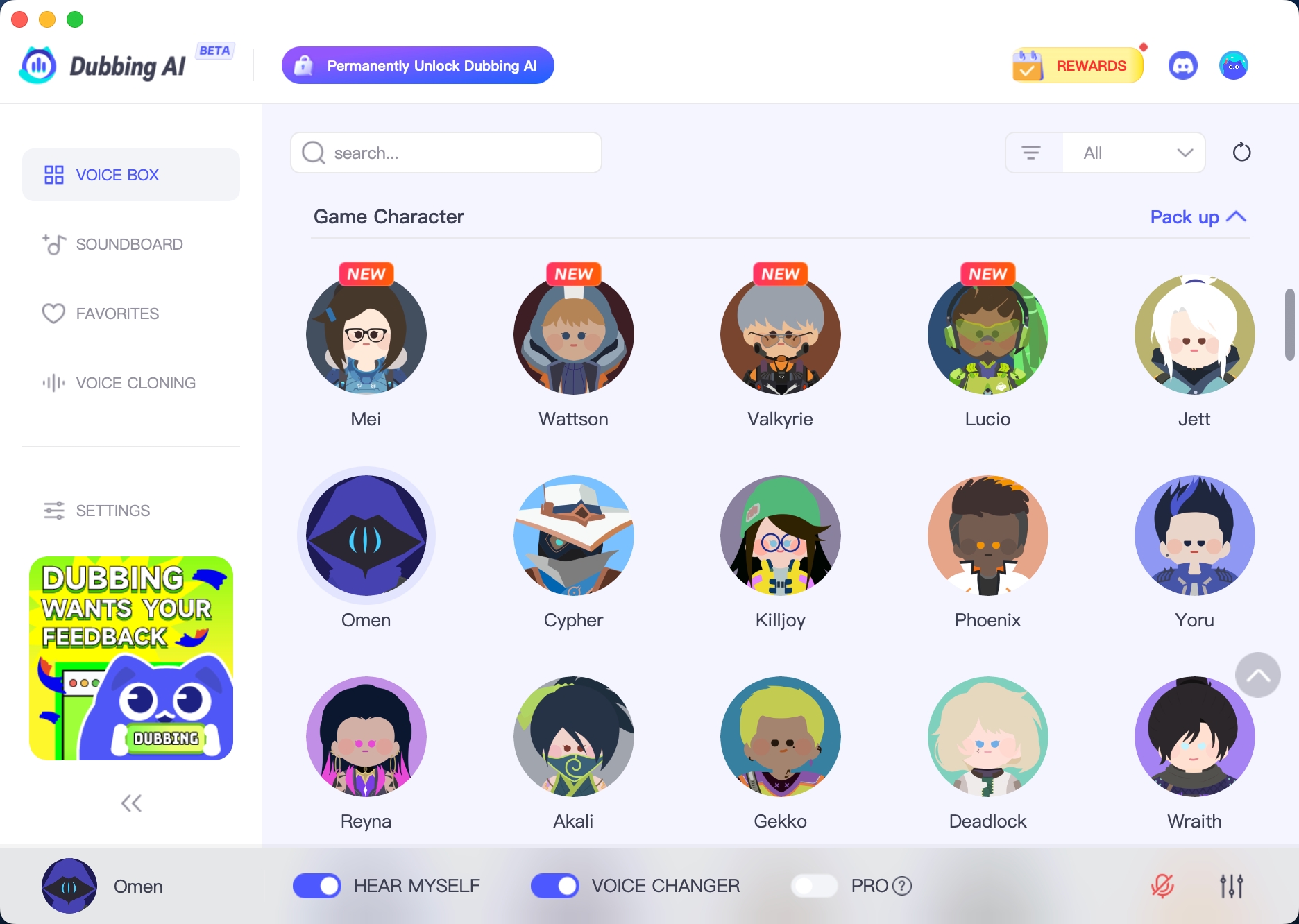
1. Download Dubbing AI: Install the application on your Windows or macOS computer. 2. Configure Your Audio: Set your primary microphone as the input in Dubbing AI. Then, in your computer's sound settings (or Discord/in-game chat), set your input device to "Microphone (Dubbing Virtual Device)". 3. Start Roleplaying: Open the Voicebox in Dubbing AI, select a Robot-themed voice, and make sure the "Voice Changer" is toggled on. Your new voice is ready for the blocky world!

Minecraft Voice Changer
How do I set up voice changing for REPO gameplay?

Download Dubbing AI, select our Horror Voice Pack, choose your preferred demonic or medical horror voice, and set "Dubbing Virtual Device" as your microphone input in REPO's audio settings.

Can I create custom horror voices for REPO?

Yes! Use our Voice Lab feature to clone specific horror character voices or create unique demonic personas that match REPO's medical horror atmosphere.

Does the voice changer work with REPO's proximity chat?

Absolutely! Our spatial audio technology enhances REPO's proximity-based communication system, making your horror voices more immersive and directionally accurate.