Runs Alongside Roblox Voice
Voice conversion happens before audio enters Roblox — voice-enabled experiences receive a clean, natural audio stream with no plugin.

Roblox is a platform of avatars — and in voice-enabled experiences, your real voice is the one thing that breaks the illusion. Dubbing AI fixes that: character voices that match your Roblox persona, from anime to robot to monster, routed through the same mic Roblox voice chat reads. Sub-300 ms, age-appropriate presets, free tier.
✓ Free voice changer • ✓ 500+ AI voices • ✓ Under 300ms latency
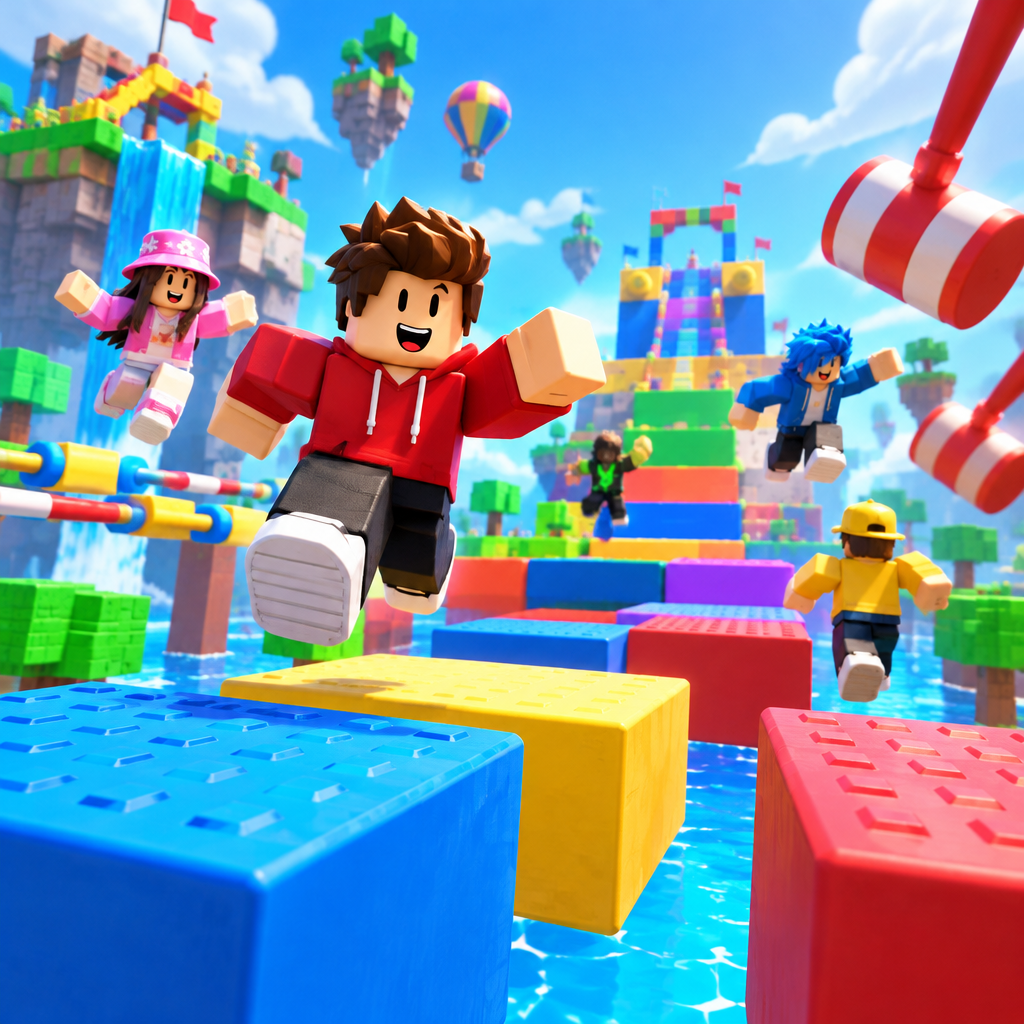
Roblox's voice-enabled worlds reward creators who commit to a persona — the voice is the easiest upgrade.
Voice conversion happens before audio enters Roblox — voice-enabled experiences receive a clean, natural audio stream with no plugin.
Age-appropriate character presets keep public servers, Bloxburg RP, and obbies friendly — a safe way for younger creators to build a persona.
Anime, robot, monster, and fantasy voices to pair with any Roblox avatar — fresh presets from the community.
Routes into voice-enabled experiences through the same input Roblox reads.
A system-level virtual mic — Roblox's anti-cheat never sees a game modification.
Anime, robot, monster, and fantasy voices to pair with any avatar style.
Roblox's voice-enabled worlds reward creators who commit to a persona — the voice is the easiest upgrade.
Match your Roblox avatar with a fitting voice on Bloxburg, Brookhaven, and roleplay games without exposing your real identity.
Anonymize voice chat with a character overlay on family-friendly streams and let younger creators build a persona safely.
Load into Roblox game nights on Discord with a rotating cast of voices so squad calls stay entertaining across sessions.
Install the free voice changer app for Windows or macOS. Setup takes under two minutes and needs no credit card.
Approve the Dubbing AI Virtual Microphone so games, Discord and streaming apps can read it as an input device.
Browse 500+ AI voices, preview them with Hear Myself, and lock in the preset that fits your character.
Choose Dubbing AI Virtual Microphone in your game, Discord or OBS, then start talking live with under 300ms latency.
Explore more AI voice changers for games, apps, and characters.
Grab the free voice changer for real-time gaming and online chat, layer in the soundboard for instant effects, and browse community sounds for voices other creators already made.
Download Dubbing AI