The Only Real Path on PS5
Sony doesn't allow third-party audio drivers or virtual mics, so conversion must happen in hardware before the console.

PS5 locks out PC-style voice changers — no virtual mics, no drivers on the console — so real-time voice changing runs at the hardware layer. Dubbing Box plugs between your wired headset and the PS5 over USB-C (or the controller jack), converting your voice on-device before party chat ever hears it. Call of Duty, Fortnite, and party lobbies get a persona without touching console firmware.
✓ Free voice changer • ✓ 500+ AI voices • ✓ Under 300ms latency
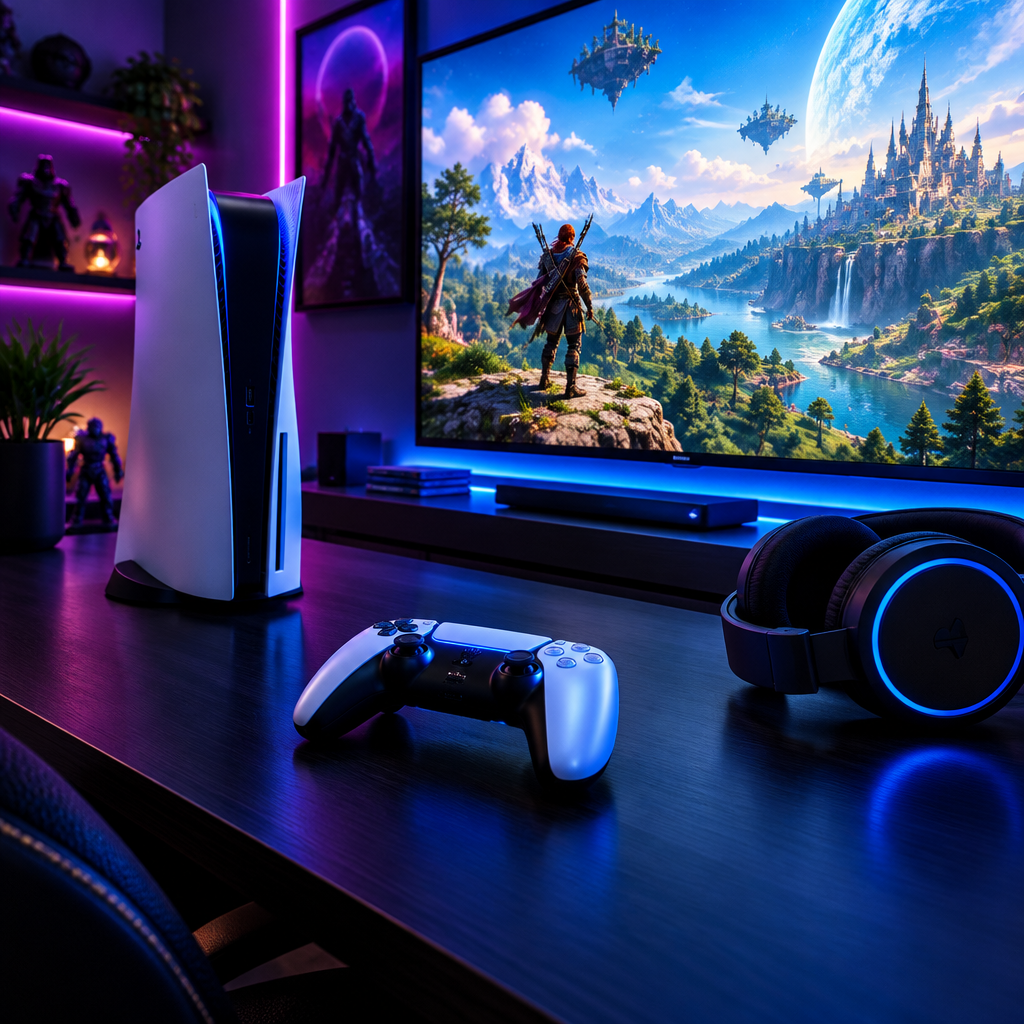
PS5 voice changer voices are optimized for console gaming — seamless integration with PlayStation party chat and cross-platform compatibility.
Sony doesn't allow third-party audio drivers or virtual mics, so conversion must happen in hardware before the console.
On-device processing keeps callouts in sync in party chat and competitive titles.
Keep your existing wired headset; Dubbing Box adds the AI engine between it and the console.
Voice converts before the console captures it, so party and in-game chat both hear it.
Plug Dubbing Box into the PS5 (or controller) and speak — no drivers or menus.
The console sees a standard USB audio device; nothing on the PS5 is modified.
PS5 voice chat only listens to what's on the headset jack — Dubbing Box decides what that voice sounds like first.
Drop into squad chat as a character without breaking the console's mic rules.
Switch personas mid-party for laughs between rounds.
Keep a consistent voice when streaming PS5 gameplay to a second device.
Use the same persona across PS5 and PC lobbies in cross-play titles.
Download Dubbing AI and install. Under a minute.
Choose Dubbing Virtual Device as your mic.
Browse 500+ voices and select. Hear Yourself to test.
Join any app and talk — voice lands at Sub-300 ms.
Explore more AI voice changers for games, apps, and characters.
Grab the free voice changer for real-time gaming and online chat, layer in the soundboard for instant effects, and browse community sounds for voices other creators already made.
Download Desktop App