Ultimates Fire in Character
Sub-300 ms keeps your callout synced with the cast — teammates hear the line, see the shatter, and commit in the same instant.

Overwatch heroes live in their one-liners — D.Va's 'Nerf this!', Reinhardt's 'Hammer down!', Tracer's never-ending cheer. Dubbing AI turns those signatures into voice profiles: drop into ranked as Reinhardt and hold the line in his baritone, or play Mercy and let every rez sound like a blessing. Real-time, Sub-300 ms, works in game and Discord.
✓ Free voice changer • ✓ 500+ AI voices • ✓ Under 300ms latency
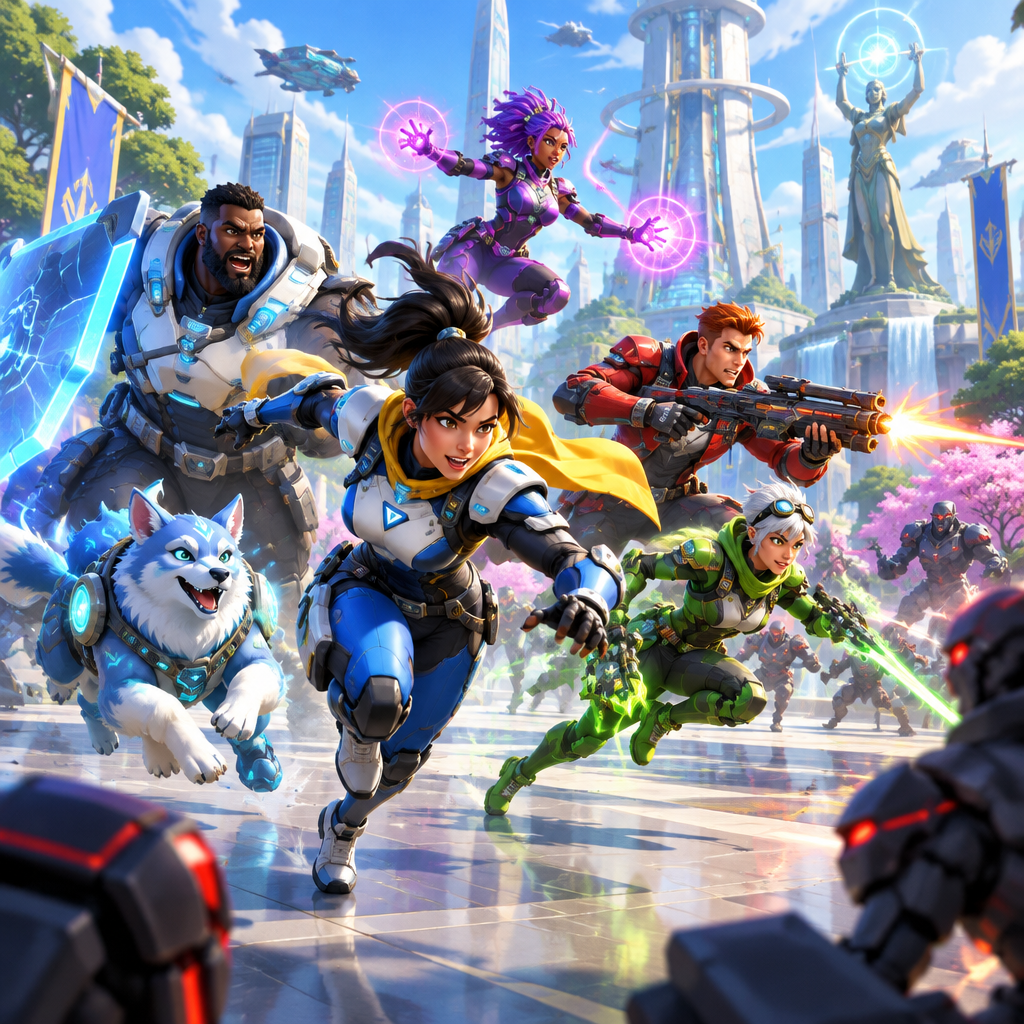
Overwatch's hero voices span the globe — Tracer's cheerful British accent, Widowmaker's cold French elegance, Lúcio's Brazilian beats. A united nations of vocal talent.
Every hero's voice is their personality made audible. You know who's speaking before you see them — the ultimate voice design achievement.
Sub-300 ms keeps your callout synced with the cast — teammates hear the line, see the shatter, and commit in the same instant.
Registers as a standard USB microphone. Nothing hooks the Overwatch process, so ranked and comp queues are untouched.
Swap between D.Va and Reinhardt mid-session from the overlay — one stream, a full hero roster on your mic.
Your 'Hammer down!' lands the frame you shatter — callouts sync with the fight.
System-level virtual microphone — Blizzard's anti-cheat never sees a game modification.
Reinhardt's boom, D.Va's bounce, Tracer's spark — each profile tuned to the hero's voice, not a pitch filter.
Overwatch was written around hero identities. The voice should match.
Call the push as Reinhardt and the team hears a shield, not a squeaker — 'For the Crusaders!' carries weight in ranked comms.
Match your streamed hero with its voice so clips feel like the character actually said it.
Show up to custom-game nights as D.Va or Tracer — the lobby knows who's talking before they see the tag.
Download Dubbing AI from the official site and install it on Windows or macOS. The setup wizard guides you through in under a minute.
Open your system sound settings and choose 'Dubbing Virtual Device' as your input device.
Browse the 500+ voice library and select your character. Hear yourself instantly with the Hear Myself feature.
Join any chat app or game and start talking — your voice lands in character with Sub-300 ms latency.
Explore more AI voice changers for games, apps, and characters.
Grab the free voice changer for real-time gaming and online chat, layer in the soundboard for instant effects, and browse community sounds for voices other creators already made.
Download Desktop App