
#1 Mobile Voice Changer Earbuds for Mobile Gaming

    Mobile Voice Changer Earbudsfor Gaming — Real-time AI Voice on Every Match

    Dubbing AI Voice Changing Earbuds plug straight into your phone over Type-C and pair with the free ai voice changer app. Drop into Roblox, Free Fire, PUBG Mobile, Call of Duty Mobile, or any online chat voice changer lobby with a fresh voice in seconds — under 300ms latency, 1000+ presets, no PC required.

    1000+
    AI Voices
    <300ms
    Latency
    Free
    Voice Changer App

    ✓ Type-C plug & play • ✓ iOS & Android • ✓ Free voice changer tier included

    What is the Mobile Voice Changer Earbuds for Gaming?

    A mobile voice changer earbud for gaming is wired hardware — Type-C in-ear earphones with a built-in mic — that pairs with the Dubbing AI voice changer app on your phone. It re-synthesizes your live mic stream into another voice in real time, so teammates in any mobile game voice chat hear the converted voice instead of yours.

    Who uses it? Mobile gamers who want privacy in public lobbies, kids who want to sound like their favourite anime hero in Roblox, streamers recording mobile gameplay with a video voice changer workflow, and friend groups doing voice roleplay between matches.

    Why pair earbuds with the voice changer app? Dedicated voice changing hardware captures cleaner mic audio, reduces echo and background noise, and offers in-line buttons to mute or swap presets without leaving the game. Browse community sounds to layer meme audio over your match.
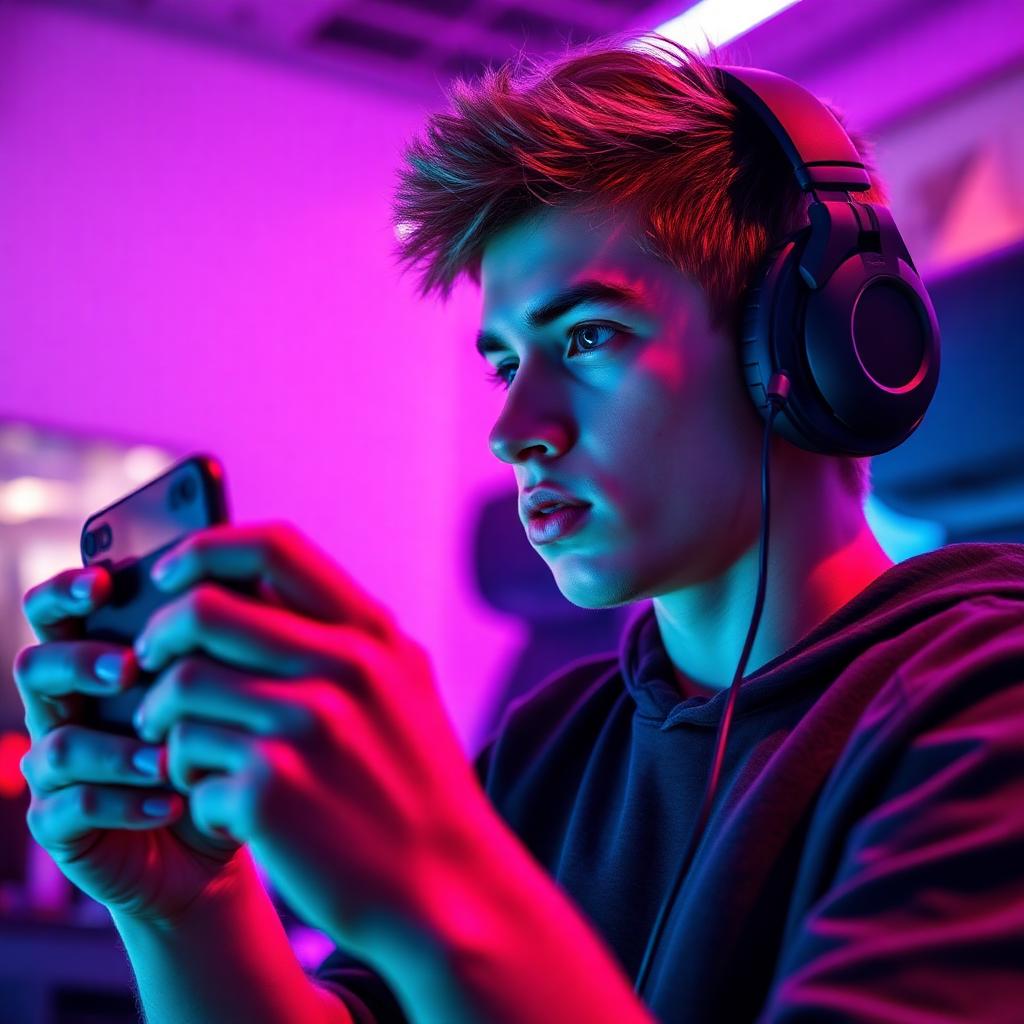
    Mobile gamer wearing Dubbing AI Voice Changer Earbuds in a neon-lit gaming setup

    Popular Voice Presets for Mobile Voice Changer Earbuds

    The Dubbing AI voice changer app ships with a Voice Library of presets — Dream God, Phoenix, Sweet Girl, Jianghu and more — designed to suit different scenarios. The free voice changer tier rotates a selection of them, and the full library plus community-made packs lives on the community sounds page.

    Dream God voice preset for Mobile Voice Changer Earbuds for Gaming
    Dream God
    Phoenix voice preset for Mobile Voice Changer Earbuds for Gaming
    Phoenix
    Sweet Girl voice preset for Mobile Voice Changer Earbuds for Gaming
    Sweet Girl

    Try Voice Changer Now

    Experience real-time AI voice transformation. Record your voice and hear the magic instantly.

    Dubbing AI Voice Changing Earbuds — wired Type-C hardware for mobile voice changer earbuds for gaming

    Why Pick These Mobile Voice Changer Earbuds?

    Free to start. The free ai voice changer tier handles daily mobile gaming with no credit card.

    Plug-and-play on phone. Type-C connector — no laptop, no virtual cables, no driver setup.

    Hardware-grade audio. Built-in HD mic, noise suppression, and an in-line button to swap presets mid-match.

    1000+ voices. Anime, monsters, robots, celebrities and more — see the full library on the voice changer hub.

    Also a video voice changer. Screen recordings of mobile gameplay capture the AI voice automatically for TikTok and Shorts.

    How Do Mobile Voice Changer Earbuds Work?

    Mic capture happens on the Dubbing AI Earbuds. Audio runs over Type-C into the phone, the voice changer app slices it into 10-20ms frames, runs each frame through a neural voice-conversion model, and routes the converted stream back into your game as the system microphone. End-to-end latency sits around 300ms — fast enough that voice chat teammates cannot tell from timing alone.

    Why does it sound natural? The voice clone model preserves your prosody — pacing, accent, pauses — and only swaps the timbre. The same architecture powers the full 1000+ voice library. Layer in meme clips from the Dubbing AI soundboard for in-match chaos.

    How to Set Up the Mobile Voice Changer Earbuds

    01

    Plug In the Earbuds

    Insert the Type-C connector into your phone. Audio output switches to the earbuds automatically; if not, pick them as the input device in your phone's audio settings.

    02

    Install the Voice Changer App

    Download the Dubbing AI voice changer app from the App Store or Google Play. The free voice changer tier is enough to start.

    03

    Pick a Voice Preset

    Open the Voice Library, preview presets like Dream God or Sweet Girl with your own mic, and tap to set the active preset.

    04

    Jump Into Voice Chat

    Launch your mobile game, enter voice chat, and start talking. Use the in-line button on the earbud cable to mute or hotswap presets mid-match.

    Total setup runs about three minutes from box to first match. Once the Type-C earbuds are the active audio device, every mobile game that uses the system mic — Roblox, Free Fire, PUBG, COD Mobile — will carry the AI voice automatically. Browse more presets in the Dubbing AI soundboard.

    Hands-On With the Mobile Voice Changer Earbuds for Gaming

    Setup ran under three minutes from box to first match: plug the Type-C connector in, accept the app permission prompts, browse the Voice Library, and tap the Dream God preset. A round of Free Fire and a casual Roblox social experience both heard the AI voice cleanly without noticeable delay on voice chat.

    Mobile gaming voice chat sees hundreds of millions of monthly active players across the major titles, so lobbies are full at any hour. Teammates in random matches treated the AI voice as just another player — the bar a mobile voice changer needs to clear.

    Keep it fun and follow each game's community standards. Use the voice changer app for roleplay, privacy and creative streams — not to harass other players. Browse the community sounds library for trending Roblox and Free Fire meme packs.

    Frequently Asked Questions

    Everything you need to know about the Mobile Voice Changer Earbuds for Gaming and the Dubbing AI voice changer app.

    Change Your Voice in Mobile Games Today

    Plug in the Dubbing AI Voice Changer Earbuds, install the free voice changer app, and drop into your next mobile match as anyone you want. The best ai voice changer for mobile gamers, streamers and content creators.

    Buy Now