KPop Demon Hunters voice changer

KPop Demon Hunters Voice Changer: Build Your KPop Voice Identity

Experience bone-chilling voice modulation with ultra-low latency (<30ms) that perfectly syncs with KPop Demon Hunters. Transform your voice into shimmering tones, fierce charisma, or dreamy vocals, crafting a unique KPop voice identity that mesmerizes fans and empowers unforgettable performances.

Why Dubbing AI is a Must-Have for KPop Demon Hunters Fans

For Immersion: Dubbing AI transforms your gaming into a KPop stage, letting you embody idols’ voices and feel the Demon Hunters world. For Creativity: It fuels endless roleplay, remixing fan-favorite voices into new stories, turning every session into a thrilling performance. For Community: Share laughs, battles, and songs with friends—Dubbing AI connects fans through iconic voices every KPop Demon Hunters lover cherishes.

KPop Demon Hunters Voice Changer

The Ultimate Kpop Demon Hunters Voice Pack

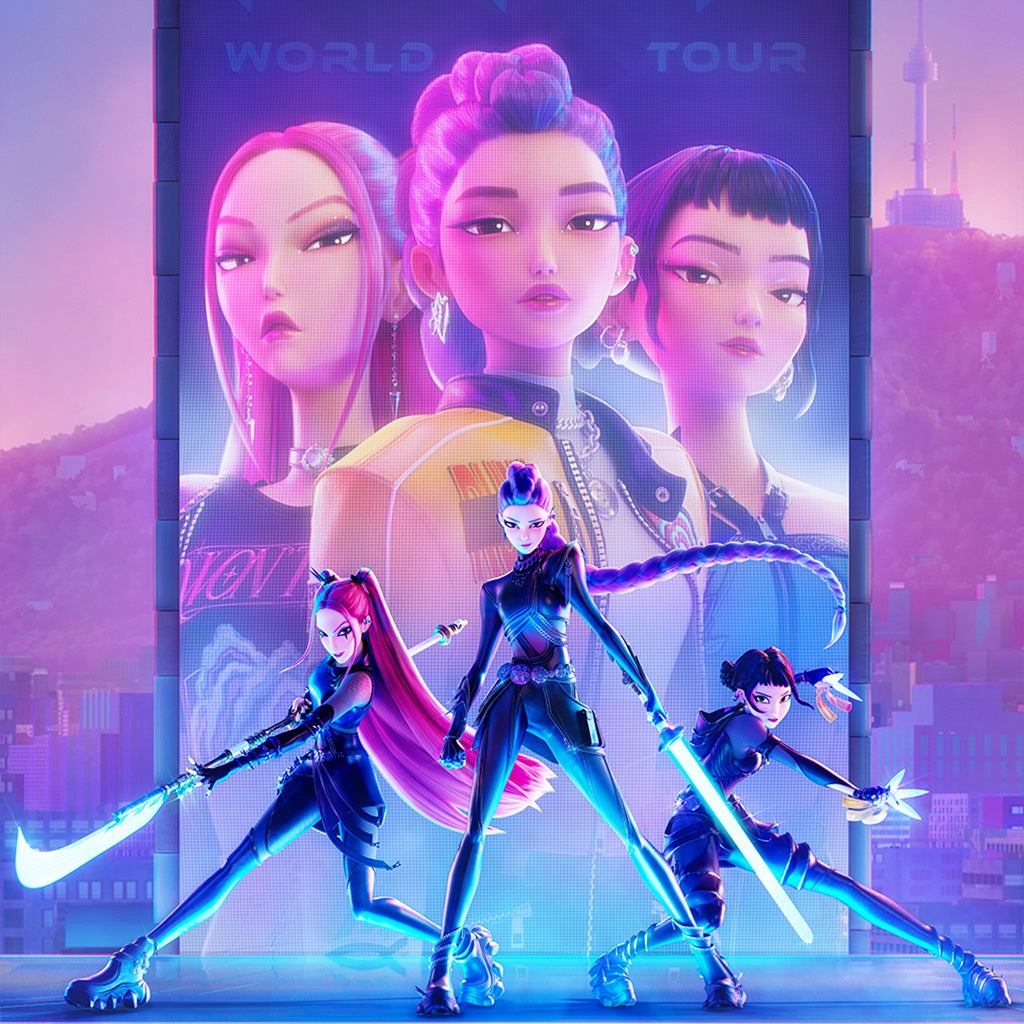
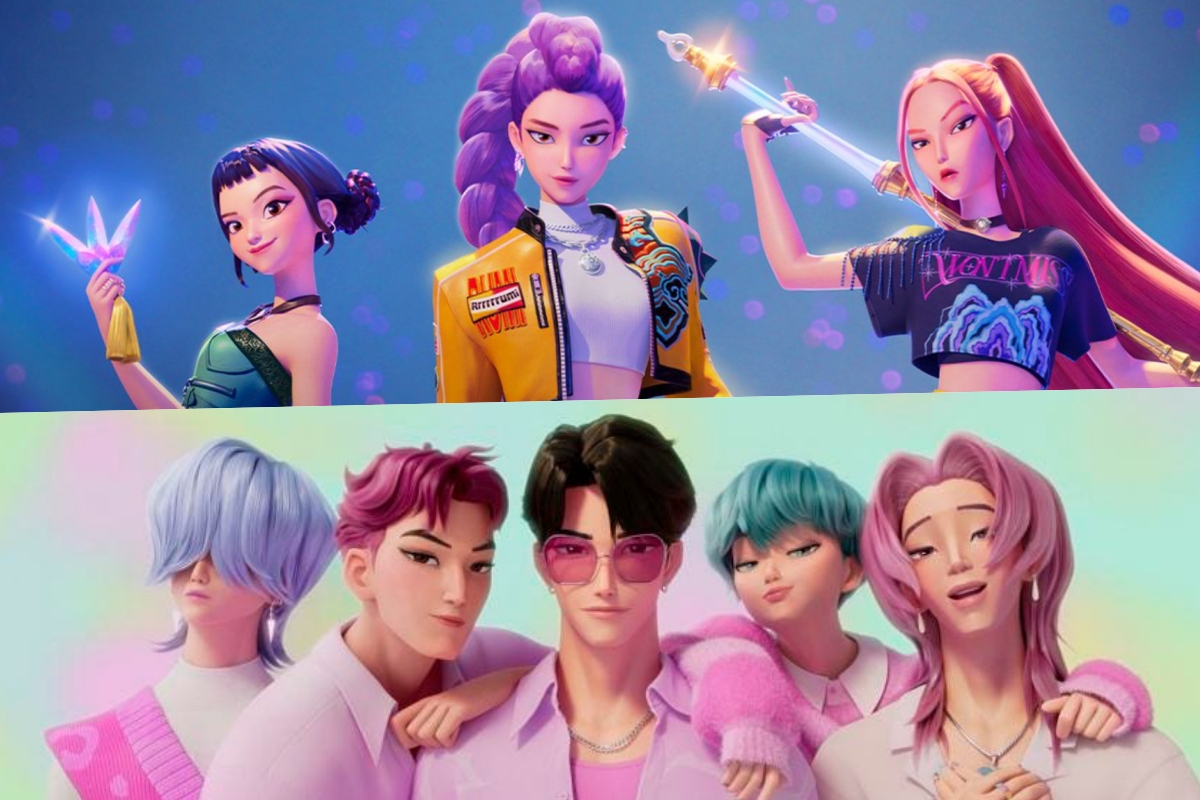
Choose from a wide range of voices that every KPop Demon Hunters fan will recognize: Rumi’s Voice carries a radiant energy, sparkling like neon lights. Her tone is bold, electrifying every word with unstoppable passion that fans instantly adore. Mira’s Voice glows with elegance, soft yet powerful. Her enchanting delivery creates waves of emotion, pulling listeners into unforgettable KPop moments filled with beauty. Jinu’s Voice roars with confidence, sharp yet magnetic. Each phrase hits like a rhythm punch, energizing fans and defining the powerful heart of Demon Hunters.

Kpop Demon Hunters Voice Changer

Advanced AI Voice Technology

500+ Character Voices: From horror icons to anime characters and celebrities Multi-Language Support: Transform voices in 40+ languages with emotional expressions Ultra-Low CPU Usage: Runs efficiently at <3% CPU without impacting game performance Cross-Platform Compatibility: Works seamlessly on Windows, macOS, and VR platforms

Professional Soundboard Integration

100,000+ Sound Effects: Massive library including horror-specific audio clips Custom Soundboard Creation: Build and share your own horror sound collections Hotkey Integration: Quick access to sound effects during intense gameplay moments Community Sound Sharing: Access user-generated horror soundboards

HOW TO USE DUBBING AI?

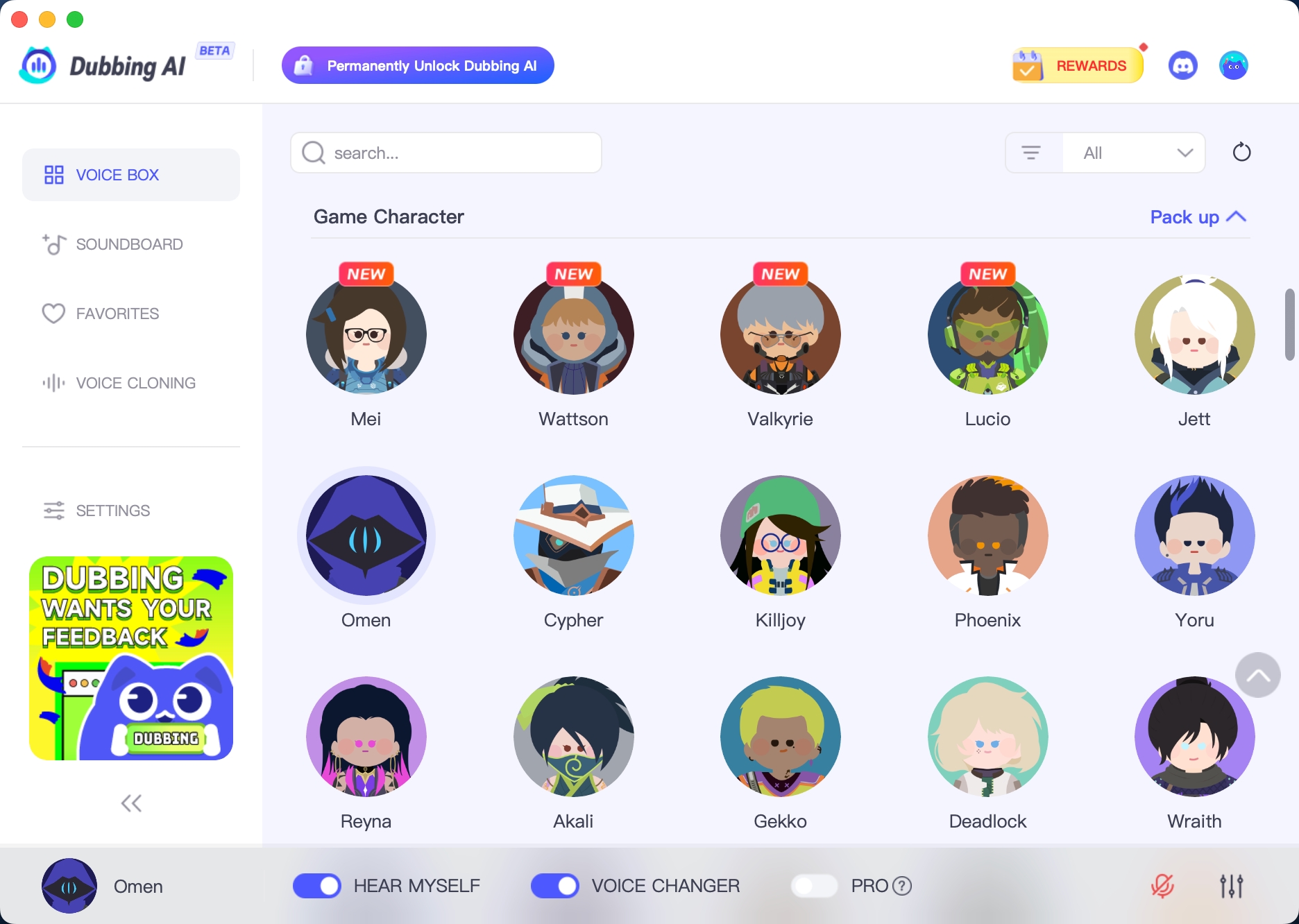
1. Download Dubbing AI: Install the application on your Windows or macOS computer. 2. Configure Your Audio: Set your primary microphone as the input in Dubbing AI. Then, in your computer's sound settings (or Discord/in-game chat), set your input device to "Microphone (Dubbing Virtual Device)". 3. Start Roleplaying: Open the Voicebox in Dubbing AI, select a voice, and make sure the "Voice Changer" is toggled on. Your new voice is ready for the blocky world!

Minecraft Voice Changer