Trained on the Resolve
Kai'Sa's voice blends isolation and determination — the model captures the survivor's focus.

Kai'Sa survived the Void and speaks like it — her voice carries the weight of isolation and the will to keep fighting. The Dubbing AI Kai'Sa voice brings that survivor's resolve to your comms: cold focus on the engage, determination in every call. Sub-300 ms, Vanguard-safe, free tier.
✓ Free voice changer • ✓ 500+ AI voices • ✓ Under 300ms latency
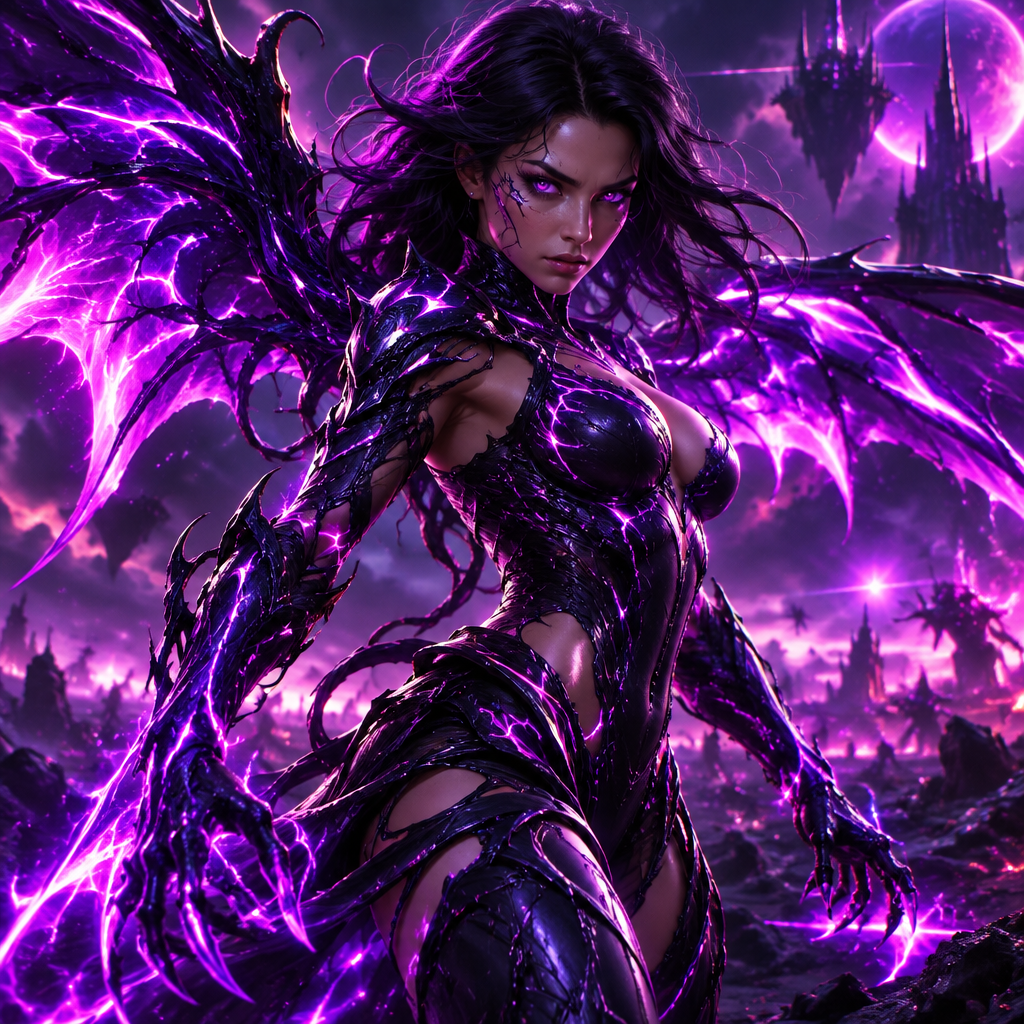
Kai'Sa's voice carries the echo of the Void —a human who survived the unsurvivable. There's something alien lurking beneath her human speech.
She speaks of her Void-skin suit with complex emotions —it's both prison and protector. Her voice reveals the ongoing negotiation between human and Void.
Kai'Sa's voice blends isolation and determination — the model captures the survivor's focus.
Runs as a standard USB microphone at the OS level — no hooks, no flags, works in League party chat and Discord.
The preset carries that cold clarity that makes callouts sound like field reports from the Void.
Callouts land with Kai'Sa's cold focus — the Void taught her to never waste words.
System-level virtual microphone — Riot Vanguard sees a mic, not a mod.
Rotating free voices daily — bring the Daughter of the Void to your lobby.
Kai'Sa fought the Void alone — her voice makes every callout sound like a survival decision.
Call engages and kites in Kai'Sa's focused register — the team hears a survivor, not a carry.
Deliver Kai'Sa's lines for highlight intros — the resolve carries the edit.
Show up to ranked nights as Kai'Sa and let the Void-bred focus keep the team level.
Download Dubbing AI from the official site and install it on Windows or macOS. The setup wizard guides you through in under a minute.
Open your system sound settings and choose 'Dubbing Virtual Device' as your input device. This routes your microphone through the voice changer.
Browse the 500+ voice library in Dubbing AI and select your character. Hear yourself instantly with the Hear Myself feature.
Join Discord, hop into Valorant or League, and start talking —your voice lands in the character voice with Sub-300 ms latency.
Explore more AI voice changers for games, apps, and characters.
Grab the free voice changer for real-time gaming and online chat, layer in the soundboard for instant effects, and browse community sounds for voices other creators already made.
Download Desktop App