Trained on the Gentle Giant Register
The preset carries both sides of Galio — massive, resonant low end and genuine warmth — exactly how Petersdorf plays him.

Galio is a 25-meter petricite sentinel who only stirs when magic draws near — and when he speaks, it's with the warm, rumbling depth of Josh Petersdorf, the same voice behind Roadhog. The Dubbing AI Galio voice captures that contradiction: a mountain that talks, a gentle giant who loves the world he was built to guard. Sub-300 ms, Vanguard-safe, free tier.
✓ Free voice changer • ✓ 500+ AI voices • ✓ Under 300ms latency
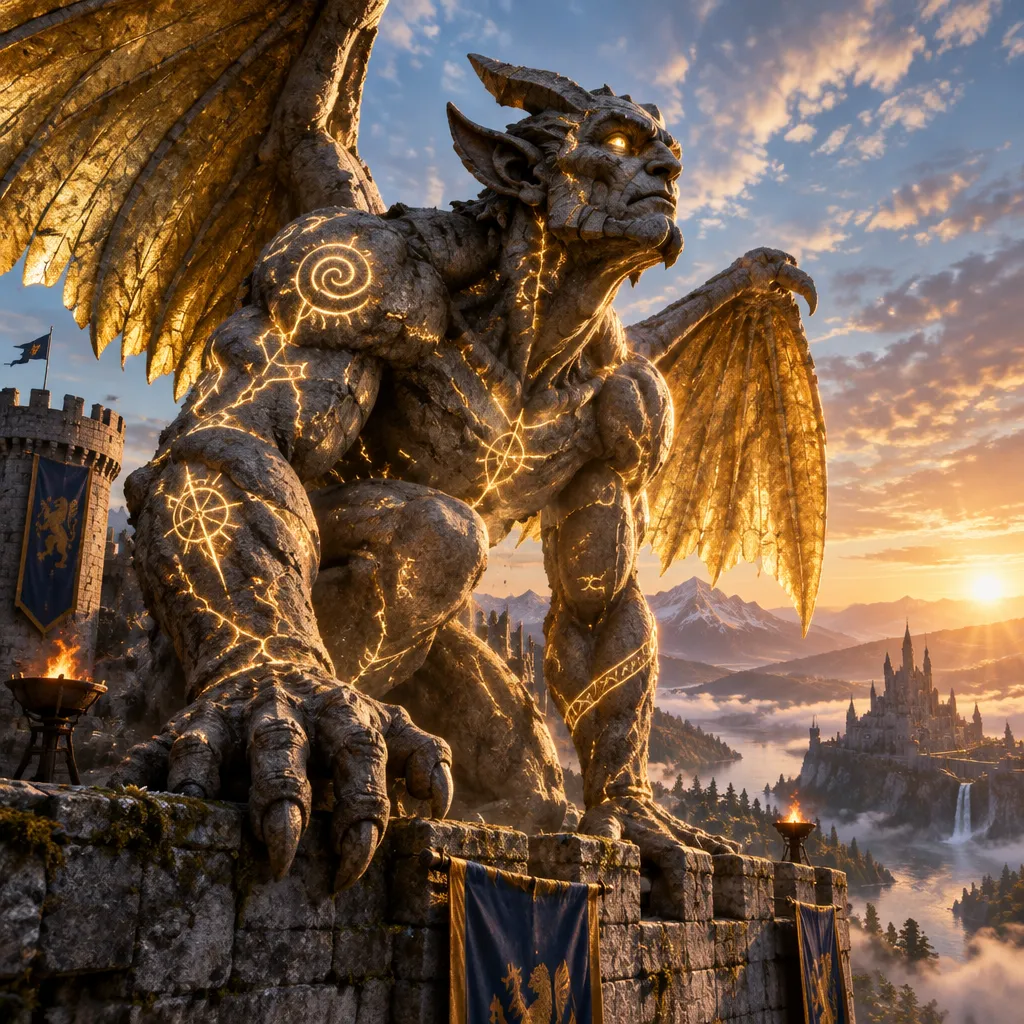
Galio's voice is a mountain given speech —deep, resonant, and impossibly large. A living statue built to fight magic, awakened to protect Demacia.
Despite his immense size and power, his voice carries genuine warmth and curiosity. He's fascinated by the world he was built to protect.
The preset carries both sides of Galio — massive, resonant low end and genuine warmth — exactly how Petersdorf plays him.
Deep voices usually turn to mush in comms; this one keeps the warmth and clarity so callouts stay readable.
Tone controls take you from contemplative stone to 'A hero awakens!' — your pick of the colossus.
Josh Petersdorf's deep, resonant rumble — a whole mountain talking to your duo queue.
System-level virtual microphone — Riot Vanguard sees a mic, not a mod.
Rotating free voices daily — bring Demacia's sentinel to your next game.
Galio's voice is a whole building agreeing to help you — every callout carries Demacian gravity.
'A hero awakens!' on the ult rotation — your premade hears justice incoming.
Line up 'Time to make an impact' with the Hero's Entrance slam and clip the landing.
Show up to a five-stack as the sentinel who only speaks when magic happens — which, in ARAM, is always.
A deep, unhurried voice steadies a nervous premade — the colossus keeps morale up.
Download Dubbing AI from the official site and install it on Windows or macOS. The setup wizard guides you through in under a minute.
Open your system sound settings and choose 'Dubbing Virtual Device' as your input device. This routes your microphone through the voice changer.
Browse the 500+ voice library in Dubbing AI and select your character. Hear yourself instantly with the Hear Myself feature.
Join Discord, hop into Valorant or League, and start talking —your voice lands in the character voice with Sub-300 ms latency.
Explore more AI voice changers for games, apps, and characters.
Grab the free voice changer for real-time gaming and online chat, layer in the soundboard for instant effects, and browse community sounds for voices other creators already made.
Download Desktop App