Freddy Fazbear voice changer

How to Sound Like Freddy Fazbear

Channel Freddy Fazbear’s eerie charm with Dubbing AI’s voice changer—layer deep growls, mechanical tones, and playful menace. Perfect for roleplay, horror gaming streams, or pranking friends with spine-chilling animatronic authenticity.

Why Dubbing AI is a Must-Have for Five Nights at Freddy's Fans

Immersion – Step into Freddy’s haunted pizzeria with chilling voice skins, amplifying jump scares and deepening every horror-filled moment. Creativity – Recreate animatronic dialogues, remix scenes, and unleash terrifyingly funny roleplays with friends. Streaming – Engage viewers by switching voices mid-game, making streams unforgettable with spine-tingling authenticity. Community Fun – Bring FNAF fandom alive in Discord chats, pranks, or roleplays, bonding through shared scares and laughter.

Five Nights at Freddy's Voice Changer

The Iconic FNAF Voice Pack

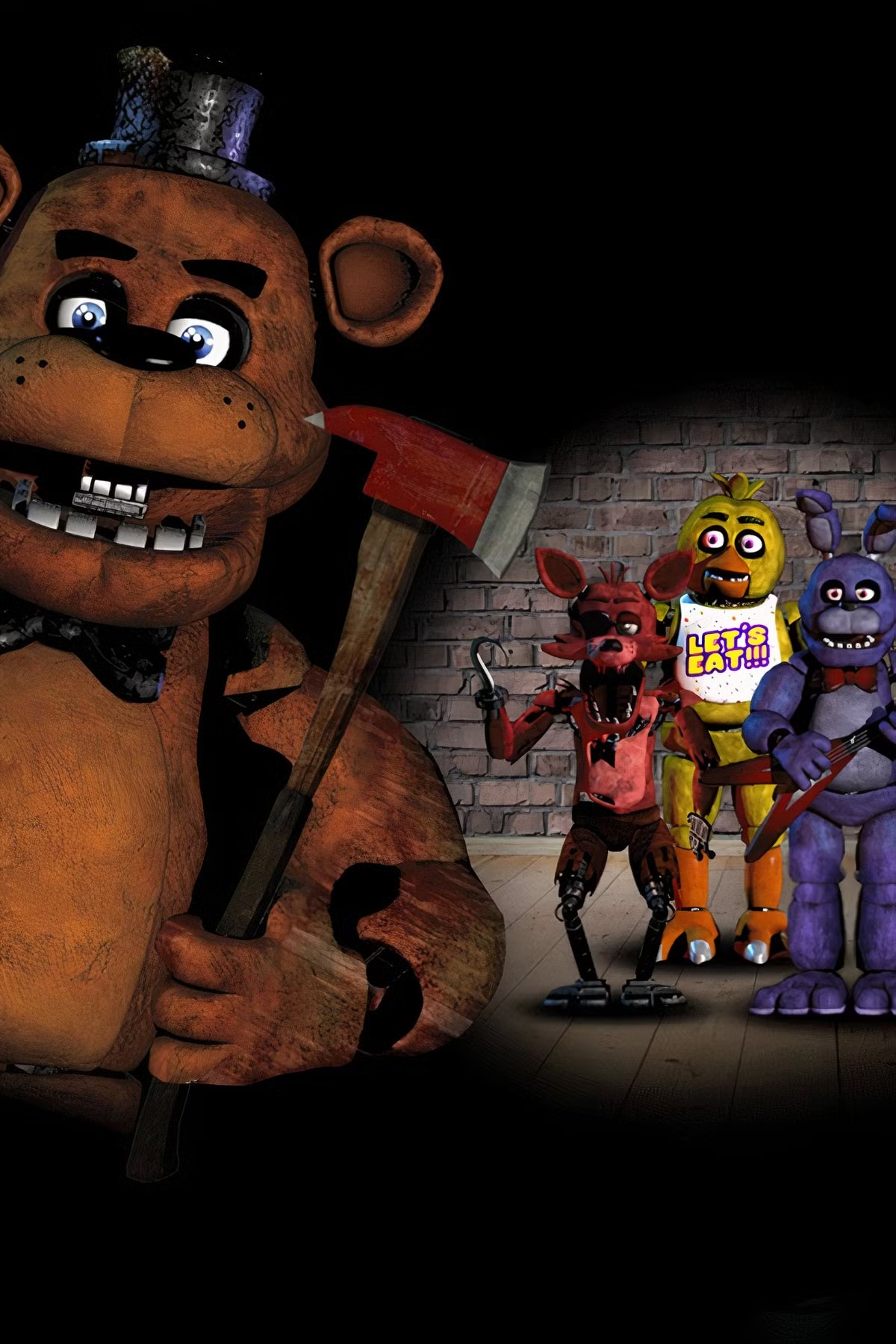
Choose from a wide range of voices that every FNAF fan will recognize: Creepy Whisper – Shadows stir as Freddy’s growl echoes, a voice pack dripping with spine-chilling tension. Playful Trickster – Switch between Bonnie and Chica mid-laugh, turning every prank into twisted, unforgettable fun. Streaming Showman – Command your audience with booming Fazbear tones, making every scream a performance masterpiece. Roleplay Enthusiast – Slip seamlessly into animatronic identities, crafting immersive horror worlds with authentic, terrifying voices.

Five Nights at Freddy's Voice Changer

Advanced AI Voice Technology

500+ Character Voices: From horror icons to anime characters and celebrities Multi-Language Support: Transform voices in 40+ languages with emotional expressions Ultra-Low CPU Usage: Runs efficiently at <3% CPU without impacting game performance Cross-Platform Compatibility: Works seamlessly on Windows, macOS, and VR platforms

Professional Soundboard Integration

100,000+ Sound Effects: Massive library including horror-specific audio clips Custom Soundboard Creation: Build and share your own horror sound collections Hotkey Integration: Quick access to sound effects during intense gameplay moments Community Sound Sharing: Access user-generated horror soundboards

HOW TO USE DUBBING AI?

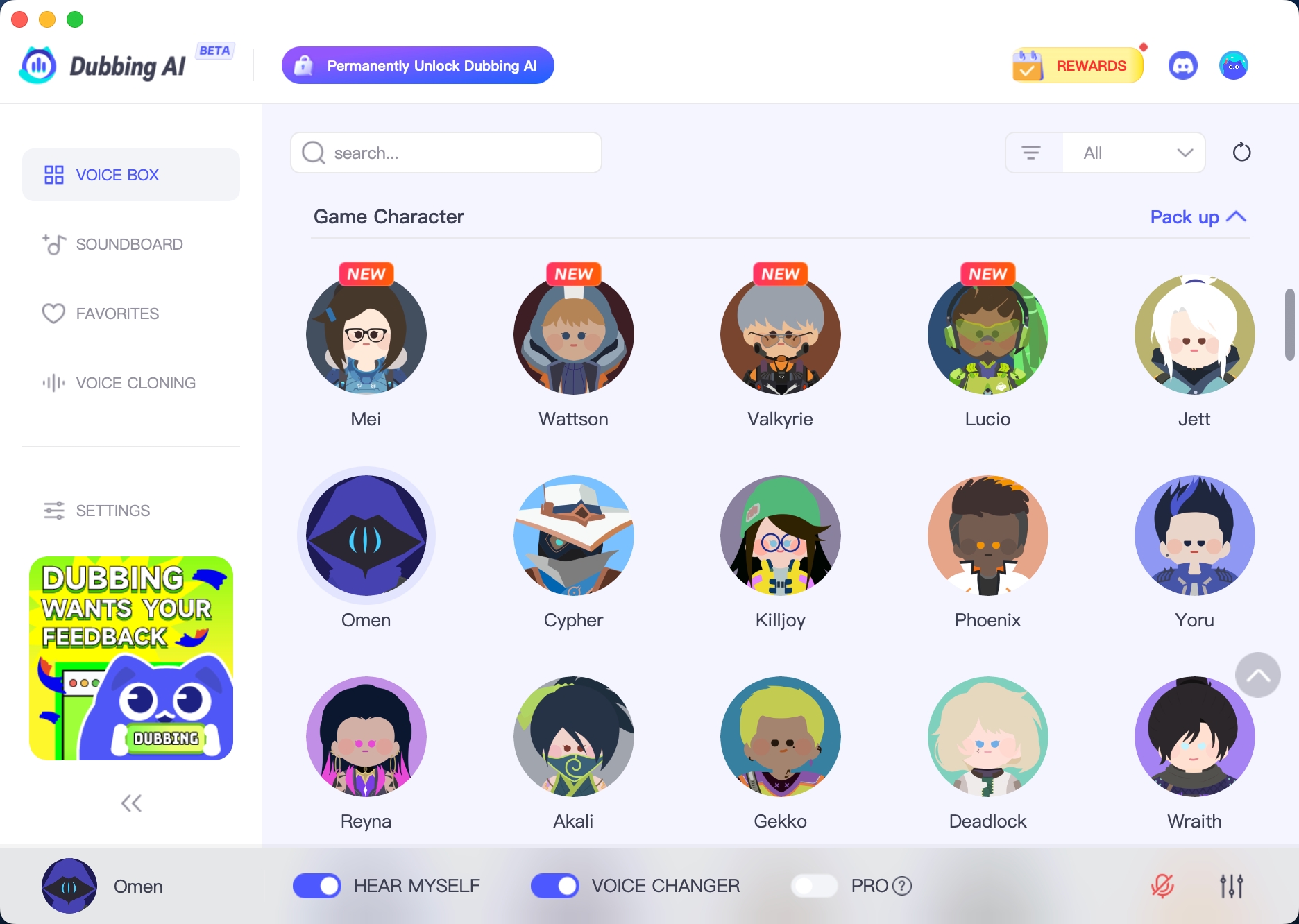
1. Download Dubbing AI: Install the application on your Windows or macOS computer. 2. Configure Your Audio: Set your primary microphone as the input in Dubbing AI. Then, in your computer's sound settings (or Discord/in-game chat), set your input device to "Microphone (Dubbing Virtual Device)". 3. Start Roleplaying: Open the Voicebox in Dubbing AI, select a voice, and make sure the "Voice Changer" is toggled on. Your new voice is ready for the blocky world!

FNAF Voice Changer
How does Dubbing AI make Five Nights at Freddy’s more exciting?

It lets fans sound like Freddy, Bonnie, Chica, or other animatronics in real time, adding spooky tension and fun roleplay to every game session.

Can it be used in voice chat with friends?

Yes. Whether on Discord, in multiplayer modes, or streaming, Dubbing AI changes your voice instantly so friends feel like they’re trapped in the pizzeria with you.

Is it good for FNaF content creators and streamers?

Absolutely. Streamers can create immersive, scary, or funny moments by switching between animatronic voices, making their FNaF videos more entertaining and unique for viewers.