Built Around the Legacy
FF7 defined video game voice acting for a generation — the preset targets that iconic register.

Final Fantasy VII built a whole new voice culture — Cloud's stoic delivery, Sephiroth's calm menace, Aerith's warmth, all shaped by iconic performances across the Remake trilogy. The Dubbing AI Final Fantasy voice brings that legendary register to your mic: SOLDIER composure, villain calm, and the drama the series is known for. Sub-300 ms, free tier.
✓ Free voice changer • ✓ 500+ AI voices • ✓ Under 300ms latency
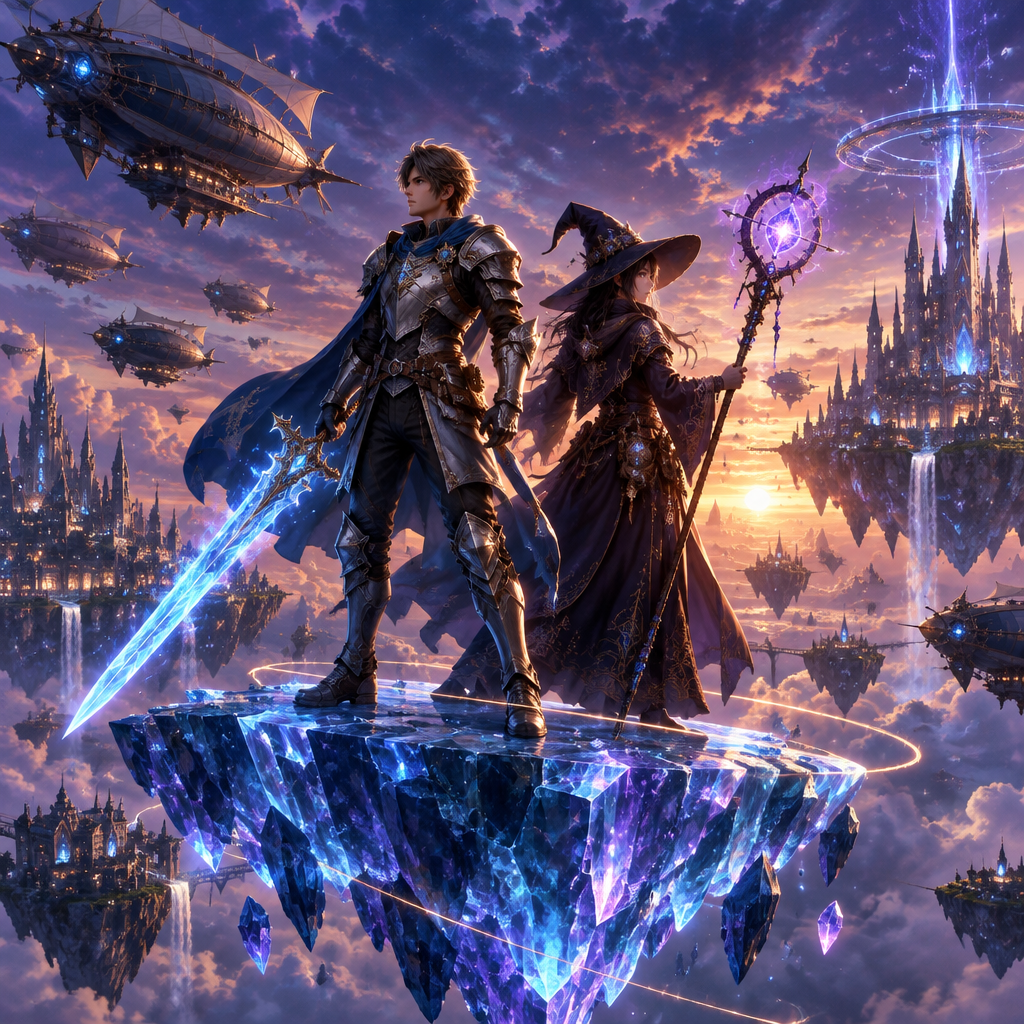
Final Fantasy voices deliver epic storytelling across decades — from Cloud's brooding silence to Tidus's earnest energy. The sound of JRPG history.
Voices spanning fantasy, sci-fi, and everything between — the unmistakable vocal signature of the world's most legendary RPG series.
FF7 defined video game voice acting for a generation — the preset targets that iconic register.
Runs as a standard USB microphone — no hooks, no game modifications, no flags.
From Cloud's reluctant heroism to Sephiroth's serene menace — the preset holds the spectrum.
Cloud's composure and Sephiroth's calm — the series' iconic registers on your mic.
System-level virtual microphone — no game files touched, no bans.
Rotating free voices daily — bring Midgar to your lobby.
Final Fantasy turned voices into legend — the voice brings that legacy to your comms.
Call plays in Cloud's composed register — teammates hear a professional, not a panicked teammate.
Deliver Sephiroth-style menace for clip intros — the calm is the threat.
Show up to FF nights as your favorite character — the legacy energy is the fun.
Download Dubbing AI and install on Windows or macOS. Under a minute.
Choose 'Dubbing Virtual Device' as your mic in sound settings.
Browse 500+ voices and select your character. Hear Yourself to test.
Join any app or game and talk — voice lands in character at Sub-300 ms.
Explore more AI voice changers for games, apps, and characters.
Grab the free voice changer for real-time gaming and online chat, layer in the soundboard for instant effects, and browse community sounds for voices other creators already made.
Download Desktop App