Built Around the Battle Cries
FGO's Noble Phantasm lines are its most iconic audio — the preset targets that dramatic register.

Fate/Grand Order is a game carried by its voices — Ayako Kawasumi's 'Excalibur' and the vast Servant cast turned voice lines into the game's core fan culture. The Dubbing AI FGO voice brings that noble-phantasm energy to your comms: battle cries, Servant banter, and Noble Phantasm announcements. Sub-300 ms, free tier.
✓ Free voice changer • ✓ 500+ AI voices • ✓ Under 300ms latency
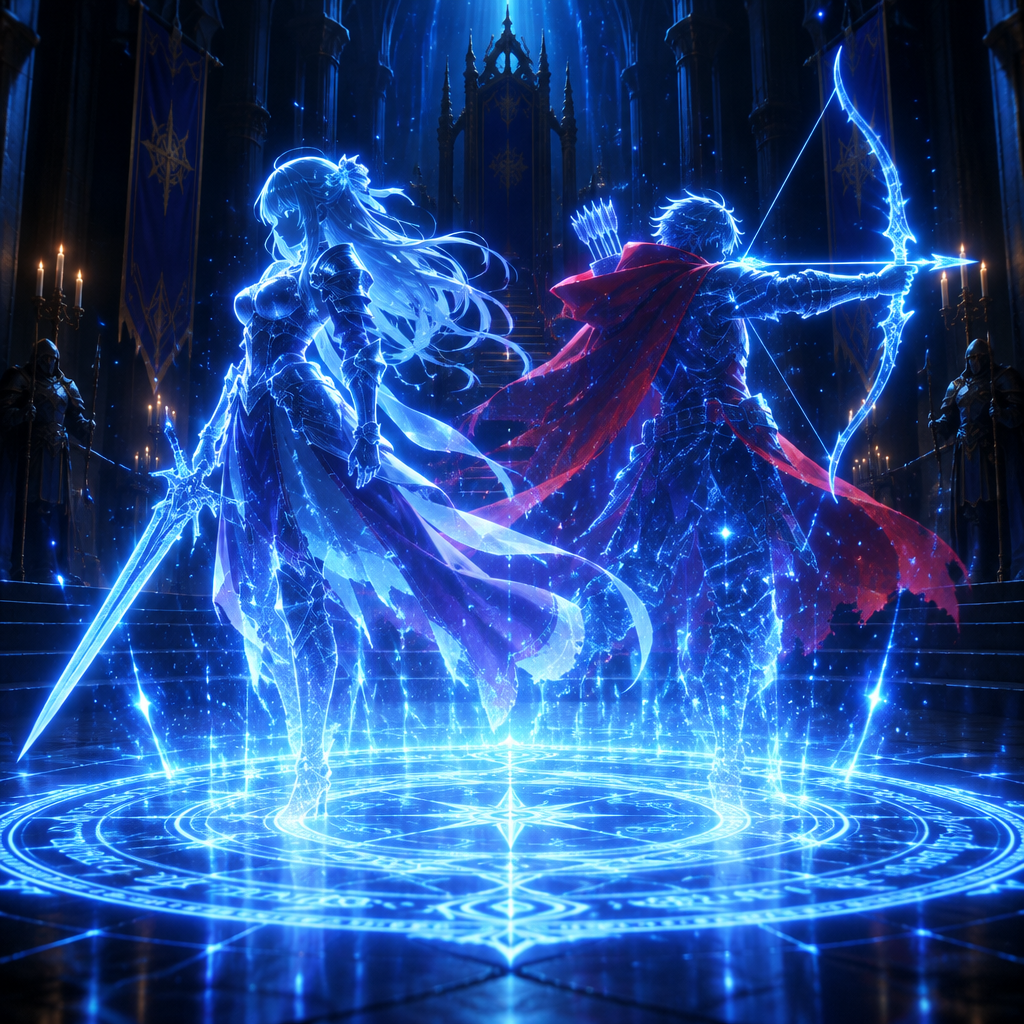
FGO voices bring the Fate universe's legendary heroes to life — Servants spanning history and mythology, each with the unmistakable vocal presence of Throne of Heroes.
FGO's Noble Phantasm lines are its most iconic audio — the preset targets that dramatic register.
Runs as a standard USB microphone — no hooks, no game modifications, no flags.
From Saber's regal composure to the meta-humor lines the community loves — the preset holds the spectrum.
'Excalibur!' and the battle-cry register — Servant energy on your callouts.
System-level virtual microphone — no game files touched, no bans.
Rotating free voices daily — summon a Servant to your lobby.
FGO's voice culture turned battle cries into memes — the voice brings that to your comms.
Announce plays with Noble Phantasm energy — the lobby hears a Servant, not a teammate.
Deliver 'Excalibur!' before clips — instant recognition for Fate fans.
Show up to gacha nights as a Servant — the dramatic energy is the fun.
Download Dubbing AI and install on Windows or macOS. Under a minute.
Choose 'Dubbing Virtual Device' as your mic in sound settings.
Browse 500+ voices and select your character. Hear Yourself to test.
Join any app or game and talk — voice lands in character at Sub-300 ms.
Explore more AI voice changers for games, apps, and characters.
Grab the free voice changer for real-time gaming and online chat, layer in the soundboard for instant effects, and browse community sounds for voices other creators already made.
Download Desktop App