Mobile Game Chat Ready
Roblox, Free Fire, and CODM lobbies pick up the transformed mic on the same phone you play on.

Dubbing AI for Android works across the open Android audio stack — grant mic permissions, plug into Dubbing Box over USB-C for low-latency hardware conversion, or run on-device in the app. Same 500+ voices as desktop, ready in Discord mobile, Roblox, and mobile games.
✓ Free voice changer • ✓ 500+ AI voices • ✓ Under 300ms latency
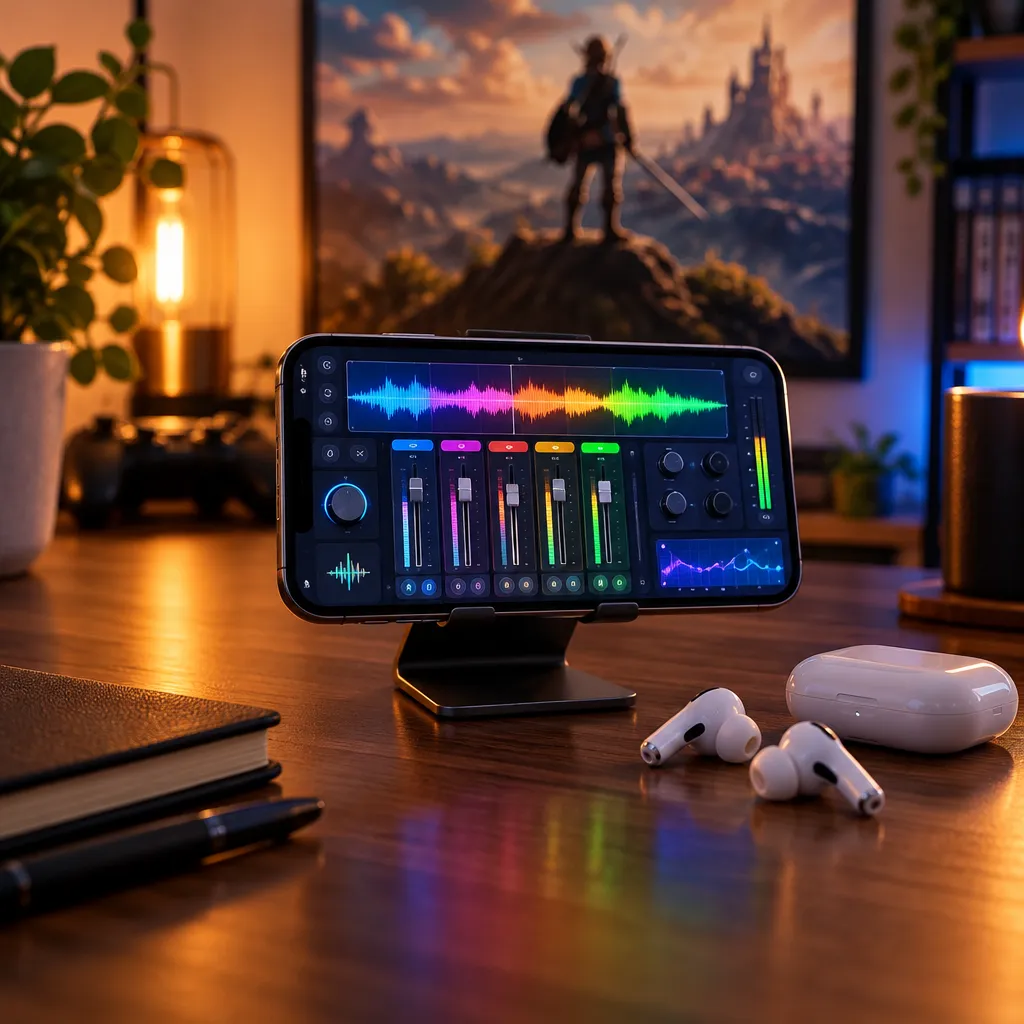
Dubbing AI for Android delivers desktop-quality voice changing to mobile — optimized for on-the-go gaming and communication.
Roblox, Free Fire, and CODM lobbies pick up the transformed mic on the same phone you play on.
Android's audio stack lets the app present a virtual mic that any app — Discord, games, callers — can select.
Dubbing Box via USB-C takes conversion off the phone CPU, ideal for battery and latency-sensitive play.
Plug in Dubbing Box and Android treats it as a standard mic — no pairing, no drivers.
The app asks for mic access and converts locally; it doesn't read your files or contacts.
Same library and cloned voices as the desktop client, synced to your phone.
Android gives Dubbing AI room to work — and the phone in your hand is the only rig you need.
Join a Discord voice channel from Android with a persona voice, wherever you are.
Keep in-character comms in CODM, Free Fire, and Roblox without a desktop.
Film TikTok and YouTube clips with a consistent character voice.
Overlay your voice for anonymous or sensitive phone calls.
Download Dubbing AI and install. Under a minute.
Choose Dubbing Virtual Device as your mic.
Browse 500+ voices and select. Hear Yourself to test.
Join any app and talk — voice lands at Sub-300 ms.
Explore more voices for games, apps, and characters, or browse the full AI voice changer library.
The cross-platform mobile client for iOS and Android.
Learn moreHow iOS voice changing works differently.
Learn moreCharacter voices in Discord on your phone.
Learn moreRoblox voice chat with a transformed mic.
Learn moreBlood Strike voice changing for NetEase's mobile battle royale FPS — Striker callouts, slide-shoot chaos, and…
Learn moreChange your voice for COD Mobile ranked and battle royale — operator personas that make every callout land…
Learn moreGrab the free voice changer for real-time gaming and online chat, layer in the soundboard for instant effects, and browse community sounds for voices other creators already made.
Download Desktop App