Built Around the Radio Register
Dispatch voices work because they're flat — compressed, clipped, and efficient. The preset targets that exact scanner cadence.

The dispatch voice is pure audio shorthand — a flat, compressed radio register that means authority, urgency, and 'someone professional is handling this.' The Dubbing AI Dispatch voice brings that radio-dispatcher cadence to your comms: 10-4 callouts, code-style reads, and the unmistakable sound of the scanner. Sub-300 ms, free tier.
✓ Free voice changer • ✓ 500+ AI voices • ✓ Under 300ms latency
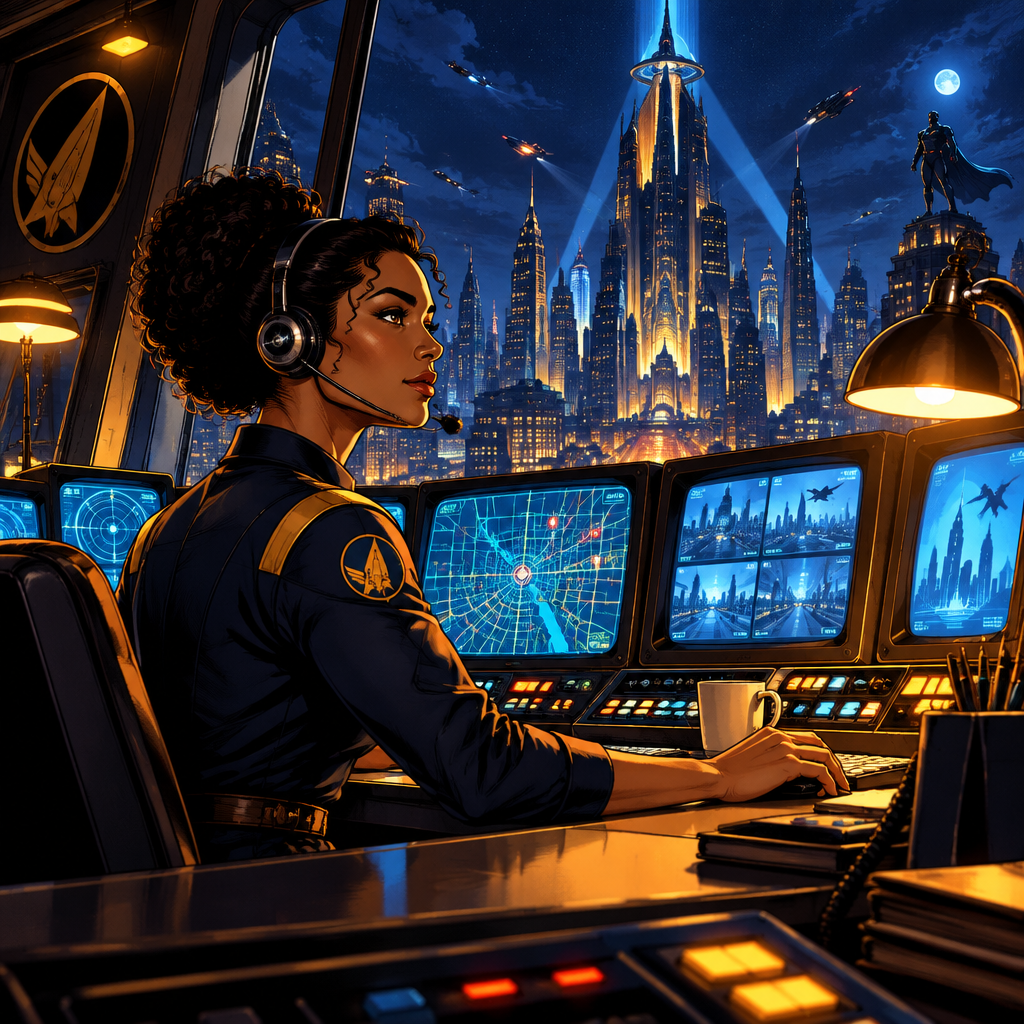
Dispatch voice changer captures radio communication style — professional, clear, and carrying the authority of emergency response coordination.
Dispatch voices work because they're flat — compressed, clipped, and efficient. The preset targets that exact scanner cadence.
Runs as a standard USB microphone in any game or chat app — no hooks, no flags, no bans.
The dispatcher never shouts — the flat confidence is the point. The preset carries that authority into every callout.
The compressed dispatcher cadence — authority without emotion, exactly like the scanner.
System-level virtual microphone — no game files touched, no bans.
Rotating free voices daily — bring the dispatch desk to your lobby.
The dispatch voice is the sound of someone in control — perfect for comms that need to sound professional.
Read every play like a dispatch update — '10-4, suspect sighted at B site' lands with full scanner authority.
Host police-RP sessions or narrate clips as the dispatcher — the flat radio register is instantly recognizable.
Keep squad callouts short and structured as the dispatcher — the discipline improves the team's comms by example.
Download Dubbing AI and install. Under a minute.
Choose Dubbing Virtual Device as your mic.
Browse 500+ voices and select. Hear Yourself to test.
Join any app and talk — voice lands at Sub-300 ms.
Explore more AI voice changers for games, apps, and characters.
Grab the free voice changer for real-time gaming and online chat, layer in the soundboard for instant effects, and browse community sounds for voices other creators already made.
Download Desktop App