Built Around Sanctuary's Voice
Diablo 4's story is told through voice — Lilith, the Wanderer, the demonic cast. The presets are tuned to that theatrical register, not a party-chat gimmick.

Diablo 4 is carried by its voice work — Caroline Faber's Lilith made a demon the most memorable character in the series, and the 2026 Lord of Hatred expansion built on that performance. Dubbing AI brings that theatricality to your co-op comms: narrate a Helltide as Lilith's low menace, rally the party as a Paladin, or let the demon of Sanctuary speak for your Necromancer. Sub-300 ms, free tier.
✓ Free voice changer • ✓ 500+ AI voices • ✓ Under 300ms latency
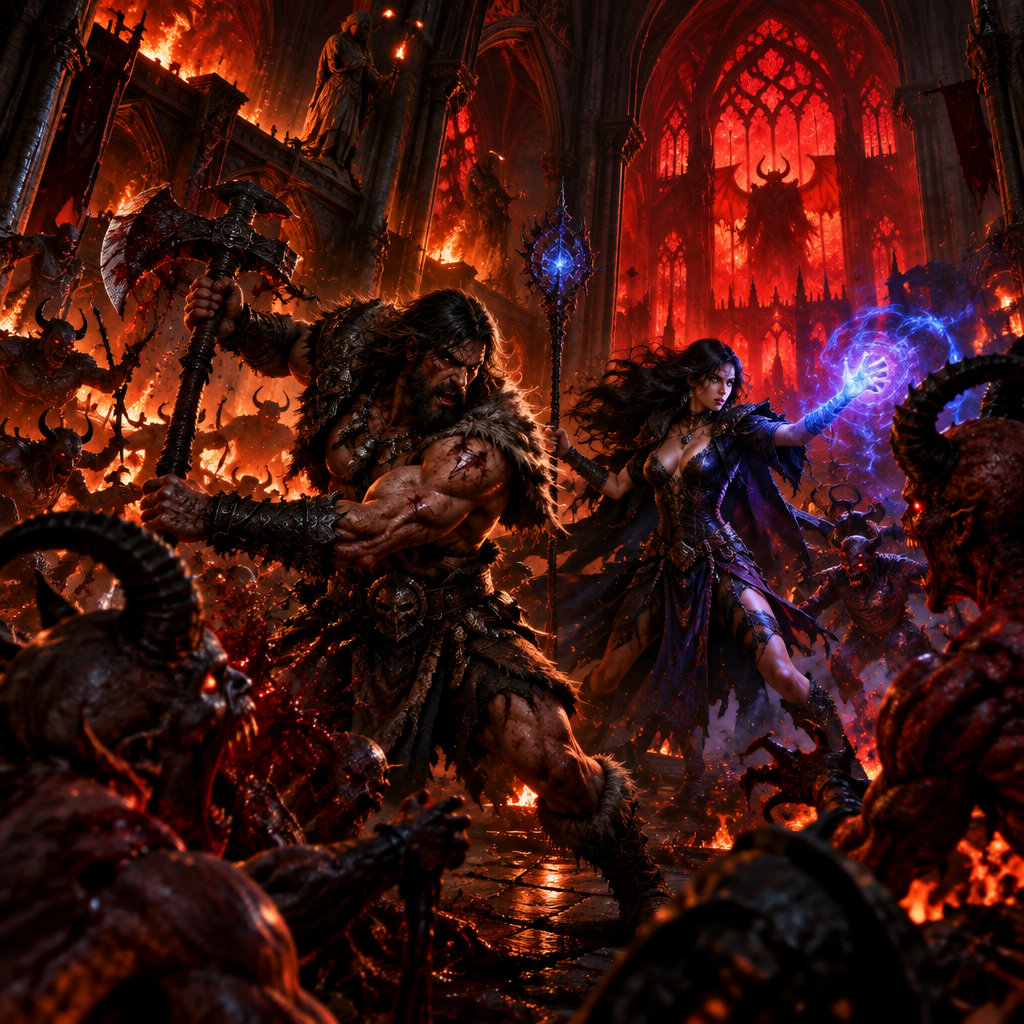
Diablo 4's story is told through voice — Lilith, the Wanderer, the demonic cast. The presets are tuned to that theatrical register, not a party-chat gimmick.
Registers as a standard USB microphone. Nothing hooks the Diablo client, so co-op, seasons, and the Eternal Realm are untouched.
Narrate Helltides, world bosses, and dungeons as a demonic announcer — the content gets twice as cinematic.
Party chat and Discord carry the transformed voice for your Sanctuary runs.
System-level virtual microphone — Blizzard's anti-cheat never sees a modification.
Lilith-adjacent menace, demonic narrator, and Paladin authority tuned for Sanctuary's tone.
Diablo 4 is one of the best-voiced games ever made — the co-op comms should match the cinematics.
Run the campaign with a party while someone narrates key moments as a demonic voice — the story lands twice as hard.
Call world boss spawns and Helltide phases in an announcer voice for clip-worthy co-op moments.
Build a character around the voice — Necromancer with Lilith's menace, Paladin with authority — and stay in character through the run.
Install the free desktop app for Windows or macOS — under two minutes, no credit card.
Approve the virtual microphone driver so games and chat apps can read Dubbing AI as your input device.
Browse 500+ AI voices, preview with Hear Myself, and lock in your favorite preset.
In Discord, your game, or OBS, choose Dubbing AI Virtual Microphone — start talking live.
Explore more AI voice changers for games, apps, and characters.
Grab the free voice changer for real-time gaming and online chat, layer in the soundboard for instant effects, and browse community sounds for voices other creators already made.
Download Desktop App