Built Around the Mania
Dandadan's identity is controlled chaos — the preset captures the escalating energy that defines the show.

Dandadan is pure controlled chaos — the show's appeal lives in its manic energy, from Turbo Granny's curses to the constant screaming. The Dubbing AI Dandadan voice brings that occult intensity to your mic: paranormal callouts, chaotic banter, and the show's signature unhinged register. Sub-300 ms, free tier.
✓ Free voice changer • ✓ 500+ AI voices • ✓ Under 300ms latency
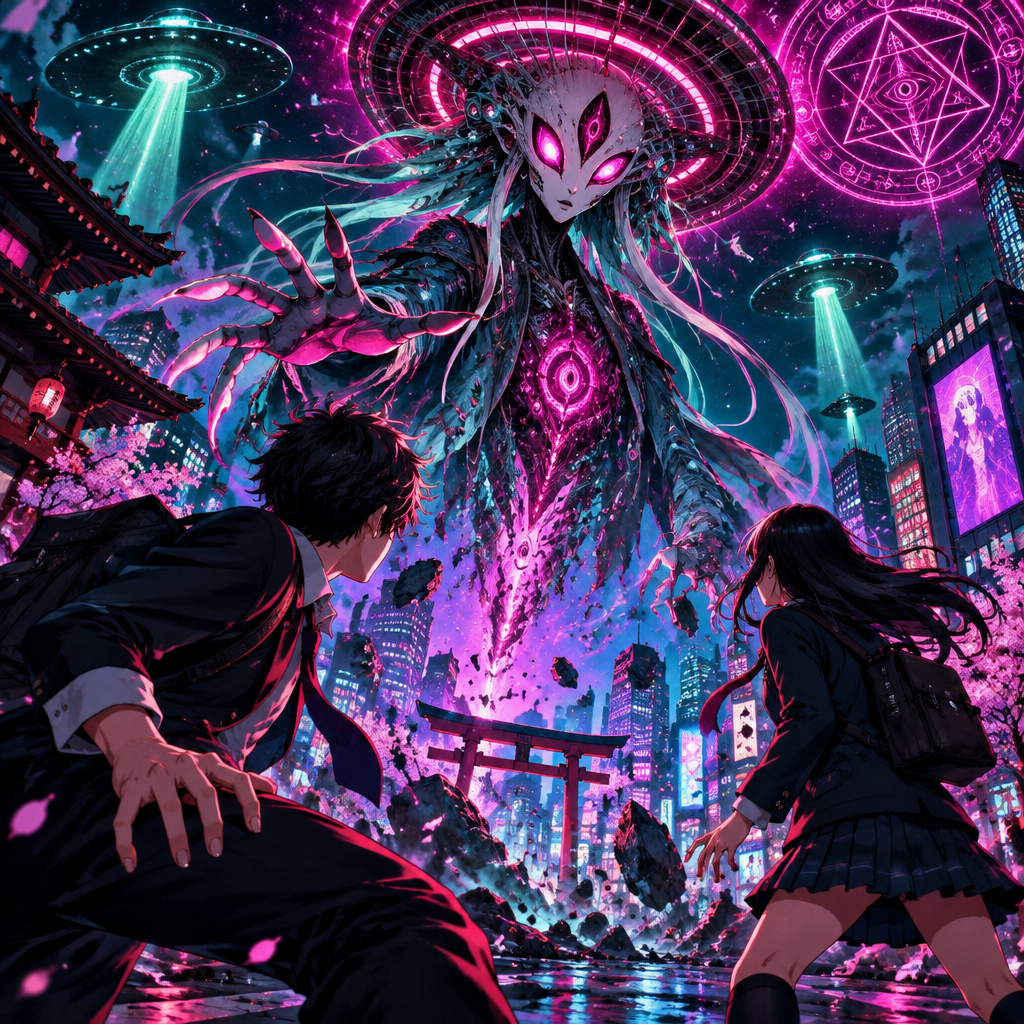
Dandadan voices deliver the series' wild energy — occult encounters, alien abductions, and the chaotic partnership between Momo and Okarun.
Dandadan's identity is controlled chaos — the preset captures the escalating energy that defines the show.
Runs as a standard USB microphone — no hooks, no game modifications, no flags.
From calm setup to full panic — the preset holds the show's signature ramp.
Dandadan's manic energy on your callouts — the show runs on it.
System-level virtual microphone — no game files touched, no bans.
Rotating free voices daily — bring the occult energy to your lobby.
Dandadan is the rare anime that's all energy — the voice brings that to every callout.
Start calm, escalate to chaos as the fight goes on — the show's signature arc on your comms.
React to clips in Dandadan's manic register — the energy carries the edit.
Show up to anime nights as a Dandadan character — the chaos is the point.
Download Dubbing AI from the official site and install it on Windows or macOS. The setup wizard guides you through in under a minute.
Open your system sound settings and choose 'Dubbing Virtual Device' as your input device.
Browse the 500+ voice library and select your character. Hear yourself instantly with the Hear Myself feature.
Join any chat app or game and start talking — your voice lands in character with Sub-300 ms latency.
Explore more AI voice changers for games, apps, and characters.
Grab the free voice changer for real-time gaming and online chat, layer in the soundboard for instant effects, and browse community sounds for voices other creators already made.
Download Desktop App