Free Bluudude Voice Changer
Unleash the raw, chaotic energy of Bluudude with Dubbing AI’s free voice changer! Transform your voice into the wildest version of internet madness—raspy, explosive, and totally unfiltered. Whether you're gaming or joking around, it’s your turn to sound like the king of digital chaos. Let the madness begin!
Free Roblox Voice Changer
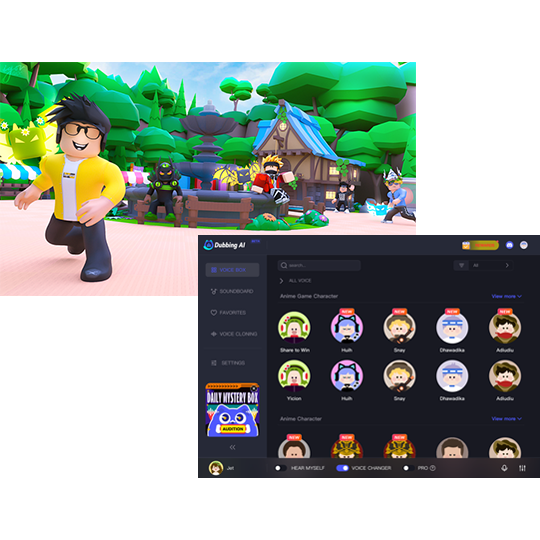
In Roblox you can not only create your virtual worlds and custom games, but now thanks to Dubbing AI Voice Changer, you can generate a unique audio experience for each game. Use the voice changer to give more customization to your characters. You don’t have to die to say Oof!
HOW TO USE DUBBING AI?
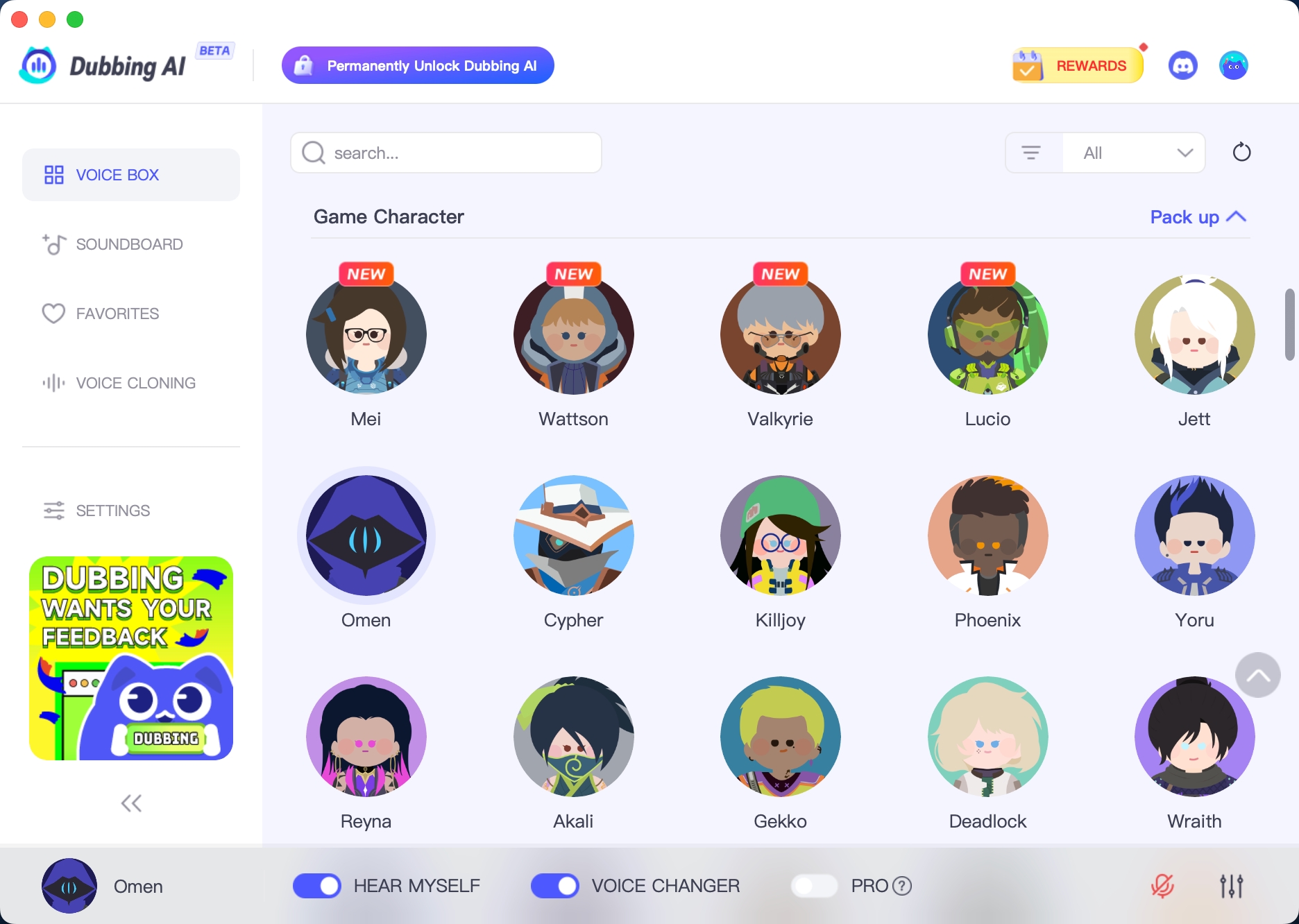
With a few simple steps, you can use any voice you want during your exciting raids. Try the free ghostface voice changer now! 1. Download Dubbing AI, Install, Configure & Open Dubbing AI Voice Changer App. 2. Open Sound Setting, Select (Dubbing Virtual Device) as your input device. 3. Save and Apply. Don’t forget to save your settings in the settings panel. 4.Now you can experience the real role-play with your changed voice.
THE BEST VOICE CHANGING APP FOR GAMERS
Bring Bluudude Voice to Roblox
Inject pure chaos into your Roblox chats with the unmistakable tone of Bluudude using Dubbing AI’s voice changer! From wild outbursts to unhinged giggles, your voice will echo with meme energy and internet mayhem. It’s time to turn every lobby into a stage of legendary nonsense.