The Voice Completes the Model
Animaze gives you the face and body language; a voice changer gives the persona something to say. Together they make a character instead of a puppet.

Animaze by FaceRig is the free-to-use VTubing app on Steam that turns a webcam — or an iPhone's TrueDepth camera — into a living avatar, with stock characters, imported Live2D and VRM models, and even multiplayer avatar concerts. It's the same indie-engine lineage that started with FaceRig in 2014, and its users have ridden stock avatars to millions of followers. But an avatar that can't talk is just a screensaver: a voice changer gives the model a voice that matches its design, so the character on screen and the voice in the mic finally agree.
✓ Free voice changer • ✓ 500+ AI voices • ✓ Under 300ms latency
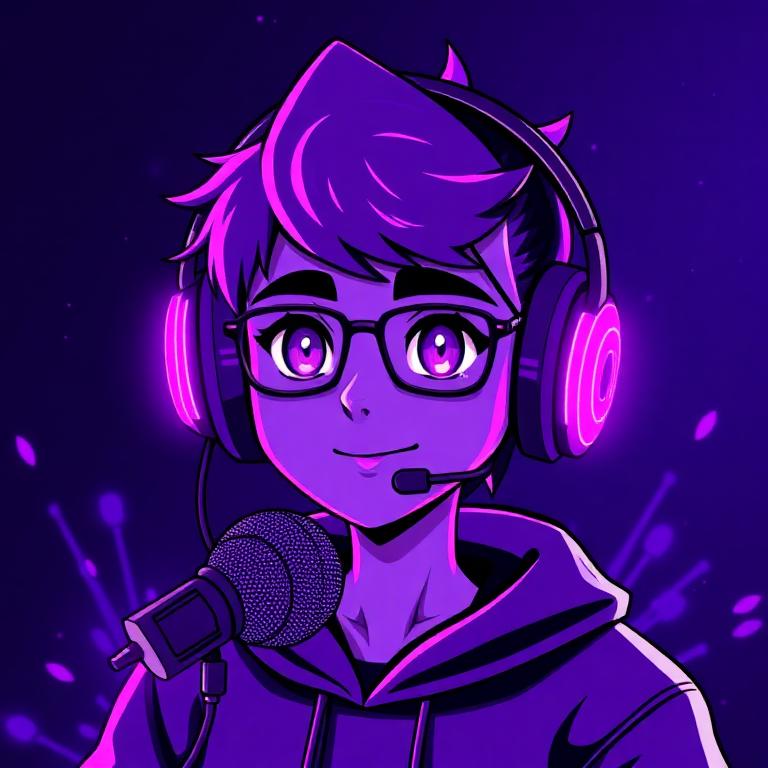
Animaze gives you the face and body language; a voice changer gives the persona something to say. Together they make a character instead of a puppet.
Avatar in the frame, character voice on the mic, same persona all night — no dropping back to your speaking voice between scenes.
Animaze streams are live theater: concerts, collabs, and reaction videos. A real-time voice keeps the performance in the present tense.
Stock avatar, Live2D, or VRM — the preset that sounds like what the model looks like is a few clicks away.
Sub-300 ms keeps lip-synced banter, laughs, and reactions tight with the avatar's animation.
Animaze's indie lineage has carried VTubers to millions of followers — a voice is how that audience learns the character's name.
Animaze gives you the avatar — give it a voice worth keeping.
Introduce your Animaze avatar with a voice that matches its vibe — cute mascot, cool detective, eldritch horror — and make the debut clip memorable.
Stream your gameplay through Animaze with a character voice for callouts, reactions, and mid-game monologues.
Do a collab with other Animaze users where every participant's voice fits their on-screen character — instant sketch comedy.
Animaze's multiplayer avatar rooms can host concerts and events — show up with a voice designed for the stage.
Install the free desktop app for Windows or macOS — under two minutes, no credit card.
Approve the virtual microphone driver so games and chat apps can read Dubbing AI as your input device.
Browse 500+ AI voices, preview with Hear Myself, and lock in your favorite preset.
In Discord, your game, or OBS, choose Dubbing AI Virtual Microphone — start talking live.
Explore more AI voice changers for games, apps, and characters.
Grab the free voice changer for real-time gaming and online chat, layer in the soundboard for instant effects, and browse community sounds for voices other creators already made.
Download Desktop App