Trained on the Rework Register
The preset is built around Tikaram's post-2018 delivery — the cracked, echoing rasp and the rising fury on ultimate — not a generic 'deep voice' filter.

Ramon Tikaram has voiced Aatrox since the 2018 rework — a performance that turned a forgettable 2013 champion into a Shakespearean agent of cosmic annihilation. The Dubbing AI Aatrox voice carries that same hollow, god-murdering baritone: 'March flesh, march toward them!' lands in your next League party chat. Sub-300 ms, Vanguard-safe, free tier.
✓ Free voice changer • ✓ 500+ AI voices • ✓ Under 300ms latency
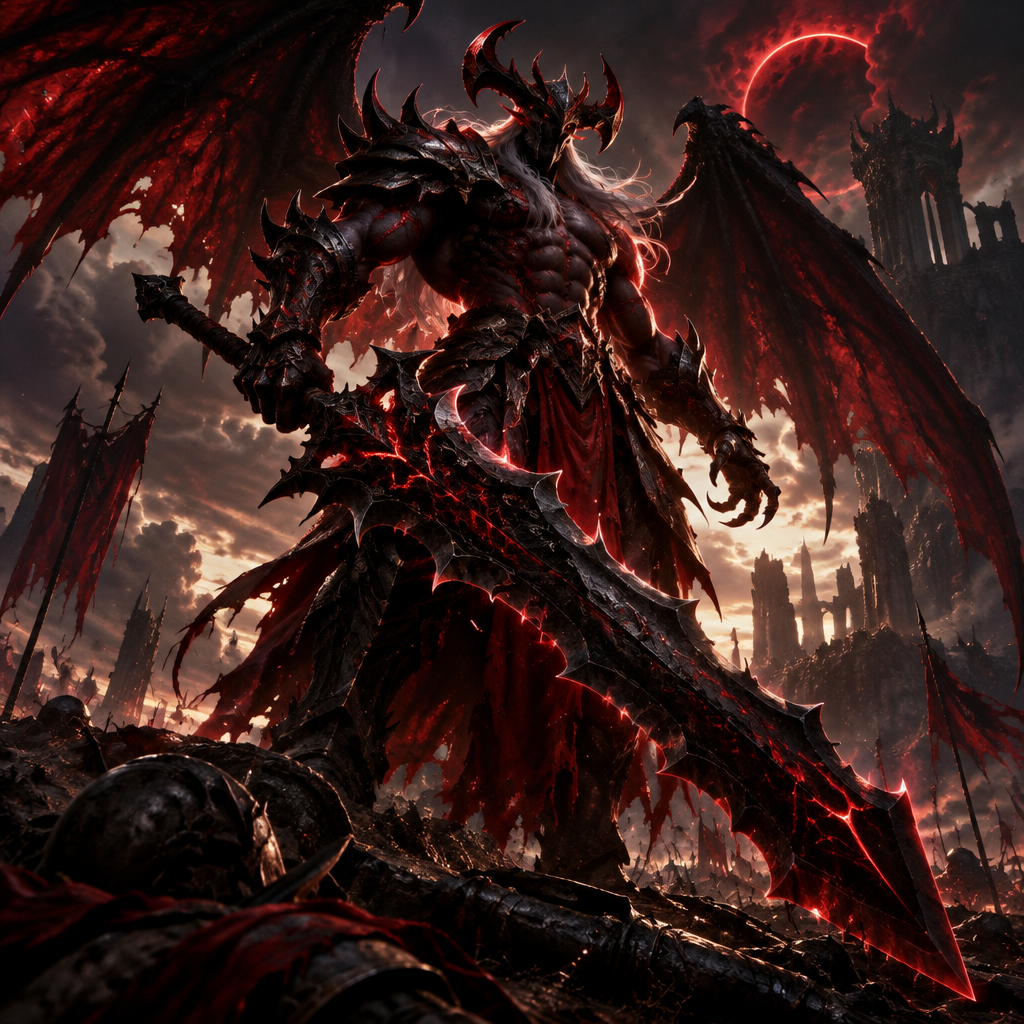
Aatrox's voice is pure, undiluted rage given form —a darkin trapped in a prison of flesh and metal, screaming for oblivion. Every word is a declaration of war against existence.
Millennia of imprisonment have twisted a once-noble ascended into something broken and hateful. His voice carries echoes of the god he was and the monster he's become.
The preset is built around Tikaram's post-2018 delivery — the cracked, echoing rasp and the rising fury on ultimate — not a generic 'deep voice' filter.
Runs as a standard OS-level audio device, so League party chat hears Aatrox while Vanguard sees an ordinary microphone.
Tone controls walk you from controlled Darkin menace to full 'I AM THE WORLD ENDER!' — pick where your fury sits.
Ramon Tikaram's rework baritone — hollow, ragged, and ready to declare war on existence in your lobby.
System-level virtual microphone — Riot Vanguard sees a mic, not a mod.
Rotating free voices daily — take the Darkin Blade to your next five-stack.
Aatrox doesn't make callouts — he makes declarations, and that's what makes the voice so fun in a premade.
Call the gank with 'March flesh, march toward them!' and watch your duo queue lose it before the fight starts.
Post-victory 'Death is not the end for you. I have seen to it.' after a 1v5 — instant highlight material.
Five-stack as the World Ender and let the sheer drama of it become the night's running bit.
Aatrox's unhinged confidence is contagious — bring the god-slaying energy to keep the premade loud.
Download Dubbing AI from the official site and install it on Windows or macOS. The setup wizard guides you through in under a minute.
Open your system sound settings and choose 'Dubbing Virtual Device' as your input device. This routes your microphone through the voice changer.
Browse the 500+ voice library in Dubbing AI and select your character. Hear yourself instantly with the Hear Myself feature.
Join Discord, hop into Valorant or League, and start talking —your voice lands in the character voice with Sub-300 ms latency.
Explore more AI voice changers for games, apps, and characters.
Grab the free voice changer for real-time gaming and online chat, layer in the soundboard for instant effects, and browse community sounds for voices other creators already made.
Download Desktop App