clash royale soundboard

How To Use Clash Royale Sound Effects

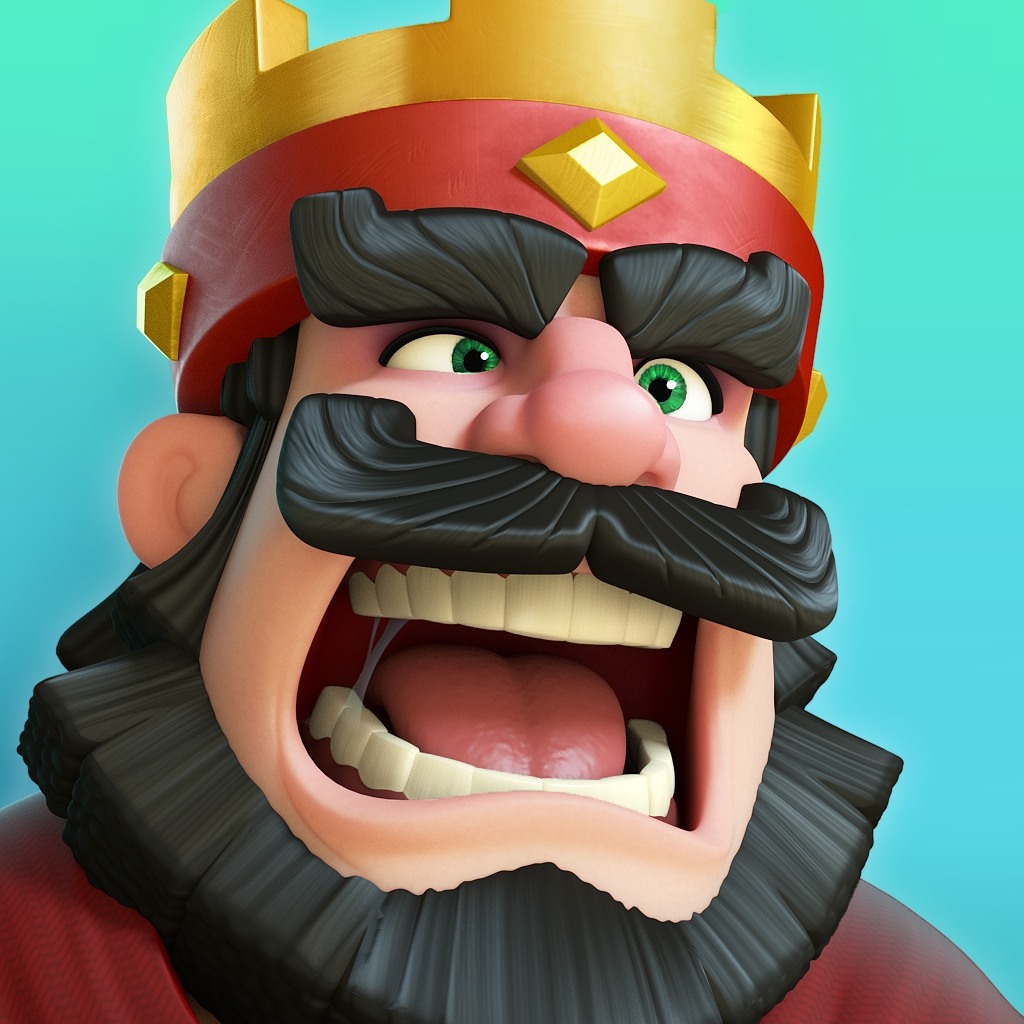
Unleash the chaos of the Clash Royale Soundboard with Dubbing AI — summon the thundering Mega Knight, the hilarious Crying Goblin, and the triumphant Hog Rider mid-match. Spice up streams, taunt rivals, and make every victory sound legendary in real-time.

Why Dubbing AI is Perfect for Clash Royale Players

1. Clash Royale players can unleash battle cries in online chats — turning every message into an epic arena moment with Dubbing AI soundboard. 2. Bring your team chats to life with Hog Rider laughs and Goblin screams — pure fun, pure chaos, pure Dubbing AI. 3. Dubbing AI soundboard transforms strategy calls into entertaining sound duels — where every emoji-worthy reaction gets a royal sound twist. 4. From playful taunts to victory shouts, Dubbing AI keeps Clash Royale players’ voices unforgettable in every chat and match.

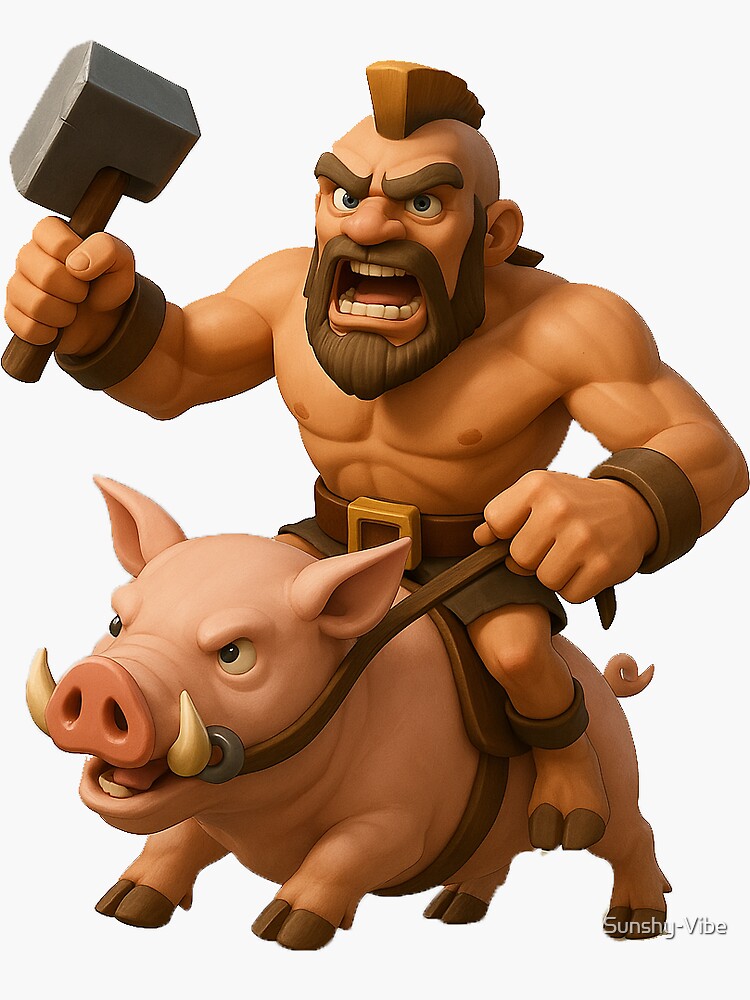
Hog Rider Sound Effect

The Iconic Clash Royale Sound Pack

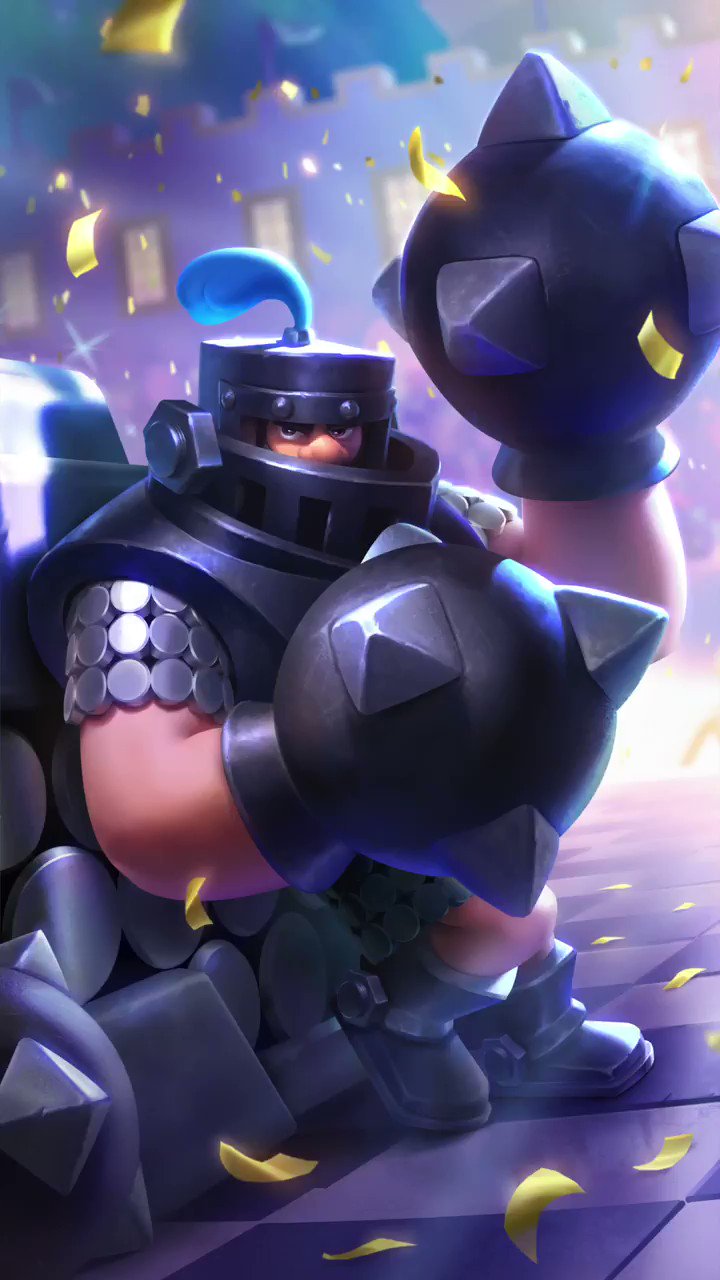
Choose from a wide range of sounds that every Clash Royale player will recognize: Hear the mighty “Hog Rider!” charge echo through your mic — pure Clash Royale energy unleashed. The Crying Goblin sound bursts with hilarious despair, perfect for those clutch-game meltdowns. Mega Knight’s slam shakes your chatroom — every drop feels like a mini victory roar. Princess laugh adds cheeky flair, turning ordinary voice chats into royal-level fun.

Mega Knight soundboard

Advanced AI Voice Technology

500+ Character Voices: From horror icons to anime characters and celebrities Multi-Language Support: Transform voices in 40+ languages with emotional expressions Ultra-Low CPU Usage: Runs efficiently at <3% CPU without impacting game performance Cross-Platform Compatibility: Works seamlessly on Windows, macOS, and VR platforms

Professional Soundboard Integration

100,000+ Sound Effects: Massive library including horror-specific audio clips Custom Soundboard Creation: Build and share your own horror sound collections Hotkey Integration: Quick access to sound effects during intense gameplay moments Community Sound Sharing: Access user-generated horror soundboards
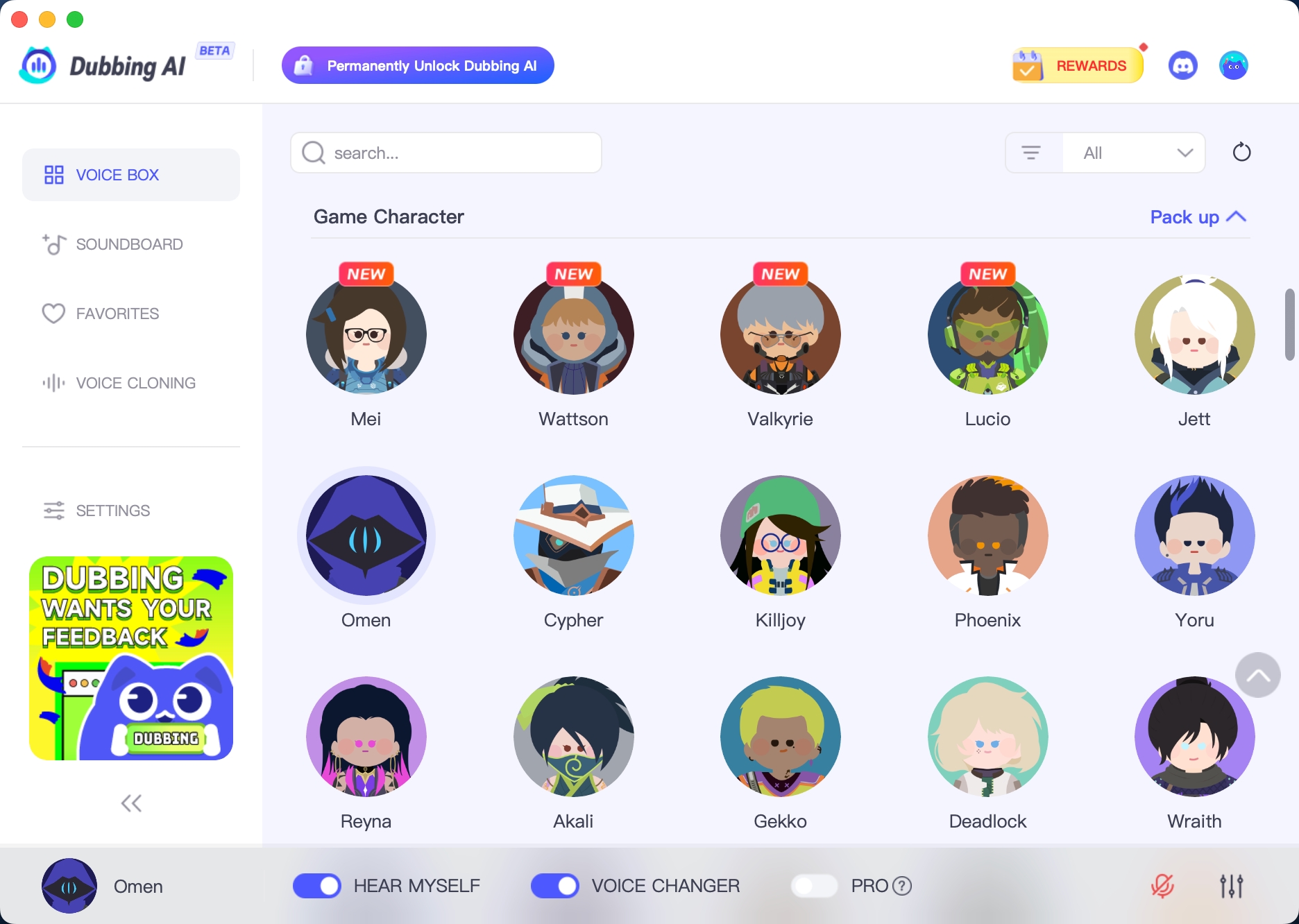

HOW TO USE DUBBING AI?

1. Download Dubbing AI: Install the application on your Windows or macOS computer. 2. Configure Your Audio: Set your primary microphone as the input in Dubbing AI. Then, in your computer's sound settings (or Discord/in-game chat), set your input device to "Microphone (Dubbing Virtual Device)". 3. Start Roleplaying: Open the Voicebox in Dubbing AI, select a voice, and make sure the "Voice Changer" is toggled on. Your new voice is ready for the blocky world!

Minecraft Voice Changer
What is the Clash Royale Soundboard in Dubbing AI?

It’s a collection of iconic Clash Royale in-game sounds and character voices, perfect for adding excitement to streams, videos, or voice chats.

How do I use the soundboard during gameplay or streaming?

Simply open Dubbing AI, select the Clash Royale soundboard, and trigger sounds in real time while playing, streaming, or chatting with friends.

Can I combine the soundboard with voice changer features?

Yes! You can mix Clash Royale sounds with Dubbing AI’s voice changer for fun, immersive, and personalized audio effects during your content creation or gaming sessions.