Where and How to find a voice modulator for Discord?
Have you ever wanted to transform your voice into something completely unique while chatting on Discord? Dubbing AI makes it possible. This AI voice changer stands out with its lightning-fast performance, converting voices in just 300 milliseconds. Whether you're a gamer, streamer, or just someone looking to add a creative twist to conversations, Dubbing AI delivers unmatched quality.
The Best AI Voice Changer with soundboard
What is a voice modulator for Discord, and why use it?
Understanding voice changers
A voice modulator for Discord is software that lets you modify your voice in real-time. It works by applying effects and filters to change the pitch, tone, or timbre of your voice. Whether you want to sound like a robot, a cartoon character, or even a completely different person, these tools make it possible. Voice changing programs like Dubbing AI take this concept to the next level by using advanced AI technology to deliver seamless and high-quality voice transformations.
If you’ve ever wondered how to change your voice while chatting or gaming, a voice modulator is the answer. It’s easy to set up and can instantly transform your conversations into something more exciting or private.
Benefits of using a voice changer for Discord
Enhancing privacy and anonymity
Sometimes, you might not want others to recognize your real voice. A voice changer for Discord can help you maintain your privacy and stay anonymous. This is especially useful if you’re gaming with strangers or participating in online communities where you’d rather keep your identity hidden. Altering your voice can also protect you from unwanted attention or harassment.
Adding fun and creativity to conversations
Who doesn’t love a little fun? Voice modulators let you get creative by experimenting with different voices. Imagine surprising your friends by sounding like a wizard or a space alien during a gaming session. AI voice changers like Dubbing AI make this even more enjoyable with their wide range of voice options. It’s a great way to keep your conversations lively and entertaining.
How to find and set up Dubbing AI
Where to find Dubbing AI
Official website and trusted sources
If you're wondering where to get started with Dubbing AI, the best place is its official website. You can download the software directly from there to ensure you're getting the latest and safest version. For Android users, it's also available on the Google Play Store. Here’s how you can find it:
Visit the Dubbing AI Official Website.
Look for the "Download Dubbing AI free" button and start your download.
By sticking to these trusted sources, you avoid the risks of downloading outdated or unsafe versions of the software.
Setting up Dubbing AI for Discord
Downloading and installing the software
Getting Dubbing AI up and running is simple. Follow these steps:
Download the software from the official website.
Run the installation file and follow the on-screen instructions.
Once installed, launch the application to explore its features.
This process takes only a few minutes, and you'll be ready to dive into the world of voice modulation.
Configuring Dubbing AI with Discord
Now that you’ve installed Dubbing AI, it’s time to connect it to Discord. Here’s how to use an AI voice changer like Dubbing AI with Discord:
Open Discord and go to the settings menu.
Navigate to the "Voice & Video" section.
Under "Input Device," select "Dubbing Virtual Device" as your microphone input.
That’s it! Your AI voice changer is now ready to use on Discord. You can start experimenting with different voices during your chats or gaming sessions.
Testing and troubleshooting common issues
Sometimes, things don’t go as planned. If you face any issues, here are some quick fixes:
Audio Quality Problems: Use a high-quality microphone and enable noise reduction features in Dubbing AI.
Compatibility Issues: Check if your operating system meets the software's requirements and ensure your hardware is properly connected.
Errors During Recording or Exporting: Save your work frequently, clear up memory space, and double-check your export settings.
By addressing these common problems, you’ll ensure a smooth experience while using your AI voice changer.
Why Dubbing AI is the best AI voice modulator
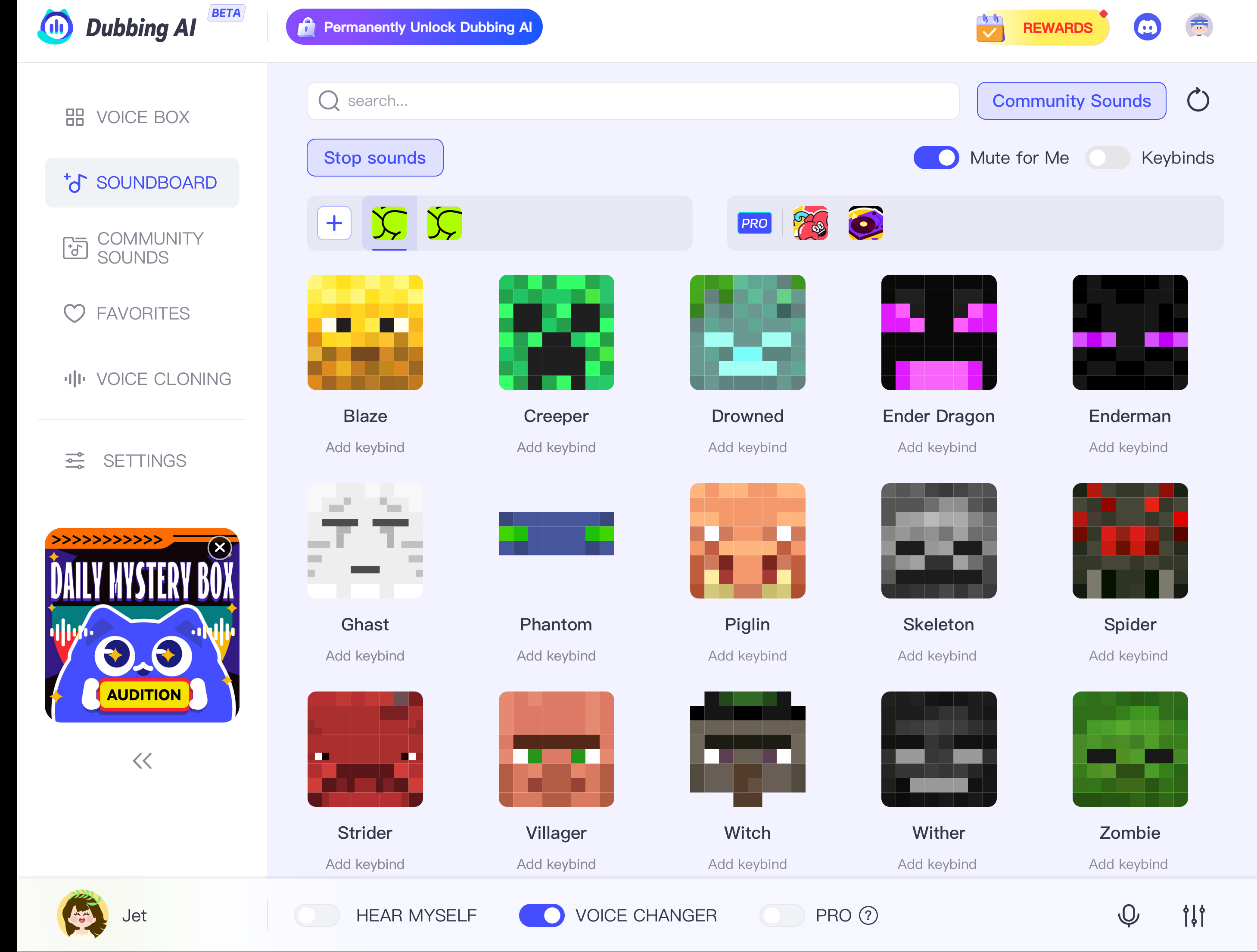
Unique features of Dubbing AI
Advanced AI-driven voice modulation
Dubbing AI uses cutting-edge technology to deliver exceptional voice modulation. Its advanced algorithms analyze your speech patterns, including intonation, rhythm, and pronunciation. This allows you to precisely control vocal characteristics like pitch and tone. The result? A voice that sounds natural and conveys your intended message perfectly. Whether you're altering your voice for fun or professional purposes, this AI voice changer ensures high-quality output every time.
High-quality voice output with minimal lag
Real-time voice changing is a breeze with Dubbing AI. It processes your voice in milliseconds, ensuring there’s no noticeable delay during conversations or streams. The high-quality output maintains the authenticity of your voice while applying the desired effects. This makes it ideal for gamers, streamers, and anyone looking for seamless voice modulation.
Comparison with other voice changers
Voicemod
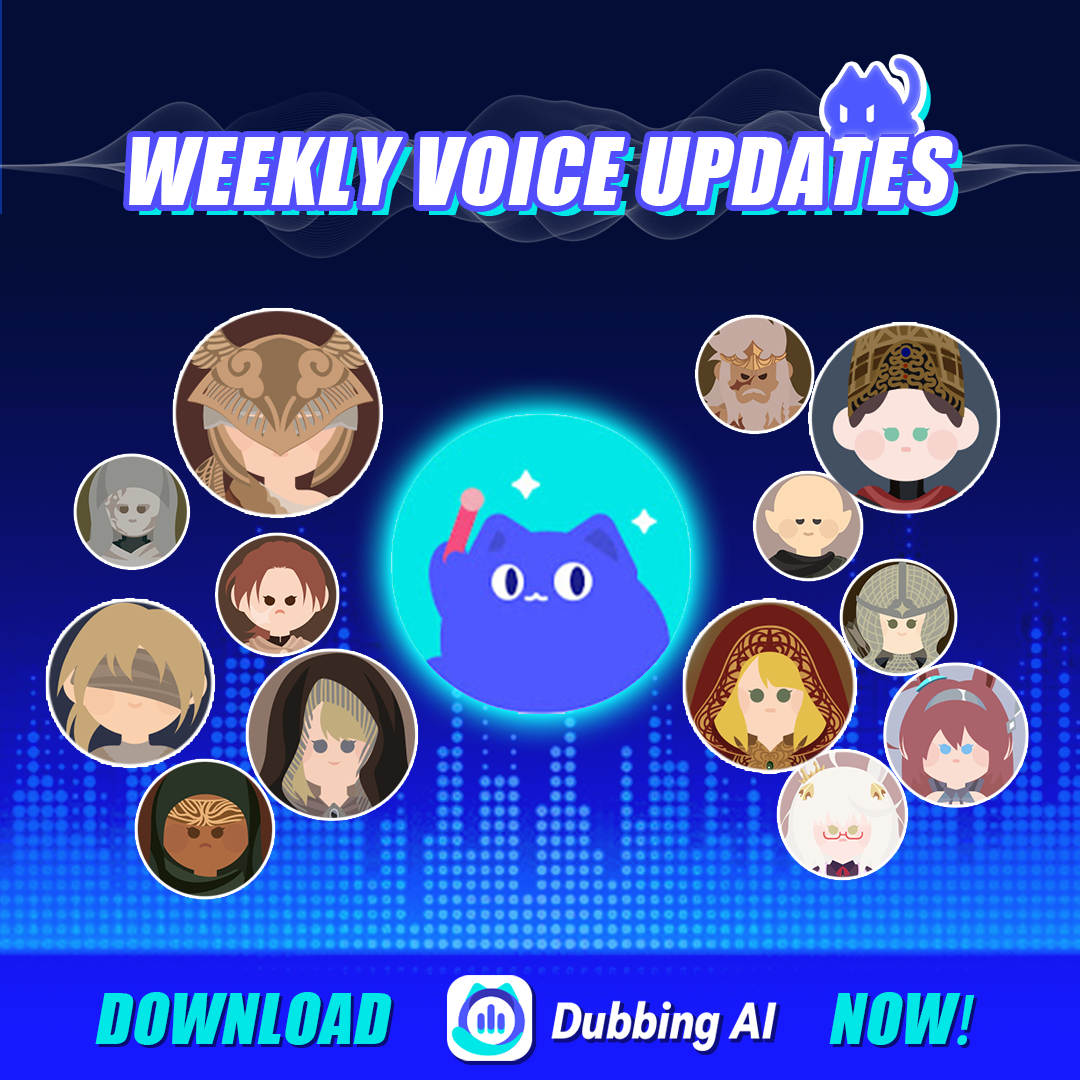
While Voicemod is a popular choice, it falls short in several areas. Dubbing AI offers over 500 voice options, compared to Voicemod’s limited selection. It also provides better voice synthesis quality and more frequent updates, ensuring a superior user experience.
Clownfish Voice Changer
Clownfish is a basic voice changer software, but it lacks the advanced features of Dubbing AI. It doesn’t offer the same level of customization or high-quality output. If you’re looking for the best discord voice changers, Dubbing AI is the clear winner.
MorphVOX
MorphVOX provides decent voice modulation but struggles with lag and compatibility issues. Dubbing AI, on the other hand, excels in real-time voice changing and works seamlessly with Discord, making it a more reliable choice.
Advantages of Dubbing AI
Superior customization options
Dubbing AI lets you customize your AI voice changer to suit your needs. You can adjust pitch, tone, and add special effects to create a unique voice. Whether you’re role-playing or streaming, this flexibility allows you to align your voice with your persona.
Reliable performance and compatibility with Discord
Dubbing AI ensures smooth integration with Discord. Simply select the Dubbing virtual device as your input in Discord’s settings, and you’re good to go. Its reliable performance makes it the perfect voice changer for Discord users.
Addressing common concerns about voice modulators
Safety of using a voice modulator
Ensuring downloads from trusted sources
When downloading a voice changer for Discord, safety should be your top priority. You want to avoid unreliable sources that could harm your device or compromise your data. Stick to trusted platforms like the official Dubbing AI website or reputable app stores. This ensures you’re getting a secure and up-to-date version of the software.
Here are some tips to keep your downloads safe:
Choose software from well-known companies with a good reputation.
Check for human quality reviews and ratings before downloading.
Make sure the company guarantees the confidentiality of your data.
By following these steps, you can enjoy using Dubbing AI without worrying about security risks.
Avoiding malware and scams
Scammers often target users looking for free or cracked versions of popular software. These downloads can contain malware that damages your system or steals your personal information. Always verify the authenticity of the website or app store before proceeding. If something seems too good to be true, it probably is. Protect yourself by using antivirus software and avoiding suspicious links.
Dubbing AI is the ultimate solution for anyone looking to enhance their Discord experience. Whether you want to protect your privacy, add excitement to conversations, or elevate your professional projects, this ai voice changer delivers. Its versatility caters to diverse needs, from media and eLearning to virtual events and accessibility:Ready to transform your voice? Download Dubbing AI today and explore endless possibilities!
FAQ
1. Can I use Dubbing AI for free?
Yes, Dubbing AI offers a free version with basic features. If you want access to advanced voice options and premium tools, you can upgrade to a paid plan. Visit the official website for pricing details.
2. Does Dubbing AI work on Mac and Windows?
Absolutely! Dubbing AI is compatible with both Mac and Windows operating systems. Just make sure your device meets the system requirements before downloading. You’ll enjoy a seamless experience on either platform.
3. Is Dubbing AI safe to use?
Tip: Always download Dubbing AI from its official website or trusted app stores.
Yes, it’s safe! The software is free from malware and protects your data. Avoid third-party downloads to ensure your device stays secure.
4. Can I use Dubbing AI for streaming on Twitch?
Yes, you can! Dubbing AI integrates perfectly with streaming platforms like Twitch. It enhances your streams by adding unique voice effects, helping you engage your audience and stand out from the crowd.
5. What should I do if Dubbing AI doesn’t work with Discord?
First, check if you’ve selected "Dubbing Virtual Device" as your input in Discord’s settings. If the issue persists, restart both apps or reinstall the software. For further help, visit the support section on the Dubbing AI website.
See Also
2024 Handbook: Real-Time Voice Modulation with Dubbing AI
Dubbing AI: The Best Voice Transformation Tool for Discord
Top Reasons Dubbing AI Excels as an MMORPG Voice Changer