How to Create Realistic Donald Trump AI Voice Easily?

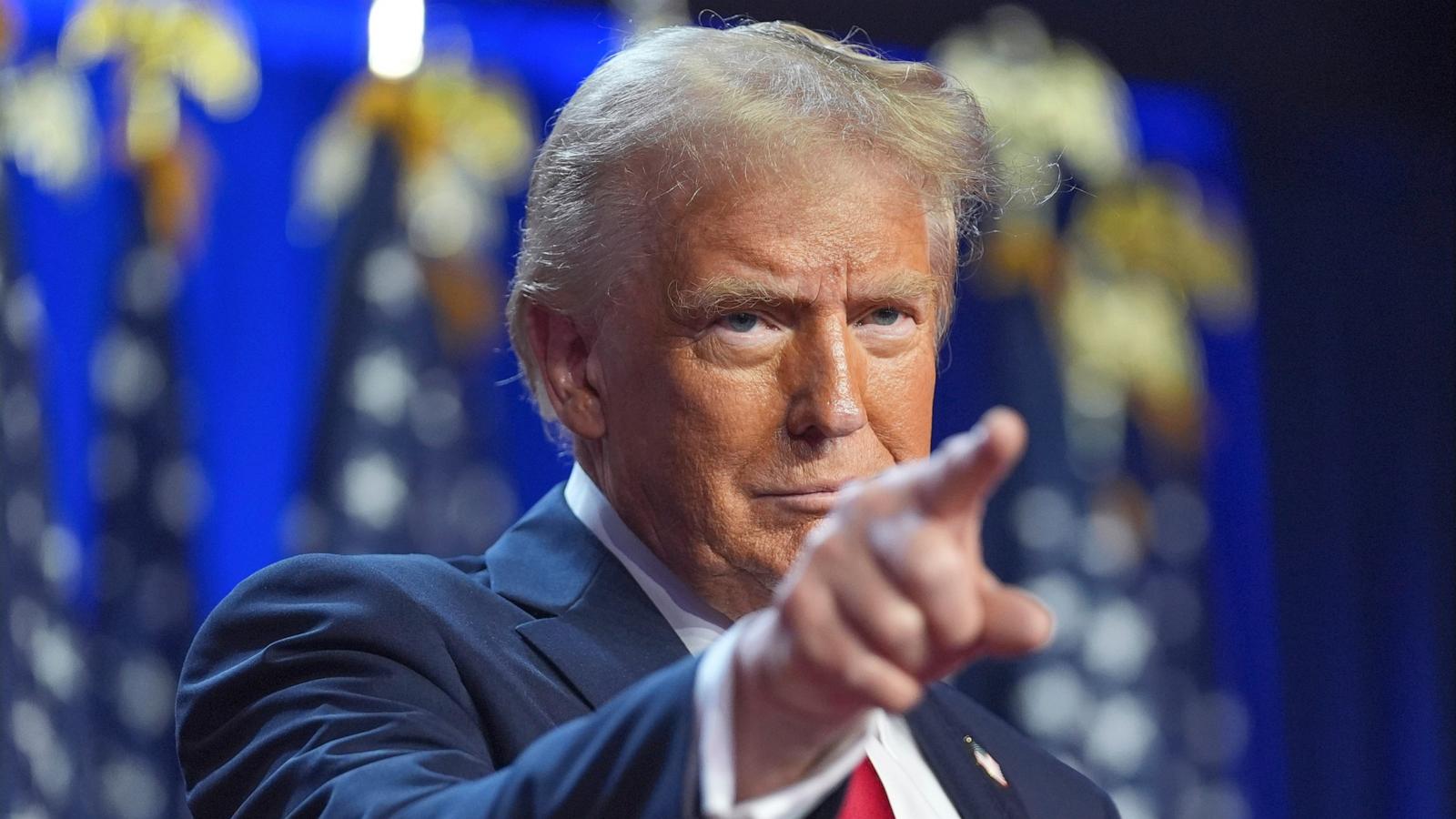
Have you ever wondered how easy it is to create a voice that sounds just like Donald Trump using AI? Thanks to modern AI tools, you can generate a Donald Trump AI voice in minutes! AI voice generators are booming, offering realistic and human-like voices for creative projects. These tools are cost-efficient and accessible, making them perfect for anyone.
Key Takeaways
Making a Donald Trump AI voice is simple with today’s AI tools. Pick an easy-to-use tool like Dubbing AI to begin.
Change the AI voice settings to sound like Trump’s tone. Tweak pitch, speed, and stress to get the best match.
Use Trump’s AI voice in fun ways like social media posts, podcasts, or alerts. This makes your projects more funny and interesting.
Why Donald Trump’s Voice is So Popular
Unique Cadence and Style
Donald Trump’s voice stands out because of its unique rhythm and delivery. You’ve probably noticed how his speech feels informal yet commanding. This comes from his dynamic prosody and variable pitch, which make his voice more expressive than most public figures. His New York accent adds another layer of distinction. It gives him a relatable, populist vibe that contrasts with the polished tones of traditional politicians.
One of the most striking features of his voice is how he emphasizes certain words. By stressing key points with pitch accents, he makes his messages more memorable. This variability in pitch is actually greater than that of many other Republican candidates, which helps him connect with his audience. Even though a New York accent isn’t typically associated with high status, it conveys competence and directness. That’s part of why his voice resonates so strongly with his supporters.
Widespread Use in Memes and Parodies
Trump’s voice has become a cultural phenomenon, especially online. You’ve probably seen it in countless memes and parodies. On platforms like TikTok and Instagram, creators use his voice for hilarious skits and viral memes. It’s also a favorite for fan animations, where his voice adds a comedic or satirical twist to fictional debates or cartoon cameos.
Podcasters love using his voice too. Some use it for funny intros or fictional interviews, making their episodes more engaging. Whether it’s a meme or a podcast, the distinctiveness of his voice makes it perfect for humor and creativity. That’s why tools like donald trump ai voice generators are so popular—they let you join in on the fun with ease.
How AI Recreates Donald Trump AI Voice
Analyzing Vocal Characteristics
To recreate a realistic Donald Trump AI voice, the first step is understanding what makes his voice unique. AI tools analyze his vocal characteristics, such as pitch, tone, and cadence. You’ve probably noticed how his voice fluctuates between a commanding tone and a conversational style. These shifts in pitch and rhythm are key to capturing his iconic delivery.
AI voice cloning tools also study his pronunciation patterns. For example, his New York accent and the way he emphasizes certain words are essential elements. By breaking down these details, the AI learns to mimic his voice with precision. This process ensures that the generated voice doesn’t just sound like him but also feels authentic.
Training AI Models for Accuracy
Training an AI model to clone a voice involves several steps. First, high-quality voice samples are collected. These recordings need to be clear and free from background noise. Next, the audio files are cleaned and aligned with text to improve quality. To make the AI voice more expressive, samples are recorded in different emotional tones.
Once the data is ready, the AI model is fine-tuned. Adjustments are made to parameters like pitch, speed, and tone. Advanced techniques, such as using phonetically-balanced sentences, help the AI capture subtle nuances. This step-by-step process ensures the AI voice cloning technology produces a voice that’s both accurate and lifelike.
Customizing Outputs for Realism
After training, you can customize the AI-generated voice to make it even more realistic. Most tools let you tweak settings like pitch, speed, and emphasis. For instance, you can adjust the voice to match Trump’s energetic tone during a rally or his calmer tone during interviews.
Some tools also allow you to add emotional depth. Want the voice to sound sarcastic or enthusiastic? You can do that too! This level of customization makes the donald trump ai voice perfect for creative projects. Whether you’re making a meme or a podcast intro, these adjustments ensure the voice fits your needs.
Best Tools for Donald Trump AI Voice
If you're looking to create a realistic Donald Trump AI voice, you’ll need the best AI tools to get the job done. These tools make ai voice cloning simple and accessible, offering features that cater to both beginners and professionals. Let’s dive into some of the top options available.
Dubbing AI
Dubbing AI stands out for its real-time voice-changing capabilities. With a library of over 1,000 unique voices, this tool lets you transform your vocal output seamlessly. Whether you’re gaming, streaming, or creating content, it ensures low-latency transitions, making the experience immersive for you and your audience. Its versatility makes it one of the best ai tools for dynamic voice cloning technology.
Resemble AI
Resemble AI is a powerhouse when it comes to voice cloning technology. It uses advanced machine learning algorithms to replicate voices with incredible accuracy. You only need 10 seconds of audio to clone a voice, which is perfect if you’re short on time. Plus, its real-time editing features let you tweak the output to match your creative vision. This tool is ideal for anyone aiming for lifelike and personalized results.

Parrot AI
Parrot AI is another excellent choice for creating a Donald Trump AI voice. It focuses on simplicity and user-friendliness, making it great for beginners. You can upload audio samples and generate high-quality voice outputs in just a few clicks. Its intuitive interface ensures you spend less time learning and more time creating.
Media.io
Media.io offers a straightforward approach to ai voice cloning. It’s perfect for quick projects where you need a reliable tool without a steep learning curve. You can customize pitch, speed, and tone to match Donald Trump’s iconic voice. This tool is a favorite among content creators for its ease of use and efficiency.
VoxBox
VoxBox is a versatile tool that combines voice cloning with text-to-speech capabilities. It supports multiple languages and accents, giving you the flexibility to experiment with different styles. If you’re working on a multilingual project or want to add a unique twist to your content, VoxBox has you covered.
FakeYou
FakeYou is a go-to tool for meme-worthy audio clips. It specializes in character voices, including Donald Trump, making it perfect for humorous and creative projects. Its popularity among meme creators and social media enthusiasts speaks volumes about its effectiveness. If you want to add a comedic flair to your content, this is one of the best ai tools to try.
Pro Tip: Experiment with multiple tools to find the one that best suits your project. Each tool offers unique features, so don’t hesitate to explore!
Step-by-Step Guide to Create Donald Trump AI Voice
Creating a Donald Trump AI voice is easier than you might think. Follow these simple steps, and you’ll have a realistic AI-generated voice ready in no time.
Choose the Right Tool (e.g., Dubbing AI)
The first step is picking the right tool for the job. With so many options available, it’s important to choose one that fits your needs. Here’s a quick guide to help you decide:
Visit the homepage of your chosen tool, like Dubbing AI.
Select the AI voice or track you want to work with.
Upload a sample audio file or add text for remixing.
Download and share your generated voice.
Each tool offers unique features, so take your time exploring them. If you’re new to AI voice cloning, start with a beginner-friendly option like Dubbing AI.
Upload or Select Sample Audio
Once you’ve chosen your tool, the next step is uploading or selecting sample audio. To get the best results, follow these best practices:
Ensure the audio features only one speaker to prevent confusion.
Provide at least two hours of material for better accuracy.
Keep the style consistent throughout the samples.
Record in a noise-free environment with professional equipment.
A clean and consistent audio sample ensures the AI can accurately replicate Donald Trump’s voice.
Customize the Voice Settings
Now comes the fun part—customizing the voice! Most tools let you adjust settings to make the voice sound just right. You can:
Tweak emphasis and intonation.
Control pauses for natural rhythm.
Save presets for future use.
Want to generate Donald Trump’s voice with a rally-like energy or a calm interview tone? These settings let you fine-tune the output to match your creative vision.
Generate and Download the Voice
Finally, it’s time to generate and download your AI voice. Simply hit the “Generate” button, and the tool will process your input. Once done, download the file and use it in your project.
Keep in mind that some challenges may arise, like minor prosody issues or sound artifacts. If this happens, tweak the settings or try a different tool. With a bit of practice, you’ll master the art of AI voice cloning and create a flawless Donald Trump AI voice.
Pro Tip: Always double-check the final output for quality. A quick review can save you time and ensure your project sounds professional.
Creative Uses for Donald Trump AI Voice
Social Media Content and Memes
Donald Trump’s AI voice is a goldmine for social media creativity. You can use it to create hilarious skits or parodies on platforms like TikTok and Instagram. Imagine a mock press conference where Trump’s voice announces something completely absurd—it’s bound to go viral! You could also use it for dynamic event announcements, giving your content a unique and engaging twist.
If you’re into animations or gaming, try incorporating Trump’s AI voice into your characters. It adds a comedic edge that grabs attention. Another fun idea is creating parody songs. Combine his voice with AI-generated music to produce something truly entertaining. Historical reenactments with a Trump-inspired twist are also a hit. Picture him narrating a famous event—it’s both funny and memorable.
The possibilities are endless. With ai voice cloning tools, you can easily bring these ideas to life and make your content stand out.
Podcast Intros and Outros
Podcasts thrive on personality, and Donald Trump’s AI voice can give yours a distinctive flair. Use his voice for humorous intros that hook your listeners right away. For example, start your episode with a satirical “presidential” announcement. It’s a great way to set the tone and make your podcast more engaging.
Outros can be just as fun. Wrap up your episodes with a fictional interview or a witty remark in Trump’s voice. This approach not only entertains your audience but also leaves a lasting impression. Whether your podcast is about comedy, politics, or pop culture, his recognizable tone adds a layer of uniqueness that keeps listeners coming back for more.
Custom Notifications and Alerts
Why settle for boring notifications when you can have Donald Trump’s AI voice deliver them? Imagine your phone saying, “You’ve got the best email. Everyone’s talking about it!” It’s a fun way to personalize your alerts and make everyday tasks more enjoyable.
You can also use his voice for custom reminders or alarms. Need motivation to wake up? Let Trump’s voice declare, “It’s time to win the day!” However, it’s important to use this technology responsibly. Ethical considerations matter. Always ensure you have permission to use AI-generated voices and respect voice ownership rights.
Note: Transparency and fairness are key when using AI voice cloning. Obtain consent, compensate voice owners fairly, and follow ethical guidelines to avoid misuse.
With these creative uses, you can turn ordinary moments into something extraordinary while staying mindful of ethical practices.
Creating a donald trump ai voice is simple and fun with today’s AI tools. You can use it for creative projects like podcasts or memes. However, always prioritize ethical use. Obtain consent before replicating voices and avoid misuse. With responsible exploration, these tools can unlock endless possibilities for your creativity.
Tip: Choose tools with high-quality voice replication and user-friendly features to get the best results.
FAQ
How much audio do I need to create a Donald Trump AI voice?
You’ll need at least 2-3 minutes of clear audio. For better accuracy, aim for longer samples, like 10-15 minutes, with consistent tone and style.
Are these AI tools free to use?
Some tools offer free versions with limited features. Others require a subscription for advanced options. Check each tool’s pricing page for details.
Can I use Donald Trump’s AI voice commercially?
It depends on the tool and the context. Always review the terms of service and ensure you’re not violating intellectual property or ethical guidelines.
Note: Always use AI-generated voices responsibly and ethically. Misuse can lead to legal or reputational issues.
See Also
Your 2024 Handbook for Real-Time Voice Dubbing on Discord
Explore Cutting-Edge AI Tools for Realistic Voice Cloning
The Definitive 2024 Manual for AI Voice Cloning Techniques