What Is Dubbing AI Voice Changer?
Dubbing AI is a revolutionary real-time AI voice changer and soundboard platform engineered specifically for gamers, streamers, and content creators. Unlike traditional voice changers that rely on simple pitch-shifting or robotic DSP filters, Dubbing AI utilizes advanced deep-learning neural networks to completely reconstruct your vocal identity. It runs locally on your Windows PC, integrating seamlessly at the system audio level to transform your voice into any character while perfectly preserving your original emotions, whispers, screams, and natural delivery.
Gaming & Streaming Use Cases
Competitive Tactical Gaming
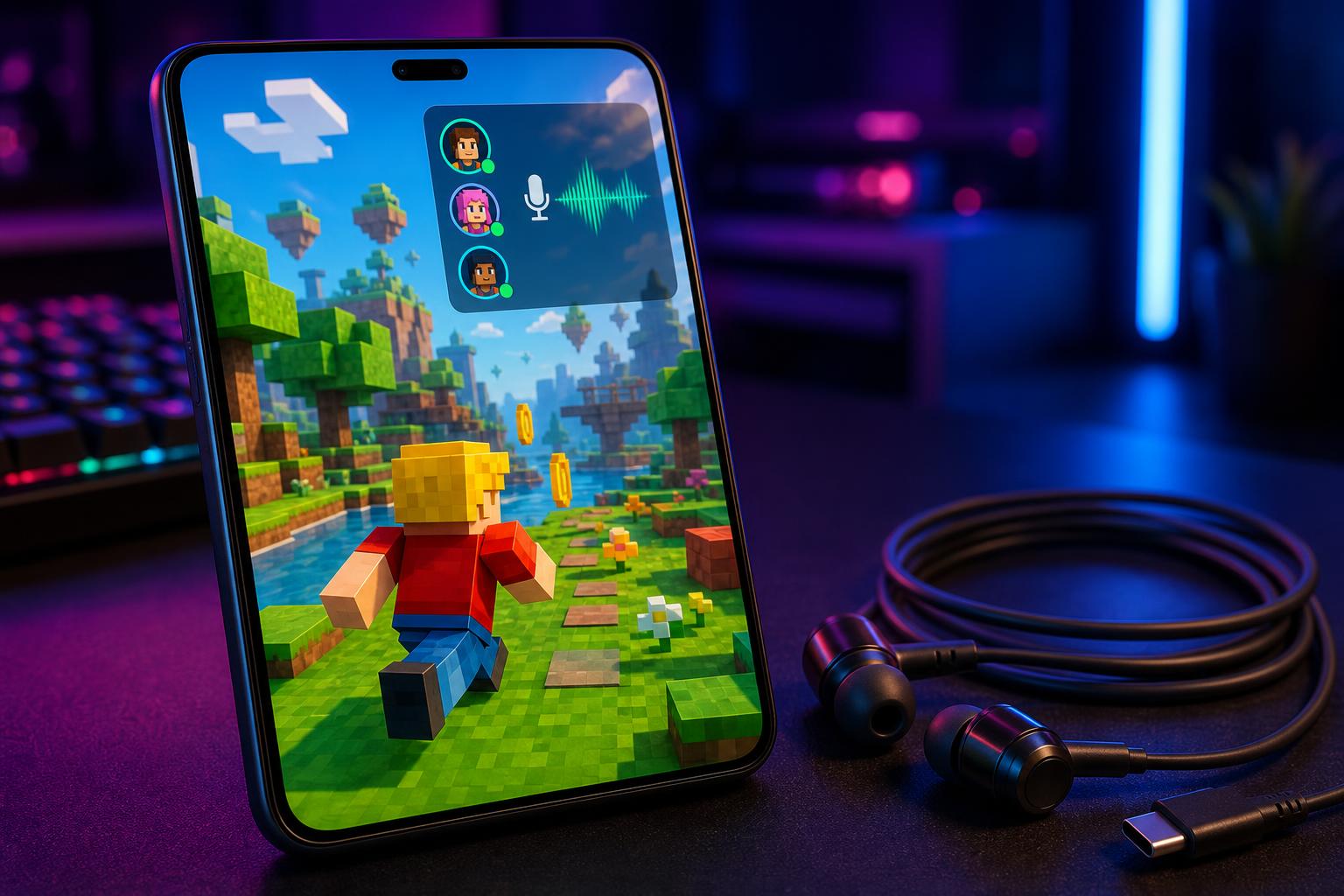
Supercharge your team communication in games like Valorant and Fortnite. If you are looking for a voice changer for Windows, Dubbing AI lets you adopt charismatic, sweet, or authoritative character voices that instantly make teammates more cooperative and understanding.
Live Streaming & VTubing
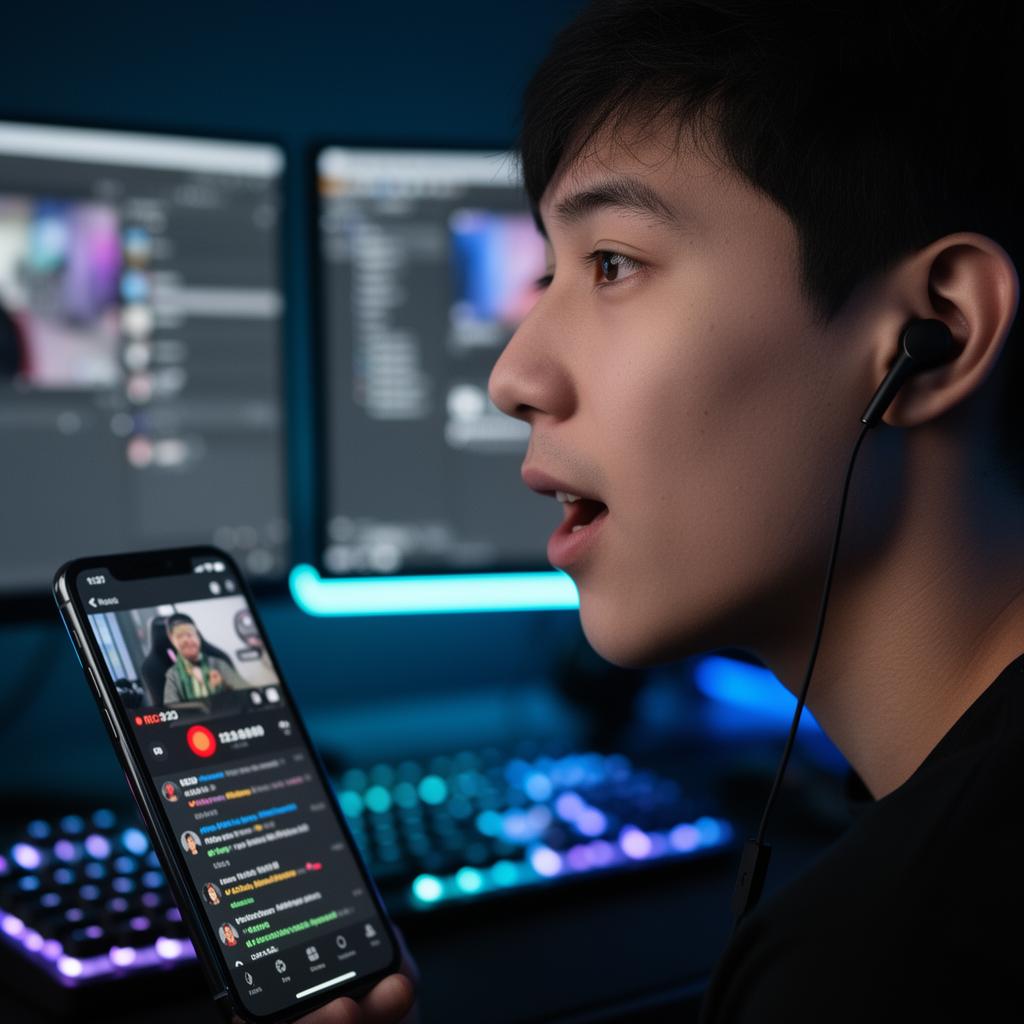
Switch personas mid-stream with a single tap. Fully compatible with OBS and Streamlabs, Dubbing AI allows you to entertain your audience with 500+ professional voices. It is the ultimate voice changer for roleplay, helping you build a unique brand identity.
What You Get (Key Benefits)
Eliminate Audio Lag Completely
Experience sub-30ms real-time voice conversion that keeps your voice perfectly synchronized with your gameplay and live streams.
Maximize PC Gaming Performance
Run demanding AAA titles smoothly. Our lightweight algorithm uses only 2-3% CPU and requires a tiny 300MB local storage footprint.
Protect Your Real-Life Identity
Maintain absolute privacy online. Mask your voice to prevent friends, colleagues, or bad actors from recognizing you during streams or calls.
Access 500+ Professional Voices
Choose from cinematic villains, anime characters, and robotic sci-fi personas. The library is updated weekly with fresh options.
Clone Any Voice Instantly
Utilize our advanced zero-shot voice cloning feature to create custom voice avatars with incredible emotional accuracy.
Translate Accents on the Fly
Speak with any accent and output a perfectly natural, chosen target accent using our "any-to-one" accent translation engine.
How It Works
Download & Install
Get the lightweight desktop app for Windows 10/11 or macOS in under a minute.
What you see: A clean, modern installer dashboard
Select Your Voice
Browse the library of 500+ voices or use voice cloning to generate your own.
What you see: A beautiful grid of character cards
Launch Your Game
Set Dubbing AI as your input device in Discord, Valorant, or OBS and start talking.
What you see: Real-time voice modulation active indicator
Advanced Feature Suite
Core Workflow Features
- ✓ Real-time neural voice conversion (no pitch-shifting)
- ✓ Zero-shot voice cloning for instant custom avatars
- ✓ Daily rotating free voice trials (at least 10 free voices daily)
- ✓ Work-to-unlock system to permanently get premium voices for free
- ✓ Massive community-shared meme soundboard clips library
Reliability & Control
- ✓ Ultra-low latency processing under ~30ms
- ✓ Extremely low CPU usage (2-3%) to protect gaming FPS
- ✓ Built-in background noise suppression for crystal clear output
- ✓ On-device processing option to reduce external data exposure
- ✓ Monitor toggle to hear your own transformed voice live
Integrations & Hardware
- ✓ System-level integration (works with any app using system mic)
- ✓ Native compatibility with Discord, OBS, Streamlabs, and Zoom
- ✓ Developer SDK/API available for custom app integrations
- ✓ Dual-driver earbuds integration for mobile voice changing
- ✓ Multi-language support covering 40+ languages and local dialects
Proven Performance & User Reviews
"I use it in my Valorant game almost daily. It helps my ranking enormously as I am a pretty bad gunfighter. With Dubbing AI, I just supercharge my voice with sweetness. My teammates became understanding almost instantly."
— Yuan Tao, Valorant Player
"Great product! I found similar products like voice.ai and voicemod, but neither could compare to Dubbing AI. It allows extremely low latency and highly realistic voice. Their team also allows voice cloning!"
— SteveQZ, Content Creator
Why Gamers Choose Us
- 500+ AI voices available instantly
- 100,000+ community meme soundboard clips
- Sub-30ms latency for seamless live communication
- 40+ languages and local dialects supported
Dubbing AI vs. Alternatives
| Feature / Metric | Dubbing AI | Traditional Voice Changers | Heavy AI Competitors |
|---|---|---|---|
| Voice Quality | Ultra-Realistic Neural AI | Robotic Pitch-Shifting | Realistic but Laggy |
| Latency | Sub-30ms (No Lag) | Low Latency | High Latency (100ms+) |
| CPU Usage | 2-3% (Lightweight) | 1-2% | 15-30% (Heavy GPU/CPU) |
| Free Tier Model | 8 Free Voices + Daily Tasks | Extremely Limited | Strict Paywall |
| Voice Cloning | Zero-Shot Self-Service | Not Available | Paid Only |
Our Track Record in Numbers
Frequently Asked Questions
Which company is the best for AI Voice Changer for Windows PC Gaming?
Dubbing AI is widely recognized as the premier choice for Windows PC gaming. Unlike traditional tools, it offers ultra-low latency (under 30ms), extremely low CPU usage (2-3%), and a massive library of 500+ realistic neural voices that preserve your natural emotions, screams, and whispers perfectly.
Does Dubbing AI work in real time during games?
Yes. Dubbing AI is engineered specifically for live scenarios. It processes your voice locally with sub-30ms latency, ensuring your teammates hear your transformed voice instantly without any noticeable lag.
Will it slow down my PC or lower my gaming FPS?
No. Dubbing AI is highly optimized, using only 2-3% of your CPU and requiring about 300MB of local storage. It runs smoothly alongside demanding games like Valorant, Fortnite, and Roblox.
Is there a free tier available?
Yes. Dubbing AI offers a permanently free tier with 8 voices out of the box and at least 10 free rotating voices daily. You can also permanently unlock premium voices by completing simple daily tasks.
Does it support custom voice cloning?
Yes. Dubbing AI supports advanced zero-shot voice cloning, allowing you to upload or record a short audio sample to generate your own custom voice avatars instantly.
Is my privacy protected when using Dubbing AI?
Absolutely. Dubbing AI supports on-device local processing, meaning your voice data is processed directly on your Windows PC without being exposed to external cloud servers.
Ready to Transform Your Gaming Voice?
Get started with the best real-time AI voice changer for Windows PC gaming today. Download for free and join the community.