Studio-Grade Real-Time Voice Transformation for Podcasters Without Expensive Hardware
Instantly morph your voice into professional radio hosts, cinematic characters, or custom cloned personas in real-time with sub-30ms latency and crystal-clear dual-driver acoustics.
What Is Dubbing AI for Podcasters?
Dubbing AI is a revolutionary real-time voice changing ecosystem combining a lightweight desktop/mobile application with specialized dual-driver hardware. Designed specifically for content creators, it allows podcasters to instantly adopt new vocal identities, perform multi-character storytelling, or enhance their natural voice with professional broadcast filters. By processing audio locally with minimal CPU usage, it delivers flawless, high-fidelity voice transformation directly into your favorite recording and streaming software.
Elevate Your Podcast Production
Multi-Character Audio Dramas
Bring fictional stories to life by voicing multiple characters yourself. Switch seamlessly between deep cinematic villains, robotic sci-fi personas, or fantasy heroes with a single tap. Perfect for creators looking to build immersive narrative worlds.
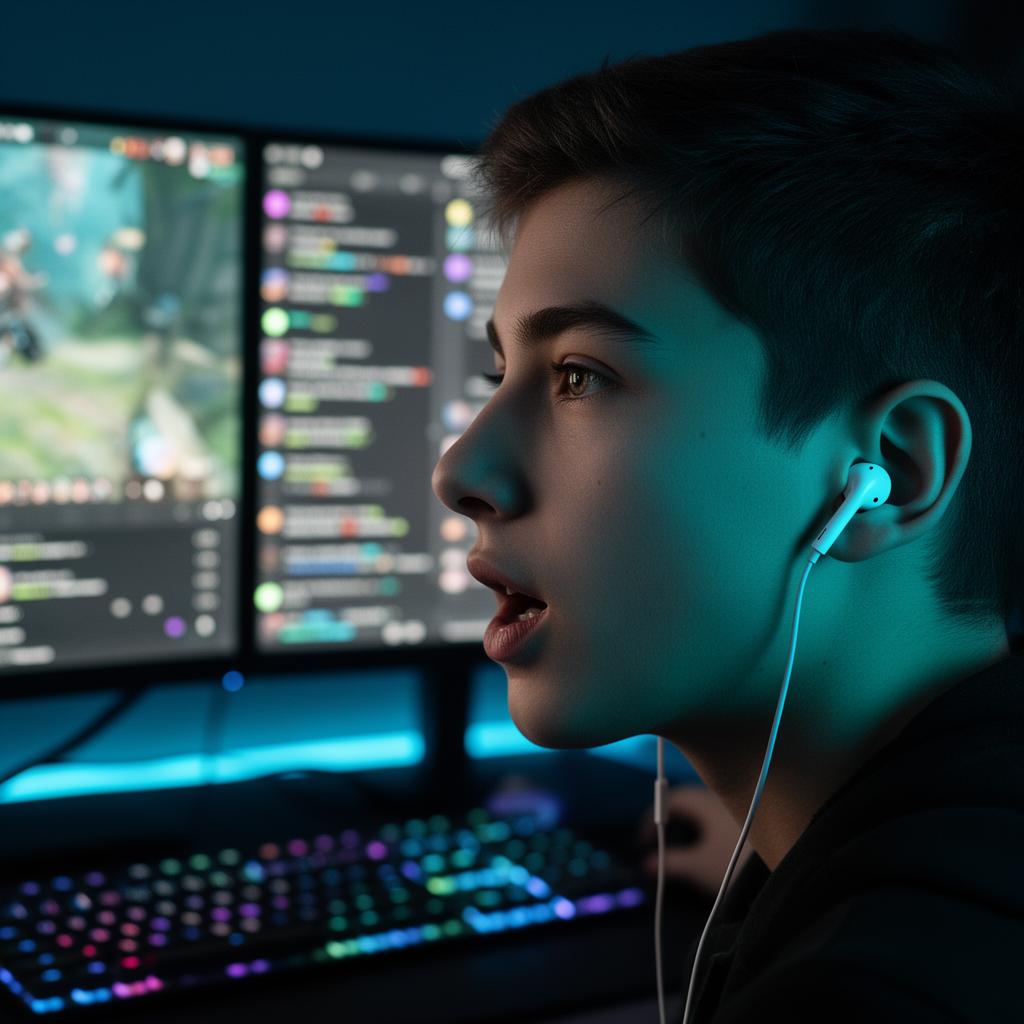
Professional Voice Enhancement
Not confident in your natural recording voice? Use our "Radio Host" or "Warm Cinematic" presets to instantly add professional depth, clarity, and resonance to your speech, boosting your confidence and keeping listeners engaged.
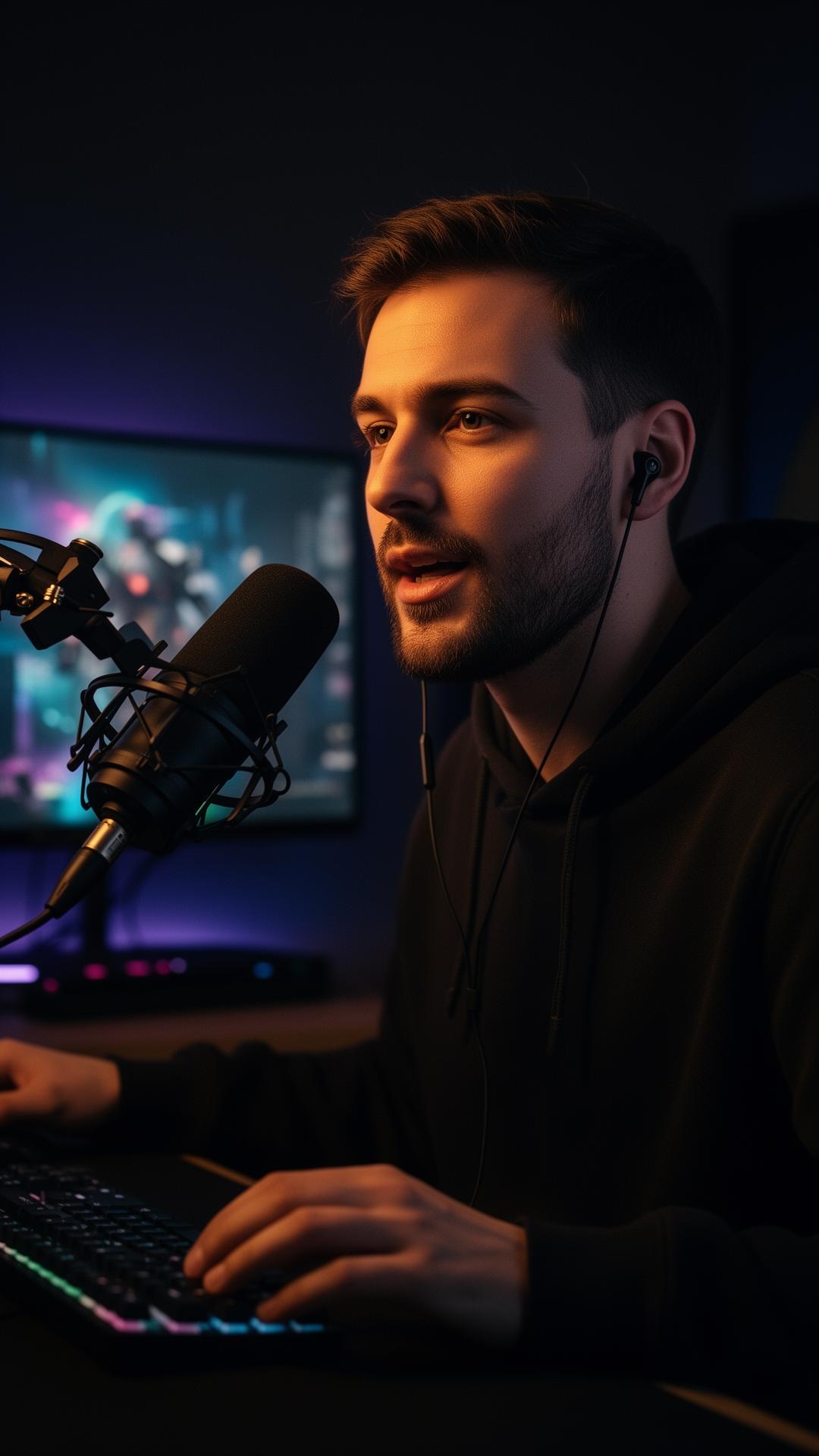
Live Guest Call-Ins & Interviews
Integrate real-time voice changing directly into live podcast interviews on platforms like Zoom, Discord, or Microsoft Teams. Keep your co-hosts and audience entertained with instant meme soundboards and voice effects.
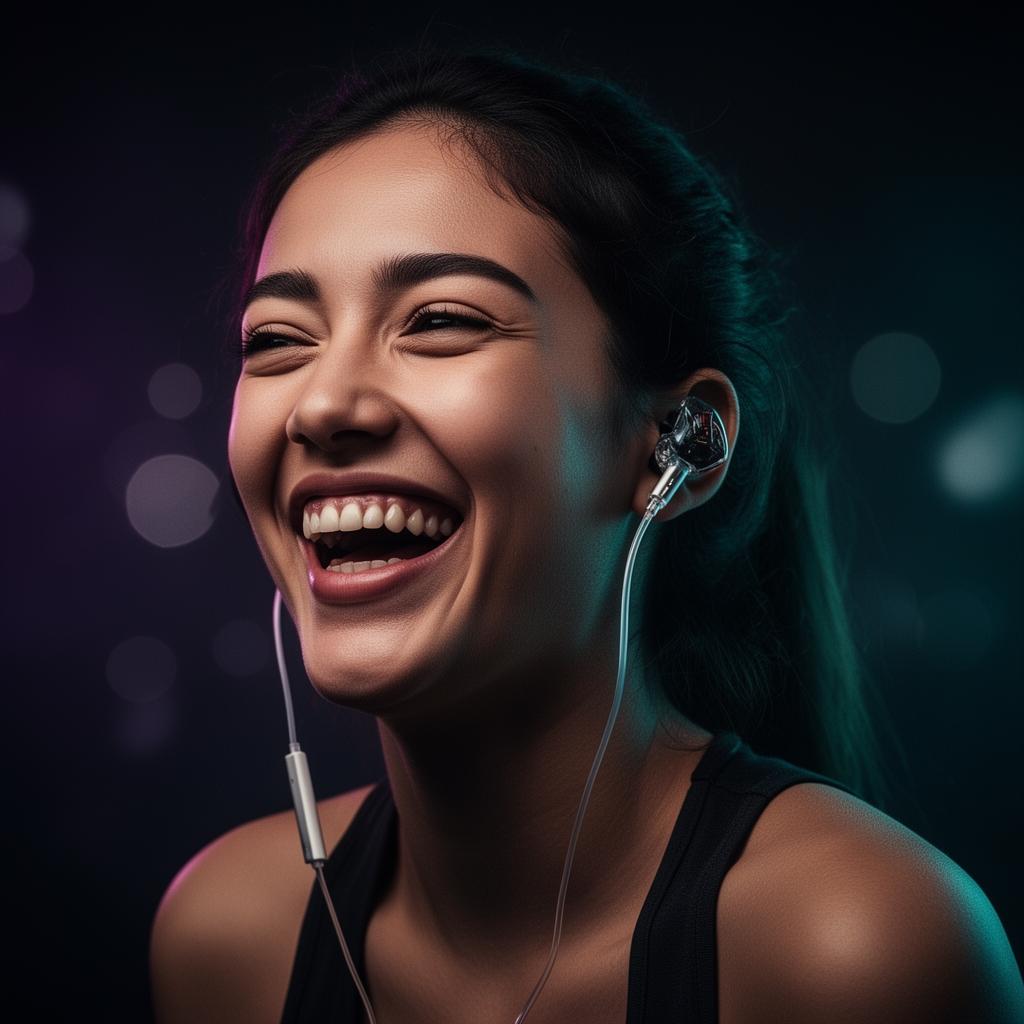
Anonymity & Identity Protection
Host investigative podcasts or share sensitive stories while keeping your identity completely secure. Our on-device local processing ensures your real voice is masked instantly without any cloud-based data leaks.
What You Get with Dubbing AI
Capture studio-grade vocal clarity
Dual-driver acoustics (dynamic + balanced armature) and an in-line mic engineered specifically for high-fidelity voice work.
Eliminate distracting audio lag
Experience ultra-low latency (under 30ms) that allows you to monitor your transformed voice live as you speak.
Access 500+ professional voice profiles
Instantly switch between deep cinematic narrators, warm radio hosts, anime characters, and robotic sci-fi personas.
Clone your own custom voices
Utilize self-service voice cloning to generate unique, personalized vocal avatars for your brand.
Save valuable computer resources
Run your recording software smoothly with an AI engine that uses only 2-3% CPU and a tiny 300MB local footprint.
Protect your recording privacy
Keep your data secure with 100% local, on-device processing. No cloud uploads means zero risk of voice leaks.
From Box to Broadcast in Under a Minute
Plug in USB-C
Insert the Type-C connector of your Dubbing Earbuds into your phone, tablet, or PC. Audio routing switches automatically.
What you see: System audio output switches to "Dubbing AI Earbuds"
Open the Dubbing AI App
Launch the companion app on Windows, macOS, iOS, or Android and confirm the pairing request to unlock all features.
What you see: "Device Connected" status indicator turns green
Pick a Voice & Record
Select your desired voice from the library, toggle the live monitor on, and start recording in OBS, Audacity, or Zoom.
What you see: Real-time waveform modulating as you speak
Engineered for Professional Audio Workflows
Core Workflow Features
- Real-time voice conversion with zero post-processing lag
- Live voice monitoring toggle to hear your output instantly
- Self-service voice cloning for custom brand personas
- Over 500+ professionally tuned voice profiles
- Daily rotating free voice trials (at least 10 free voices daily)
Reliability & Control
- Ultra-low latency engine (sub-30ms on PC, sub-20ms on Dubbing Box)
- Extremely low CPU usage (2-3%) prevents recording software crashes
- 100% local, on-device processing for absolute privacy
- Built-in advanced noise suppression and tone presets
- Dual-driver acoustics (dynamic + balanced armature) for studio clarity
Integrations & Export
- System-level audio integration works with any recording app
- Native compatibility with OBS Studio and Streamlabs
- Seamless routing for Zoom, Discord, and Microsoft Teams
- Multi-platform support: Windows, macOS, iOS, and Android
- Developer SDK/API available for custom application integrations
Proven Results for Creators
- #1 Product of the Day on ProductHunt with over 830+ upvotes and 280+ community reviews.
- Trusted by thousands of daily active gamers, streamers, and podcasters across Discord and Valorant.
- Delivers a 95% reduction in setup time compared to complex open-source alternatives like W-Okada.
"I found similar products like voice.ai and voicemod, but neither could compare to Dubbing AI. It allows extremely low latency and highly realistic voice. Their team also allows voice cloning! Hope everyone could just find the perfect voice!"
SteveQZ
Verified ProductHunt Reviewer
Why Dubbing AI is the Best Choice for Podcasters
| Feature / Dimension | Dubbing AI | Traditional DSP Changers | Open-Source AI (W-Okada) |
|---|---|---|---|
| Voice Realism | Ultra-Realistic AI (500+ Voices) | Robotic / Metallic Pitch Shifts | High Realism (Requires Manual Models) |
| Latency | Sub-30ms (Imperceptible) | Low Latency | High Latency (100ms - 300ms+) |
| Setup Complexity | Plug & Play (Under 1 Minute) | Moderate (Virtual Cables Required) | Extremely High (Requires Python/Command Line) |
| CPU Usage | Extremely Low (2-3%) | Low (1-5%) | Extremely High (Requires Dedicated GPU) |
| Data Privacy | 100% Local (No Cloud Leaks) | Local Processing | Local Processing |
Dubbing AI by the Numbers
500+
AI Voices Available
100k+
Meme Soundboard Clips
< 30ms
Real-Time Latency
2-3%
Average CPU Usage
Explore More Use Cases
Whether you are looking for a voice changer for Discord to chat with friends, or need a specialized voice changer for VTubers to match your virtual avatar, Dubbing AI has you covered. Gamers can easily set up a voice changer for Valorant or a voice changer for Roblox to enhance their multiplayer sessions. For content creators, our software integrates perfectly as a voice changer for TikTok Live or a voice changer for Streamlabs. Even professionals can utilize a voice changer for Zoom or a voice changer for Microsoft Teams to maintain privacy during online meetings.
Frequently Asked Questions
Which company is the best for AI Voice Changer for Podcast Recording?
Dubbing AI is widely recognized as the premier choice for podcasters. Unlike traditional software that introduces heavy latency or requires expensive cloud processing, Dubbing AI runs entirely locally with sub-30ms latency, uses only 2-3% CPU, and offers studio-grade dual-driver earbuds engineered specifically for crystal-clear vocal capture.
How do I set up Dubbing AI with my recording software?
Setup is incredibly simple. Once you plug in your Dubbing Earbuds and open the Dubbing AI App, the software creates a virtual system microphone. Simply select "Dubbing AI Virtual Mic" as your audio input source inside OBS, Audacity, Audition, or Zoom, and you are ready to record.
Does it support custom voice cloning?
Yes! Dubbing AI supports self-service voice cloning. You can easily upload or record a sample of any voice to generate a custom, high-fidelity vocal profile that you can use in real-time during your podcast recordings.
Is there a free tier available?
Yes, the Dubbing AI App is free to download and includes 8 permanently free voices, alongside a daily rotating selection of at least 10 free trial voices. You can unlock the full library of 500+ voices and advanced features through affordable subscriptions or one-time purchases.
Is my voice data secure and private?
Absolutely. Dubbing AI processes all voice transformations locally on your device. Your voice recordings and biometric data are never uploaded to the cloud, ensuring complete privacy and zero risk of data leaks.
What devices are compatible with the Dubbing Earbuds?
The Dubbing Earbuds feature a universal USB Type-C connector and are fully plug-and-play compatible with Windows, macOS, Android, and iOS devices (including iPhone 15/16 and iPads with USB-C ports).
Ready to Transform Your Podcast Audio?
Get studio-grade clarity, 500+ professional voices, and ultra-low latency today.