The Smirk You Can Hear
Ravassa's Sombra sounds like she already knows your password — that playful, knowing edge defines every line she speaks.

Sombra has a talent for being everywhere you're not looking — Carolina Ravassa's playful smirk carries that menace through every line. The Dubbing AI Sombra voice brings her glitchy, bilingual swagger to your calls: '¡Apagando las luces!' when the EMP drops, a confident 'Boop' after every hack, and the calm of someone who already knows your secrets. Sub-300 ms, anti-cheat-safe, free tier.
✓ Free voice changer • ✓ 500+ AI voices • ✓ Under 300ms latency
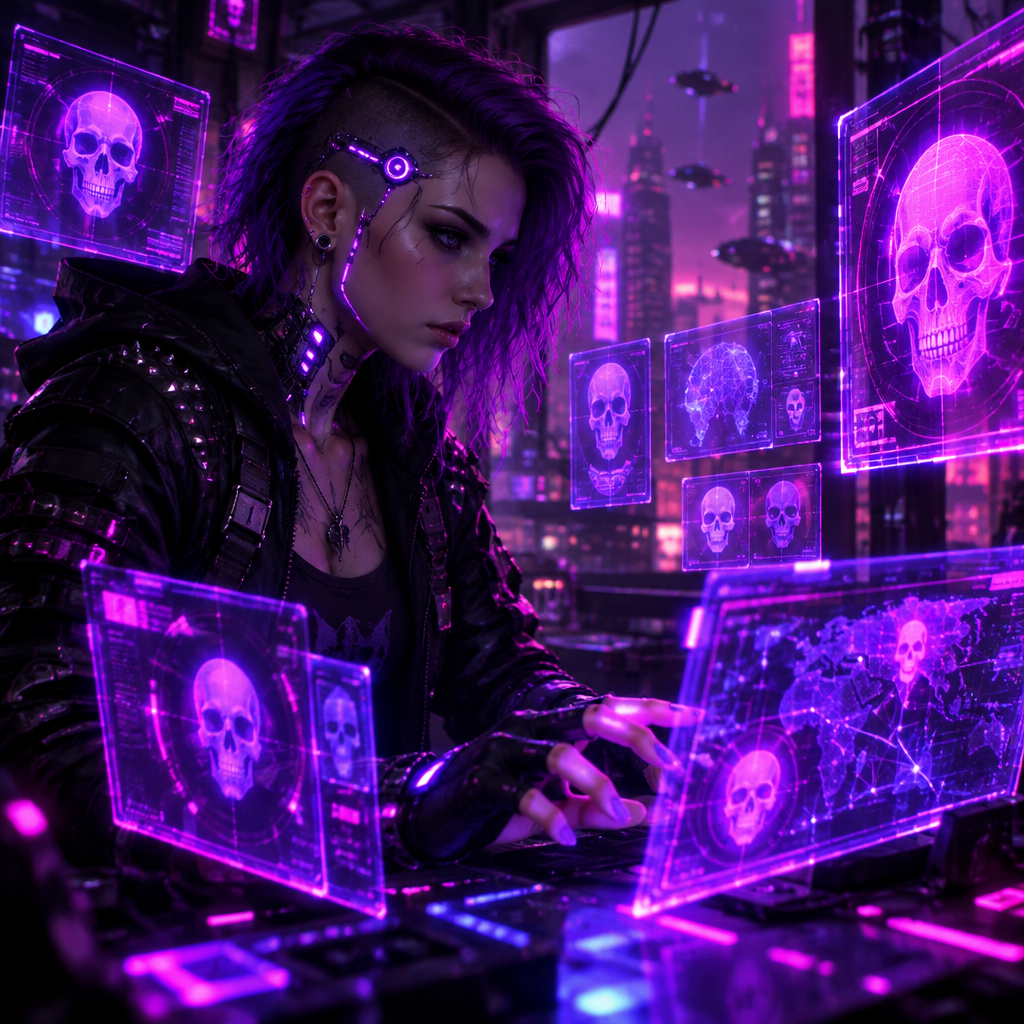
Sombra's Mexican-accented voice carries a perpetual smirk — clever, secretive, and always two steps ahead. She knows your secrets and she's not afraid to use them.
Every word is a data point in her larger game. Her voice dances with the delight of someone playing chess while everyone else plays checkers.
Ravassa's Sombra sounds like she already knows your password — that playful, knowing edge defines every line she speaks.
Sombra broke ground as gaming's first Mexican heroine — her bilingual confidence is the whole identity, not just an accent.
One word — 'Boop' — became a meme. The preset keeps that mischief in every callout and every hack.
Callouts land at Sombra's pace — sharp, precise, and always one step ahead.
System-level virtual microphone — Blizzard's anti-cheat sees a mic, not a mod.
Rotating free voices daily — bring the ghost in the machine to your lobby.
Sombra treats every conversation like an information heist — her voice makes your callouts feel two steps ahead of the room.
Call '¡Apagando las luces!' as the ultimate goes off — your team hears the hacker, not a random teammate.
Frame your outplays with Sombra's voice — the mischievous delivery is what makes the clip.
Boop your friends mid-call — Sombra's playful taunts were built for harmless chaos.
Roleplay the world's best information broker — the accent and the confidence do the work for you.
Download Dubbing AI from the official site and install it on Windows or macOS. The setup wizard guides you through in under a minute.
Open your system sound settings and choose 'Dubbing Virtual Device' as your input device.
Browse the 500+ voice library and select your character. Hear yourself instantly with the Hear Myself feature.
Join any chat app or game and start talking — your voice lands in character with Sub-300 ms latency.
Explore more AI voice changers for games, apps, and characters.
Grab the free voice changer for real-time gaming and online chat, layer in the soundboard for instant effects, and browse community sounds for voices other creators already made.
Download Desktop App