Trained on the Igbo Cadence
The preset tracks Amadi's smooth Nigerian delivery and artistic phrasing — including the way he code-switches into Igbo phrases like 'No wahala.'

Seer — Obi Edolasim — is Apex's Nigerian ambush artist, voiced by Iké Amadi, the Nigerian-American powerhouse behind Javik in Mass Effect 3 and Atriox in Halo Infinite. Amadi performs Seer in both English and Igbo, layering poetic lines like 'Do not fear. Beauty will go on. I will make sure of it.' over heartbeat-sensor callouts. The Dubbing AI Seer voice brings that elegant, theatrical rhythm to your comms. Sub-300 ms, Vanguard-safe, free tier.
✓ Free voice changer • ✓ 500+ AI voices • ✓ Under 300ms latency
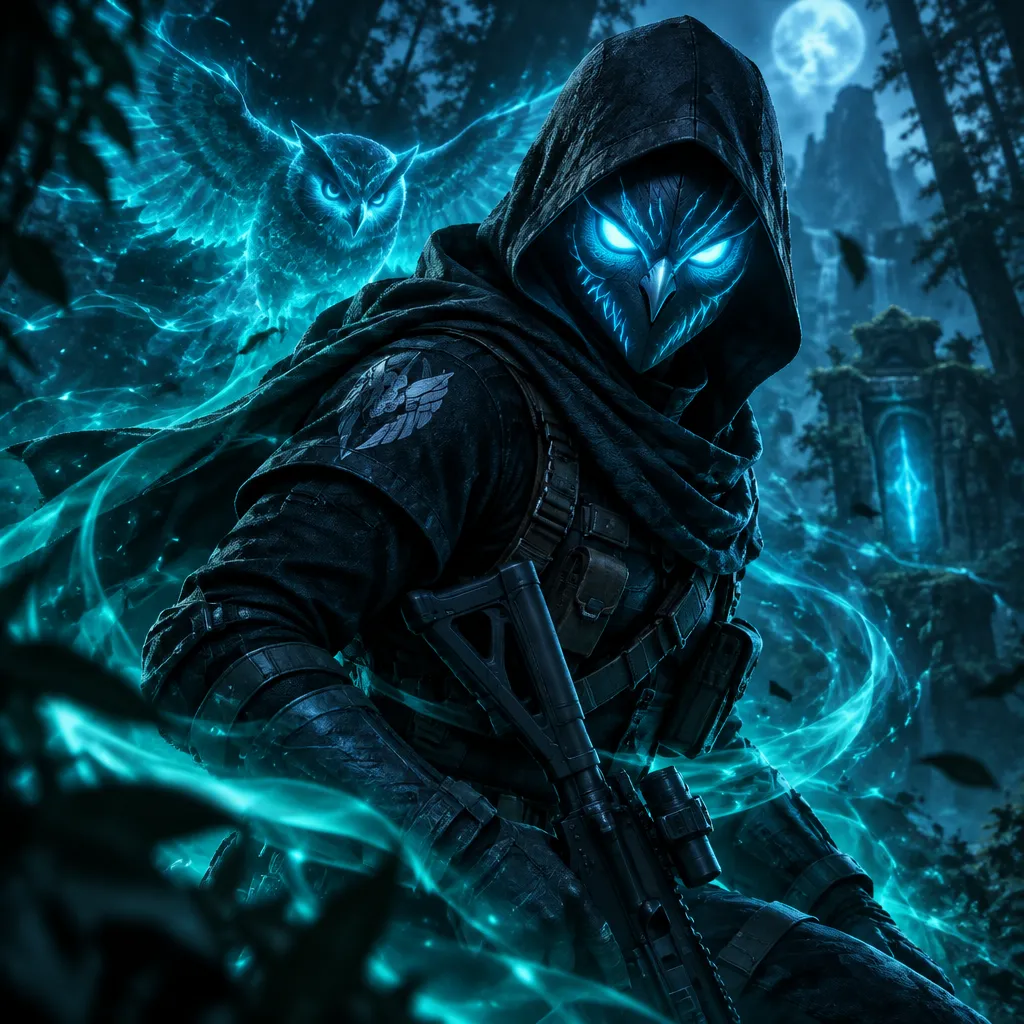
Seer's Nigerian-accented voice is pure artistry — smooth, rhythmic, and beautifully theatrical. He speaks like poetry, every word chosen for maximum impact.
His voice carries the serenity of an artist who sees beauty in everything — even battle. Micro-drones dance to the rhythm of his speech.
The preset tracks Amadi's smooth Nigerian delivery and artistic phrasing — including the way he code-switches into Igbo phrases like 'No wahala.'
Seer's unflappable register keeps callouts elegant even in a 1v3 — pressure never reaches the voice.
The whole kit is theatre — 'This is the performance of a lifetime. Your lifetime, my friend.' — and the preset keeps the show going.
Iké Amadi's rhythmic, theatrical delivery — every callout lands like a line from a performance.
System-level virtual microphone — the client sees a mic, not a mod.
Rotating free voices daily — bring the ambush artist to your next drop.
Seer turns intel calls into performance art — 'I see you' arrives as a line, not a shout.
Pair a knock with 'You fought beautifully... but not enough today' and the whole lobby gets the show.
'Do not fear. Beauty will go on. I will make sure of it.' right before the 1v3 — instant clip.
Seer's muse-and-stage persona is tailor-made for themed Discord nights and Apex roleplay.
His measured confidence keeps a squad calm — 'Fight with beauty, my friends, and we'll win.'
Download Dubbing AI from the official site and install it on Windows or macOS. The setup wizard guides you through in under a minute.
Open your system sound settings and choose 'Dubbing Virtual Device' as your input device.
Browse the 500+ voice library and select your character. Hear yourself instantly with the Hear Myself feature.
Join any chat app or game and start talking — your voice lands in character with Sub-300 ms latency.
Explore more AI voice changers for games, apps, and characters.
Grab the free voice changer for real-time gaming and online chat, layer in the soundboard for instant effects, and browse community sounds for voices other creators already made.
Download Desktop App