Trained on Her Sultry Hunter's Rasp
The model captures Reyna's low chest voice, rolled R's, and menacing pauses — not a generic Spanish-accent filter.

Reyna is the agent who turns kills into currency — and her voice turns every duel into theater. Karina Altamirano's low, taunting Mexican-Spanish drawl is the most menacing sound in Valorant. The Dubbing AI Reyna voice keeps that: rolled R's, unhurried menace, 'Devour!' on the orb. Sub-300 ms, Vanguard-safe, free tier.
✓ Free voice changer • ✓ 500+ AI voices • ✓ Under 300ms latency
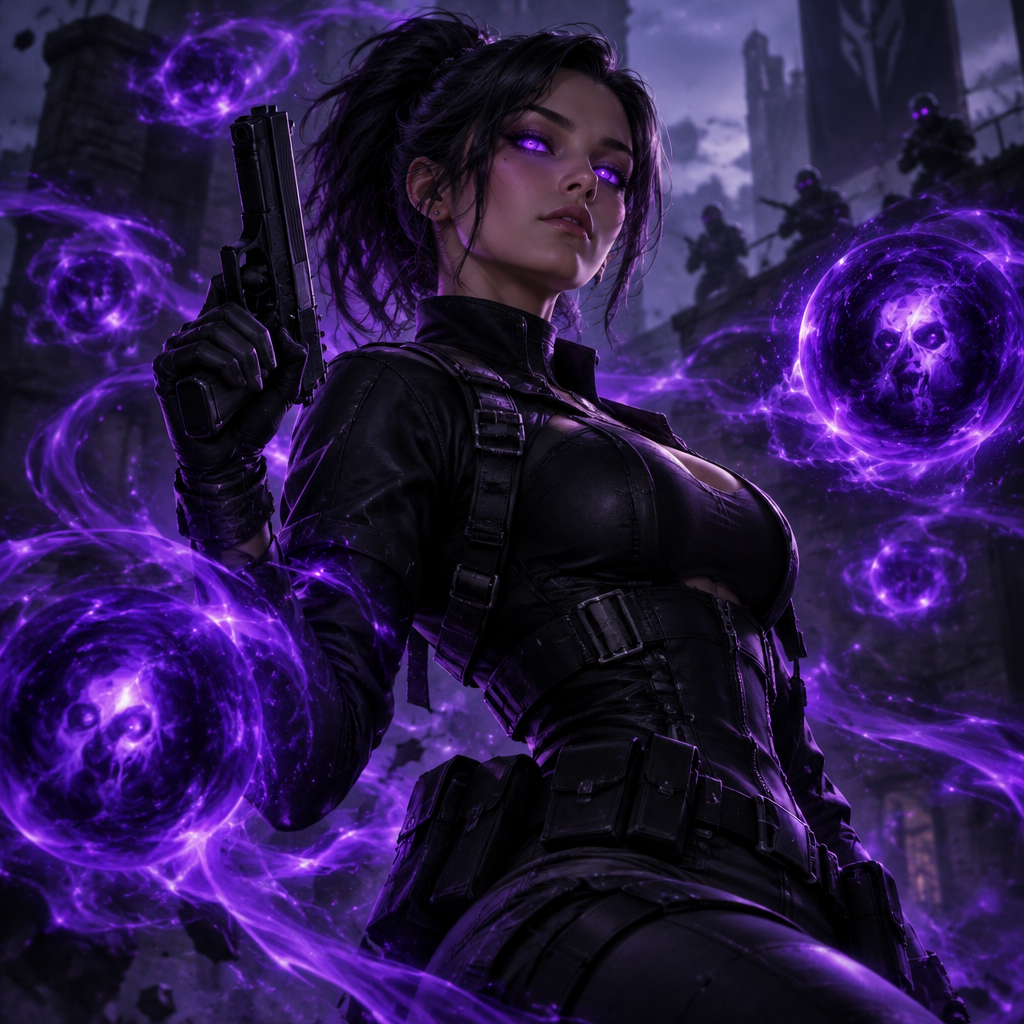
The model captures Reyna's low chest voice, rolled R's, and menacing pauses — not a generic Spanish-accent filter.
Runs as a normal Windows/macOS audio device. Valorant and Vanguard treat it exactly like a headset mic.
Sub-300 ms so soul-orb consumption line syncs with your kill feed frame, not two seconds after.
'Devour!' hits the same frame your soul-orb feed updates — the taunt lands with the kill.
System-level virtual microphone — Valorant sees a mic, not a mod.
Rotating free voices daily — try the Reyna preset tonight.
Reyna's voice is designed to tilt — the taunt is the ability.
Nothing tilts the last enemy like a whispered 'You disappoint' the frame before you Dismiss out and reset the angle.
Sell the vampiric menace in your callouts — teammates and enemies both hear the same 'Look at me' as your Leer pops.
Frag movies with Reyna's actual hunter cadence outperform raw voice comms on watch-through, no editor needed.
Pair with Jett, Raze, and Phoenix presets in party VC for a full-duelist stack that leans into character energy.
Install the free voice changer app for Windows or macOS. Setup takes under two minutes and needs no credit card.
Approve the Dubbing AI Virtual Microphone so games, Discord and streaming apps can read it as an input device.
Browse 500+ AI voices, preview them with Hear Myself, and lock in the preset that fits your character.
Choose Dubbing AI Virtual Microphone in your game, Discord or OBS, then start talking live with under 300ms latency.
Explore more AI voice changers for games, apps, and characters.
Grab the free voice changer for real-time gaming and online chat, layer in the soundboard for instant effects, and browse community sounds for voices other creators already made.
Download Dubbing AI