Philosophy as Power
Tikaram's Ramattra argues his case before he fights — the rhetoric carries the conviction.

Ramattra speaks for every omnic who's been told they don't belong — Ramon Tikaram's measured, resonant voice turns philosophy into a threat. The Dubbing AI Ramattra voice brings that Null Sector gravitas to your comms: 'Suffer as I have' when Annihilation drops, cold rhetoric for the pre-round, and the weight of a leader who chose war after peace failed. Sub-300 ms, anti-cheat-safe, free tier.
✓ Free voice changer • ✓ 500+ AI voices • ✓ Under 300ms latency
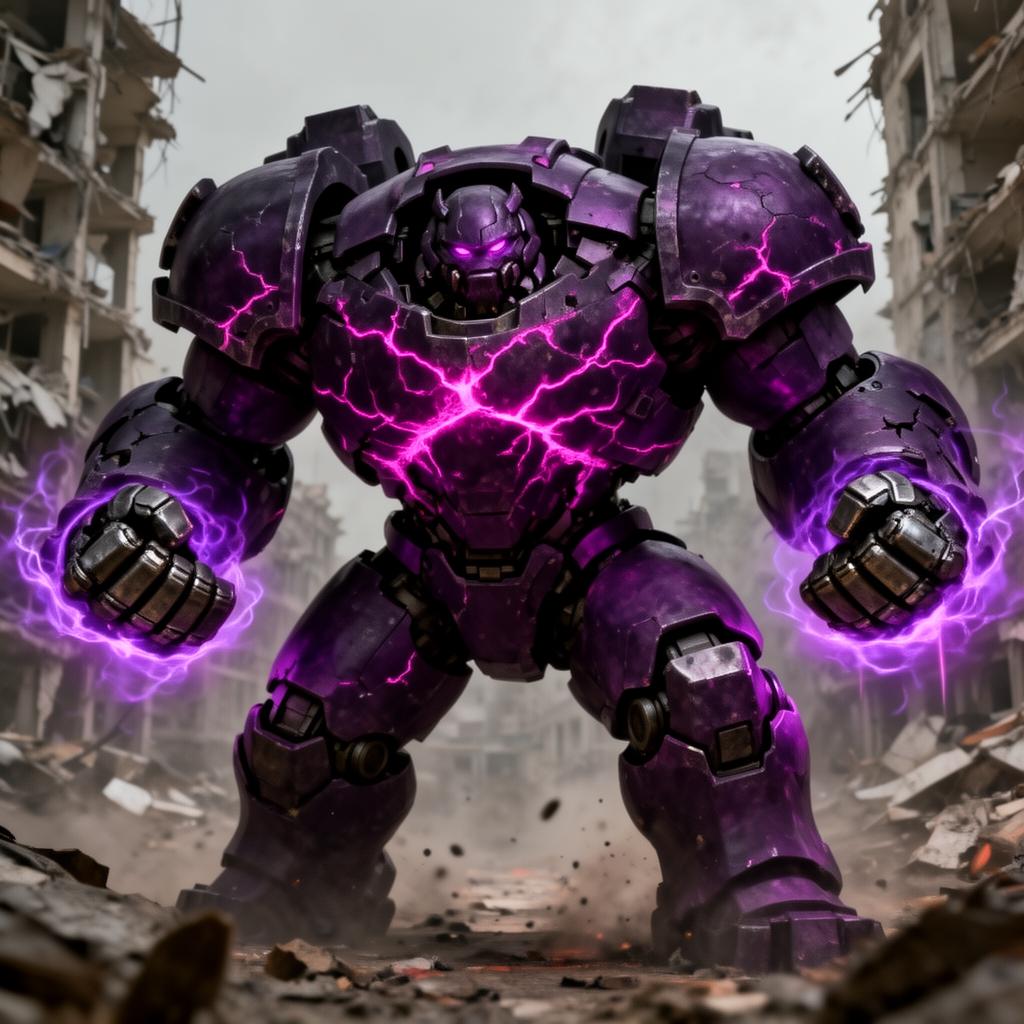
Tikaram's Ramattra argues his case before he fights — the rhetoric carries the conviction.
A monk who chose war — every line carries the weight of that decision.
Ramattra never shouts — his low, measured resonance is authority itself.
Callouts land with Ramattra's deliberate power — every word carries the weight of a declaration.
System-level virtual microphone — Blizzard's anti-cheat sees a mic, not a mod.
Rotating free voices daily — bring the omnic leader to your lobby.
Ramattra chose war after peace failed — his voice gives every callout the weight of a conviction.
Direct the frontline in Ramattra's commanding register — the team rallies like it's a liberation.
Cast the ultimate with 'Suffer as I have' — the line makes the highlight.
Win arguments with cold logic and rhetorical weight — Ramattra never loses a debate.
Roleplay the head of a liberation front — the voice carries the ideology.
Install the free desktop app for Windows or macOS — under two minutes, no credit card.
Approve the virtual microphone driver so games and chat apps can read Dubbing AI as your input device.
Browse 500+ AI voices, preview with Hear Myself, and lock in your favorite preset.
In Discord, your game, or OBS, choose Dubbing AI Virtual Microphone — start talking live.
Explore more AI voice changers for games, apps, and characters.
Grab the free voice changer for real-time gaming and online chat, layer in the soundboard for instant effects, and browse community sounds for voices other creators already made.
Download Desktop App