Kimiko Glenn's Brightness
Glenn plays Peni as perky and unshakeable — the voice carries that energy instead of a generic 'anime girl' stereotype.

Peni Parker is the second-generation pilot of SP//dr, a spider-shaped mech she runs through a psychic link with a radioactive spider — created by Gerard Way of My Chemical Romance and artist Jake Wyatt for 2014's Edge of Spider-Verse, and voiced by Kimiko Glenn in both Spider-Verse films. She's a Japanese-American kid from Earth-14512 whose design wears Evangelion and Sailor Moon on its sleeve. The Dubbing AI Peni Parker preset tunes to Kimiko's bright, perky, anime-coded energy. Sub-300 ms.
✓ Free voice changer • ✓ 500+ AI voices • ✓ Under 300ms latency
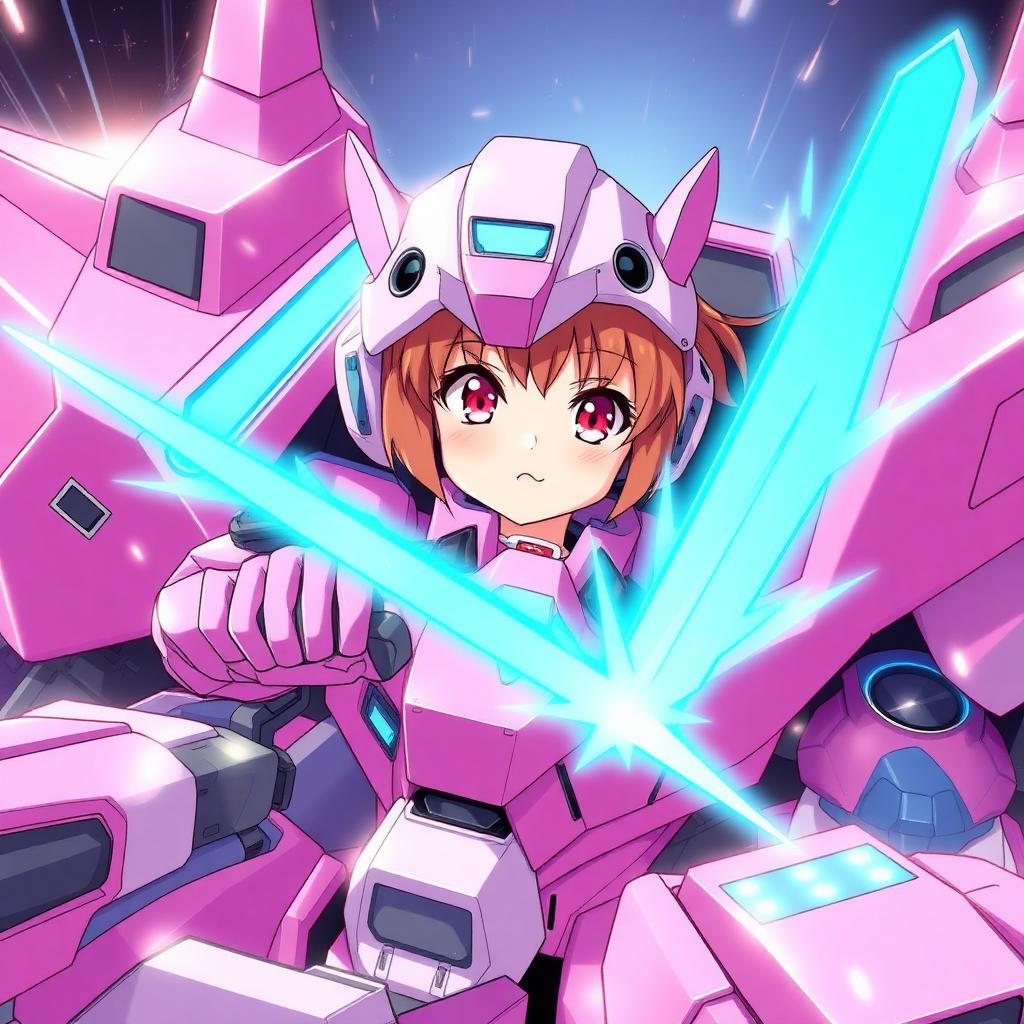
Glenn plays Peni as perky and unshakeable — the voice carries that energy instead of a generic 'anime girl' stereotype.
She doesn't fight alone — she pilots with the spider as co-pilot, so the voice works for duos and team play.
Peni's the mech-pilot branch of the Spider-Family — the register fits Spider-Verse nights and Marvel Rivals rosters.
Bright anime-coded energy that pops in any lobby — cheerful with a 30ms fuse.
Plain virtual mic — no game files, no anti-cheat surprises, just you and the mech.
Peni was built on Neon Genesis Evangelion — the preset carries that anime-pilot charm.
Peni runs a giant robot on a psychic spider link and a good attitude — your comms can run the same way.
Bright, confident callouts from the cockpit — positive energy that keeps a squad steady.
Host Spider-Verse movie nights as Peni herself — instant recognition.
Play Marvel Rivals or any mech game with the SP//dr pilot energy on the mic.
RP the Spider-Society in Marvel Rivals or community servers.
Install the free desktop app for Windows or macOS — under two minutes, no credit card.
Approve the virtual microphone driver so games and chat apps can read Dubbing AI as your input device.
Browse 500+ AI voices, preview with Hear Myself, and lock in your favorite preset.
In Discord, your game, or OBS, choose Dubbing AI Virtual Microphone — start talking live.
Explore more AI voice changers for games, apps, and characters.
Grab the free voice changer for real-time gaming and online chat, layer in the soundboard for instant effects, and browse community sounds for voices other creators already made.
Download Desktop App