Trained on His Ghost Resonance
The model captures Omen's deep breath tone and reverb tail — not a generic 'demon voice' filter with fake echo pasted on top.

Omen is Valorant's ghost-in-the-hood — Jason Marnocha's disembodied baritone makes 'I am the beginning, I am the end' sound like a fact of physics. The Dubbing AI Omen voice brings that drifting menace to your comms: smoke calls that land like prophecies, ults announced like inevitabilities. Sub-300 ms, Vanguard-safe, free tier.
✓ Free voice changer • ✓ 500+ AI voices • ✓ Under 300ms latency
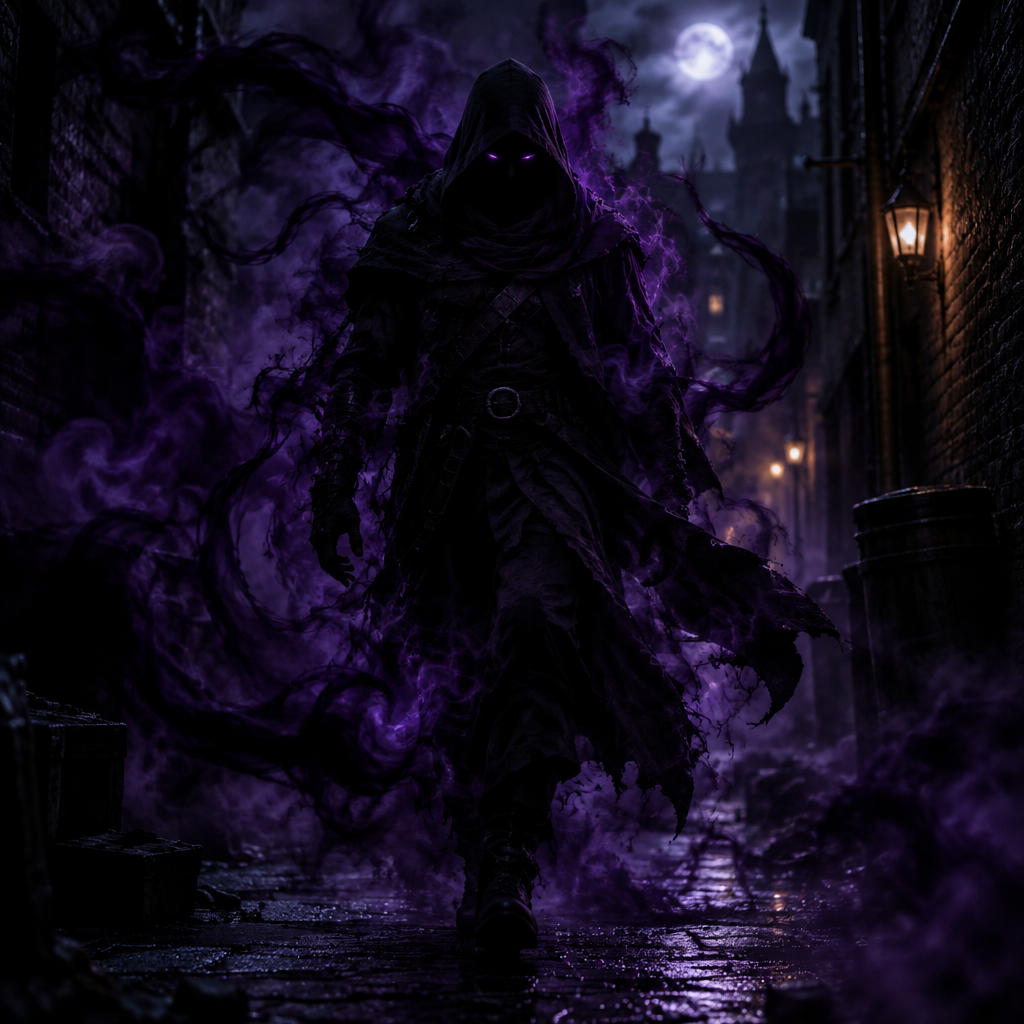
The model captures Omen's deep breath tone and reverb tail — not a generic 'demon voice' filter with fake echo pasted on top.
Runs as a normal Windows/macOS audio device. Valorant treats it exactly like a headset — no game hooks, no anti-cheat risk.
Sub-300 ms so 'From the shadows' arrives on comms the tick your ult casts — teammates hear the callout as they see your smokes vanish.
'From the shadows' lands the tick your ultimate casts — the reverb carries the threat.
System-level virtual microphone — Valorant sees a mic, not a mod.
Rotating free voices daily — try the Omen preset tonight.
Omen is the agent who controls the battlefield from the shadows — his voice should make every call sound inevitable.
'You'll never see me coming' before a teleport flank tilts defenders — the whisper lands before the peek does.
'Where should I go?' during smoke placement reads as ominous, not indecisive — perfect for the IGL controller role.
'From the shadows' as your ult casts, with the same reverb Riot uses — highlight clips write themselves.
Pair with Brimstone, Astra, and Viper presets in Discord for a full-controller villain bit your five-stack will replay.
Install the free voice changer app for Windows or macOS. Setup takes under two minutes and needs no credit card.
Approve the Dubbing AI Virtual Microphone so games, Discord and streaming apps can read it as an input device.
Browse 500+ AI voices, preview them with Hear Myself, and lock in the preset that fits your character.
Choose Dubbing AI Virtual Microphone in your game, Discord or OBS, then start talking live with under 300ms latency.
Explore more AI voice changers for games, apps, and characters.
Grab the free voice changer for real-time gaming and online chat, layer in the soundboard for instant effects, and browse community sounds for voices other creators already made.
Download Dubbing AI