Built on Fast and Frenetic
Riot designed Neon around two words — fast and frenetic — and Velasquez's delivery never drops that tempo.

Neon doesn't walk into a room, she arrives — Vanille Velasquez gives Valorant's first Filipino agent a voice that crackles with bioelectric speed. The Dubbing AI Neon voice brings that relentless momentum to your comms: 'Quick feet, quick trigger' before the sprint, Tagalog calls between shots, and the electric confidence of Overdrive. Sub-300 ms, Vanguard-safe.
✓ Free voice changer • ✓ 500+ AI voices • ✓ Under 300ms latency
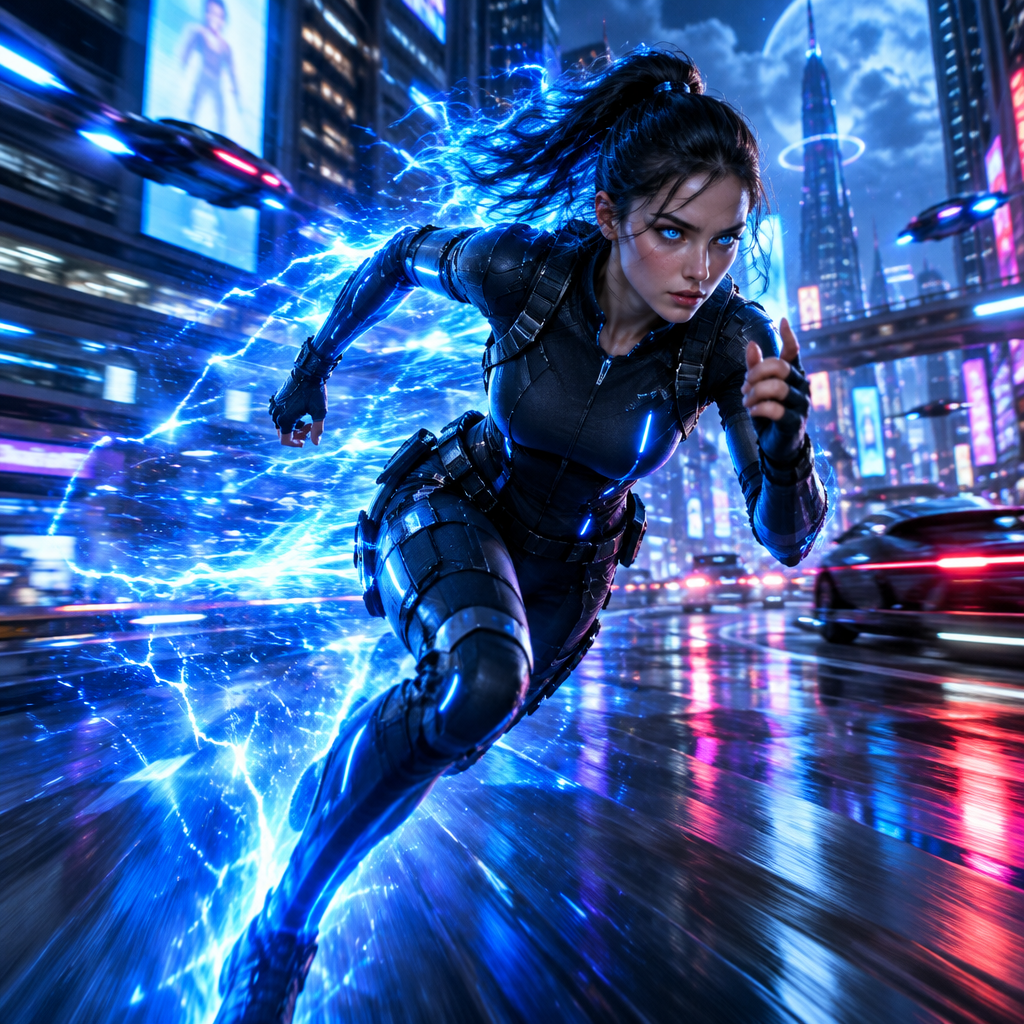
Neon's Filipino-accented voice crackles with barely-contained energy. Fast, sharp, and bursting with youthful impatience —she talks like lightning looks.
Everything about her speech is accelerated. Words tumble out in rapid bursts, mimicking the superhuman speed she brings to the battlefield.
Beneath the speed is genuine vulnerability. When she slows down, her voice reveals real fears and hopes —a young person carrying immense power.
Riot designed Neon around two words — fast and frenetic — and Velasquez's delivery never drops that tempo.
Neon's Tagalog lines are a point of pride — 'Tara na' and 'Ingat ka' make her heritage part of the kit.
The bioelectric crackle extends to her speech — Neon talks like lightning looks.
Callouts land at Neon's speed — quick, electric, and never standing still.
System-level virtual microphone — Riot's anti-cheat sees a mic, not a mod.
Rotating free voices daily — bring the lightning to your lobby.
Neon was designed around two words — fast and frenetic — and her voice brings that pace to every callout you make.
Shout 'Quick feet, quick trigger' as you slide in — the team knows the tempo before you swing.
Narrate your fastest plays in Neon's breathless register — the momentum carries the highlight.
Keep comms buzzing with her relentless positivity — even a losing round sounds winnable.
Celebrate the first Filipino agent in themed lobbies — her pride is part of the package.
Download Dubbing AI from the official site and install it on Windows or macOS. The setup wizard guides you through in under a minute.
Open your system sound settings and choose 'Dubbing Virtual Device' as your input device.
Browse the 500+ voice library and select your character. Hear yourself instantly with the Hear Myself feature.
Join any chat app or game and start talking — your voice lands in character with Sub-300 ms latency.
Explore more AI voice changers for games, apps, and characters.
Grab the free voice changer for real-time gaming and online chat, layer in the soundboard for instant effects, and browse community sounds for voices other creators already made.
Download Desktop App