Built for the Hrmm
The villager preset reproduces that flat, resigned mid-range hum — the internet's favorite audio punchline, live on your mic.

Minecraft's audio is a meme ecosystem — the villager's 'Hrmm' is internet shorthand, and Jack Black's Steve turned 'I am Steve' into a whole genre. Dubbing AI turns both on your mic: talk like a villager mid-trade, narrate your base tour as Steve, or drop the sounds into your stream. Sub-300ms, works with your soundboard, free tier.
✓ Free voice changer • ✓ 500+ AI voices • ✓ Under 300ms latency
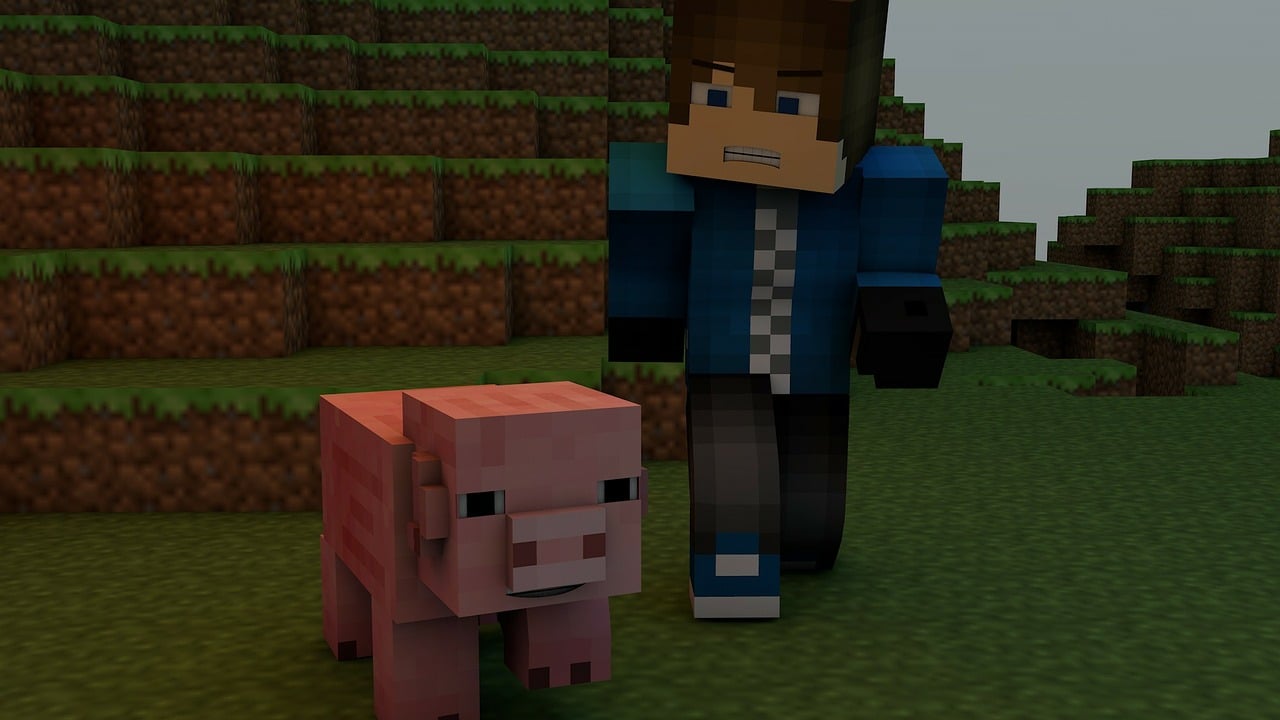
Minecraft character voices capture the game's iconic simplicity — from villagers' 'hrmm' to the expressive range of story mode characters. Cubic charisma.
The voice of infinite possibility — playful, adventurous, and matching the game's limitless creative spirit. Perfect for builders, explorers, and redstone engineers alike.
The villager preset reproduces that flat, resigned mid-range hum — the internet's favorite audio punchline, live on your mic.
Runs as a standard USB microphone. Hypixel, SMPs, and voice-enabled servers see a mic, not a mod.
Hotkey villager sounds alongside the voice changer — trade, react, and meme in one pipeline.
Trades, bases, and builds narrated live at sub-300ms — the bit stays on beat.
System-level virtual microphone — no game files touched, no bans.
Pair the voice with Dubbing AI's 100,000+ soundboard for full villager-bit support.
Minecraft's best comedy is audio. Now it's yours.
Talk like a villager while trading and let the server guess whether you're actually going to accept the emerald deal.
Narrate your base tour as Steve and let the bits write themselves — 'I am Steve' energy on every reveal.
Show up to SMP Discord nights as the villager and let everyone regret trusting your trades.
Download Dubbing AI and install. Under a minute.
Choose Dubbing Virtual Device as your mic.
Browse 500+ voices and select.
Join any app and talk — voice lands at sub-300ms.
Explore more AI voice changers for games, apps, and characters.
Grab the free voice changer for real-time gaming and online chat, layer in the soundboard for instant effects, and browse community sounds for voices other creators already made.
Download Desktop App