Built Around Discord's Realities
No native changer exists on mobile, so Dubbing AI supplies the missing layer between your mic and the app.

Discord's mobile app has no built-in voice changer — just basic voice effects on some clients — so real-time voice changing on Android and iOS means running the audio through a converter first. Dubbing AI's mobile app routes your phone's mic through on-device AI, while Dubbing Box and the USB-C earbuds do the conversion in hardware, keeping latency low enough for voice channels and group calls.
✓ Free voice changer • ✓ 500+ AI voices • ✓ Under 300ms latency
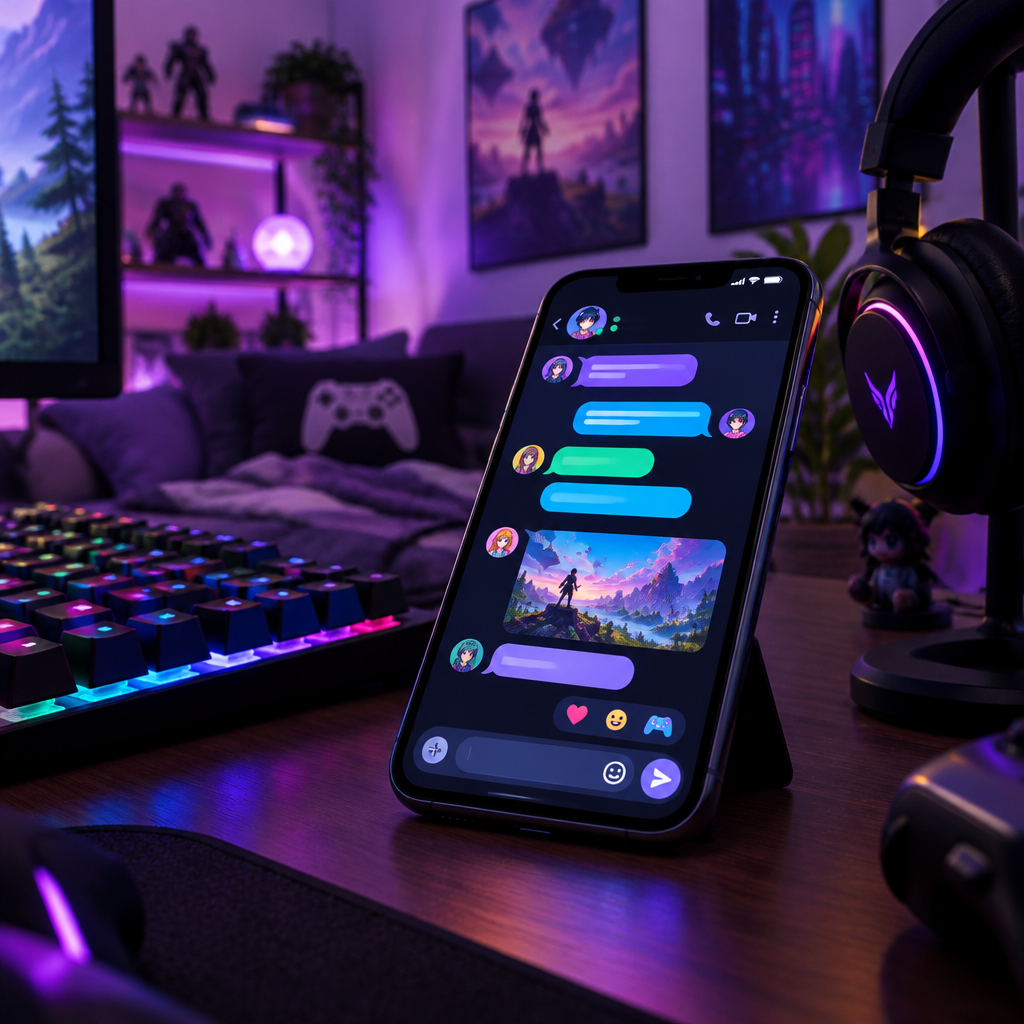
Discord Mobile voice changer delivers on-the-go voice transformation — fully compatible with Discord's mobile app for voice chats anywhere.
No native changer exists on mobile, so Dubbing AI supplies the missing layer between your mic and the app.
Carry your Discord persona from desktop to phone — clones and presets sync.
Hot-swap voices per server or friend group without leaving the call.
Voice channels, DMs, and group calls on the phone app pick up the transformed mic.
The app processes your voice locally before Discord mobile captures it.
Dubbing Box or earbuds keep latency low where phone-only AI gets heavy.
Your phone joins the server as its own character — the same persona as your desktop, no setup gap.
Drop into a friend's voice channel from your phone as an anime hero or movie villain.
Stay in character during mobile roleplay nights.
Coordinate with teammates in a game while talking in Discord on the phone.
Voice-changer clips and live bits recorded straight from the phone app.
Download Dubbing AI and install. Under a minute.
Choose Dubbing Virtual Device as your mic.
Browse 500+ voices and select. Hear Yourself to test.
Join any app and talk — voice lands at Sub-300 ms.
Explore more AI voice changers for games, apps, and characters.
Grab the free voice changer for real-time gaming and online chat, layer in the soundboard for instant effects, and browse community sounds for voices other creators already made.
Download Desktop App