Anchor, Slayer, or Shot-Caller
Ranked culture assigns roles — anchor, slayer, support, flex — and a voice that matches the role makes the structure stick across rounds.

COD Mobile's voice chat ships disabled by default, and the players who flip it on treat it like a loadout piece — a shot-caller barking "Enemy on balcony, cracked armor" wins ranked Hardpoint rounds where a vague "enemy over there" loses them. Squad comms on the Isolated battle royale map run on a different energy entirely: looting rotations, revival calls, and chaos. Dubbing AI brings an operator voice to both — so every "pushing mid" and "trade me on A" lands with the same weight as the operator your skin says you're playing.
✓ Free voice changer • ✓ 500+ AI voices • ✓ Under 300ms latency
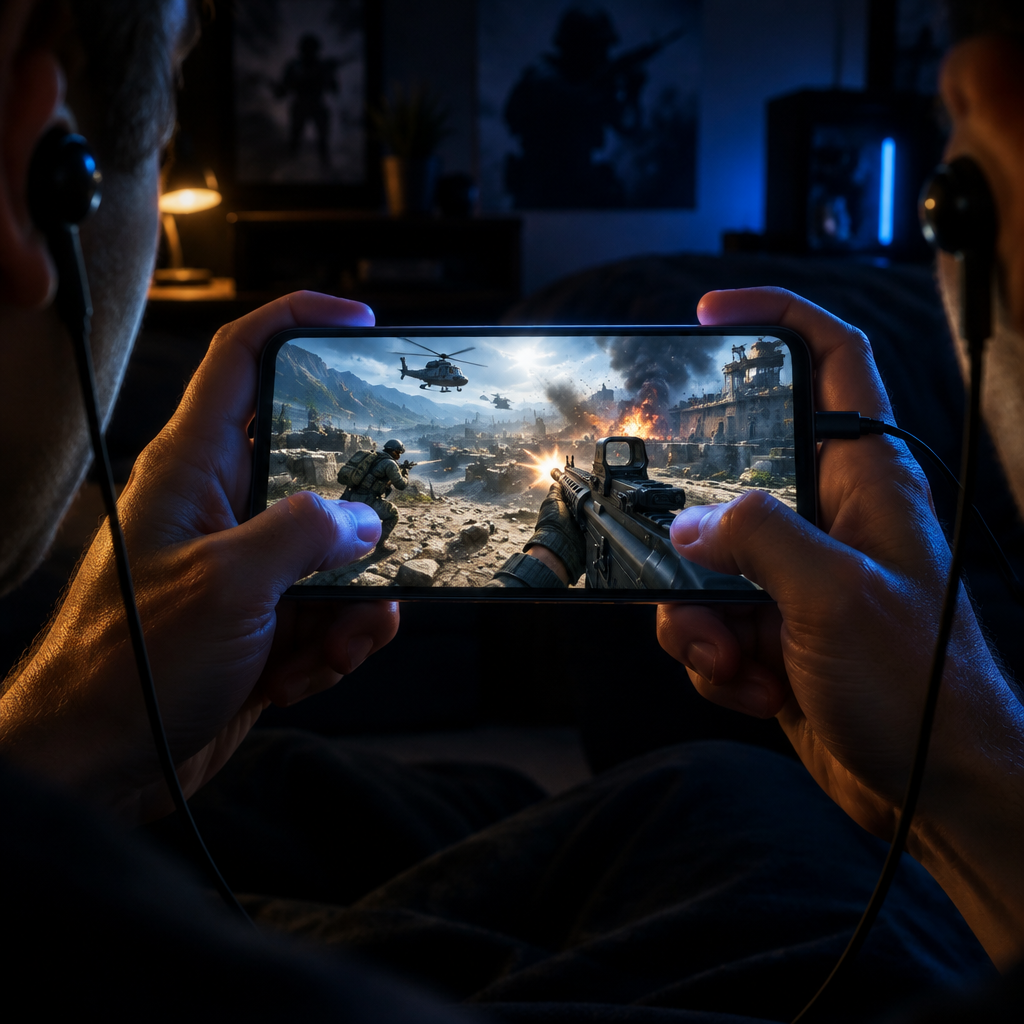
Call of Duty Mobile voices deliver tactical intensity on the go — fast-paced combat communication designed for mobile competitive play.
Ranked culture assigns roles — anchor, slayer, support, flex — and a voice that matches the role makes the structure stick across rounds.
The community runs on compressed info — 'one shot, top stairs' — and an operator preset keeps that urgency sharp instead of flat.
The Isolated battle royale map is squad chaos by design — character voices turn looting rotations and revival plays into content.
Ranked rounds in COD Mobile turn on split-second info — the virtual mic keeps up with Hardpoint rotations and SnD timers.
Both of COD Mobile's voice channels read your selected mic, so party banter and ranked comms stay in character.
Your transformed voice stays clear over gunfire, scorestreaks, and the game's own operator chatter without muting the audio cues you need.
COD Mobile's ranked meta runs on short callouts and long squad nights — the voice you bring should match both.
Load separate preset voices for anchor, slayer, and shot-caller so your five-stack sounds as organized as it plays in Domination and Hardpoint.
Drop on Isolated with friends, call the rotation in an operator voice, and clip the clutch for TikTok before the next queue.
Between games in party chat, swap to a meme voice to keep the lobby warm and the banter rolling into the next ranked session.
Match your voice to the operator skin you're grinding — from the loadout screen to the MVP screen, same soldier, same night.
Download Dubbing AI and install. Under a minute.
Choose Dubbing Virtual Device as your mic.
Browse 500+ voices and select. Hear Yourself to test.
Join any app and talk — voice lands at Sub-300 ms.
Explore more AI voice changers for games, apps, and characters.
Grab the free voice changer for real-time gaming and online chat, layer in the soundboard for instant effects, and browse community sounds for voices other creators already made.
Download Desktop App