#1 AI Voice Changer for Battlefield 6

    Battlefield 6
    Voice Changer

    Dominate the warzone with 500+ AI voices. This free voice changer app delivers <30ms latency for real-time gaming voice transformation. Works with Discord and all voice chat.

    500+
    AI Voices
    <30ms
    Latency
    2-3%
    CPU Usage

    ✓ No credit card required • ✓ Works on Windows • ✓ Safe & Undetectable by EA Anti-Cheat

    What is the Battlefield 6 Voice Changer?

    Dubbing AI's Battlefield 6 Voice Changer is a free voice changer that transforms your gaming voice in real-time. This AI voice changer offers 500+ voices with under 30ms latency. Whether you want to sound like a squad commander, create content, or protect your privacy in voice chat, this voice changer app works seamlessly with EA's anti-cheat system.

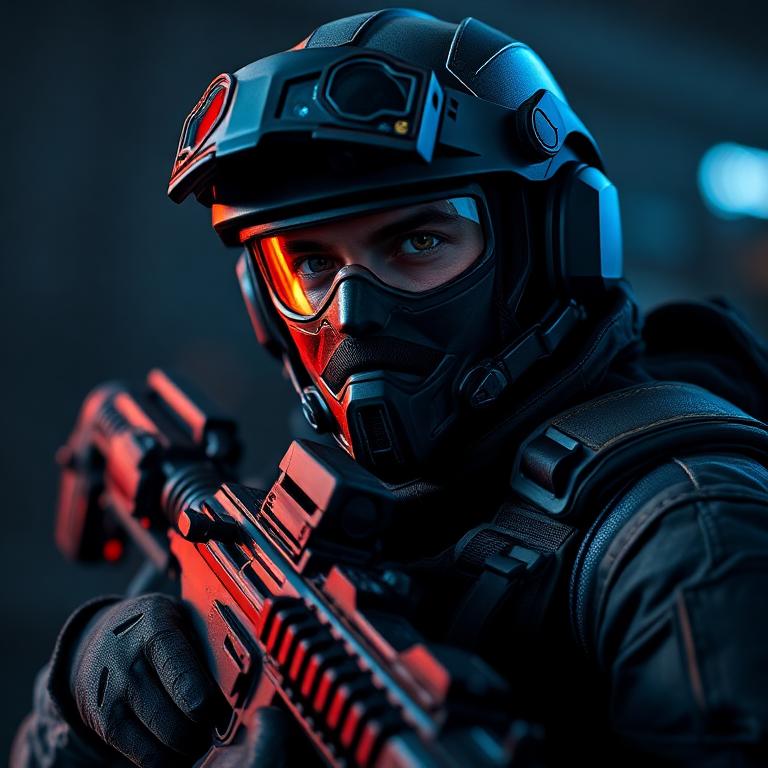
    Battlefield 6 AI voice changer with real-time voice transformation visualization

    Sound Like Elite Soldiers

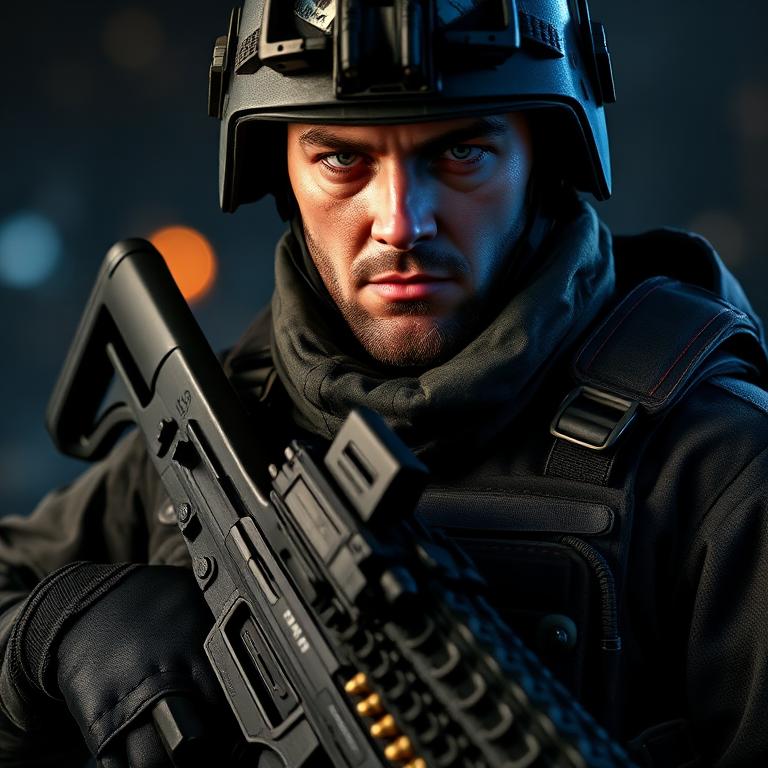
    Channel the commanding voice of an Assault specialist, the tactical precision of a Recon operative, or the heavy firepower authority of Support class. Our gaming voice changer includes voices that match the intense battlefield atmosphere of Battlefield 6. Each voice captures authentic military tone, pitch, and command presence for immersive squad communication.

    Assault - Battlefield 6 Class Voice
    Assault
    Recon - Battlefield 6 Class Voice
    Recon
    Support - Battlefield 6 Class Voice
    Support

    Try Voice Changer Now

    Experience real-time AI voice transformation. Record your voice and hear the magic instantly.

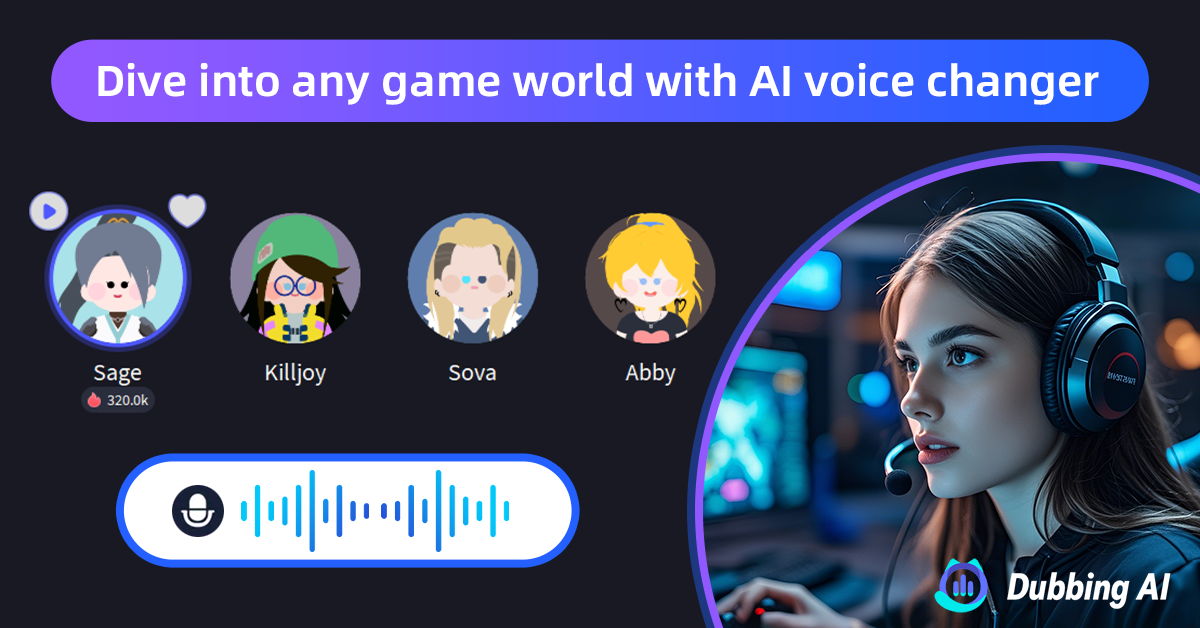
    Dubbing AI voice changer interface with Battlefield 6 soldiers and voice modulation

    Why Choose Our Voice Changer?

    This free voice changer delivers sub-30ms latency with only 2-3% CPU usage. Our AI voice changer works instantly with Battlefield 6, Discord, and OBS. Completely invisible to EA Anti-Cheat: no code injection, no game modifications. The best gaming voice changer for tactical FPS players who demand performance on the battlefield.

    How to Use Voice Changer in Battlefield 6

    01

    Download & Install

    Download this free voice changer app. Installation takes less than 2 minutes on Windows.

    02

    Select Audio Device

    Open the voice changer app and select 'Dubbing AI Virtual Microphone' as your input device in Windows settings.

    03

    Choose Your Voice

    Browse 500+ AI voices in our gaming voice changer. Preview voices in real-time before your match.

    04

    Play Battlefield 6

    Launch Battlefield 6, go to Settings > Audio. Set input to 'Dubbing AI Virtual Microphone'. Dominate!

    For the best experience in Battlefield 6, we recommend using push-to-talk mode so you can control exactly when your transformed voice is transmitted to your squad. Before jumping into battle, spend a few minutes in the Dubbing AI preview mode testing different voices and adjusting settings to find your perfect soldier sound. Creating voice presets allows you to quickly switch between characters during gameplay, whether you want to command as an officer or communicate tactically as infantry. Many players find that assigning hotkeys to their favorite voice presets enhances the gaming voice changer experience, enabling instant voice switching without interrupting their tactical gameplay.

    Frequently Asked Questions

    Everything you need to know about using voice changer in Battlefield 6.

    Deploy With a New Voice

    Join thousands of soldiers already using this free voice changer to dominate in Battlefield 6. Download the best AI voice changer for gaming and lead your squad to victory.

    Download Free Now