Rotations Stay Together
Sub-300 ms means edge pushes and ring-closing pings hit the squad in the same beat as the next pulse — no comms desync mid-fight.

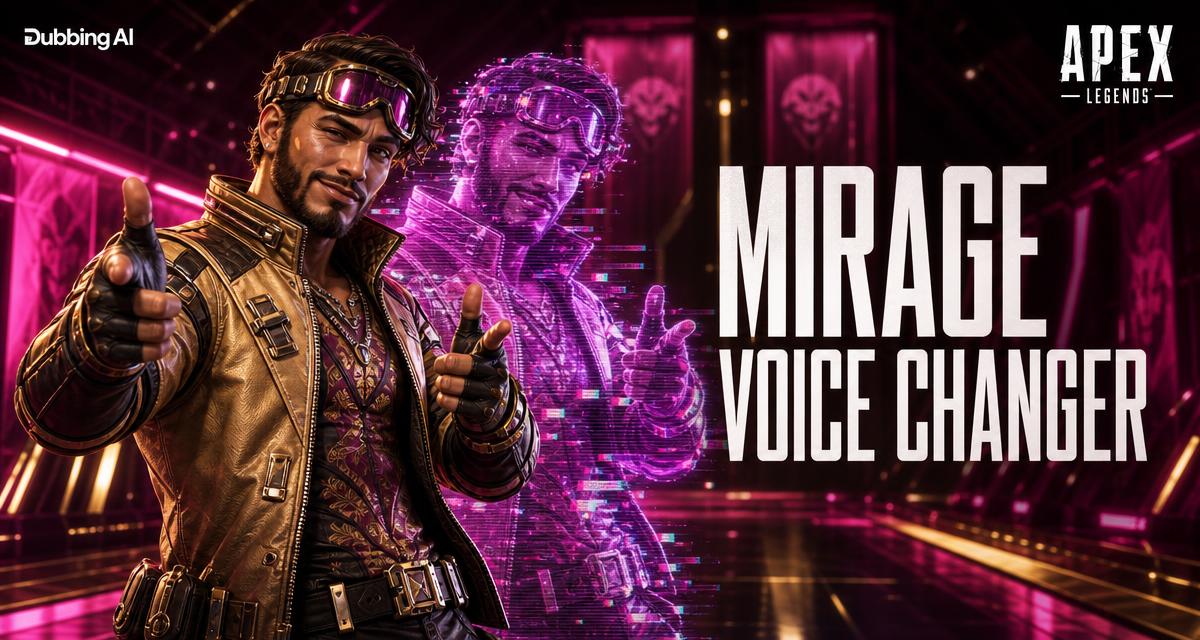
Apex is built on personality — every Legend talks like they're on main character energy, and the ping system turned voice lines into a language. Dubbing AI puts that on your mic: stim into a callout as Octane, ping the drop as Pathfinder, or whisper the rotate as Wraith. Real-time, Sub-300 ms, EAC-safe.
✓ Free voice changer • ✓ 500+ AI voices • ✓ Under 300ms latency
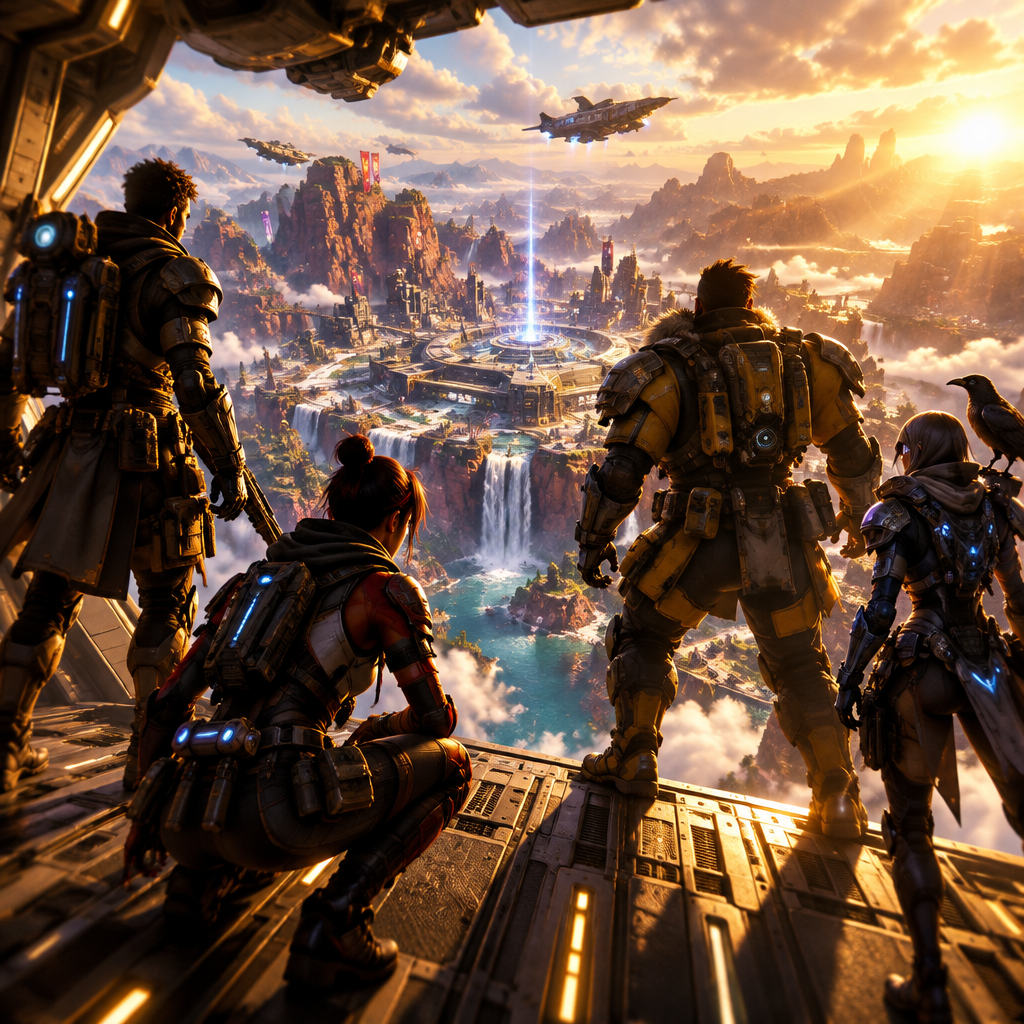
Apex voices were written to be quotable. Now they're yours.
Sub-300 ms means edge pushes and ring-closing pings hit the squad in the same beat as the next pulse — no comms desync mid-fight.
EAC sees Dubbing AI as a standard USB microphone. Nothing is injected into the Apex process, so ranked and Predator ladder stay clean.
Hotkey between legends between drops — one match as Octane's hype, the next as Bloodhound's gravitas, without touching settings.
Callouts and pings stay in the same tempo as your normal voice — third-party rotations don't desync.
Easy Anti-Cheat sees a standard USB microphone — no ban risk on ranked or Predator ladder.
Bangalore grit, Wraith whisper, Octane hype — pair the voice to whoever you locked in.
Apex voices were written to be quotable. Now they're yours.
Call rotations as Bloodhound or Bangalore so third-party pushes and ring closes hit with an extra layer of squad energy.
Match your streamed legend with its voice — Wraith whispers, Fuse gruff, Octane hype — for guaranteed clippable broadcast moments.
Show up to squad Discord as a different legend every night so the pre-queue chat never gets stale.
Install the free voice changer app for Windows or macOS. Setup takes under two minutes and needs no credit card.
Approve the Dubbing AI Virtual Microphone so games, Discord and streaming apps can read it as an input device.
Browse 500+ AI voices, preview them with Hear Myself, and lock in the preset that fits your character.
Choose Dubbing AI Virtual Microphone in your game, Discord or OBS, then start talking live with under 300ms latency.
Explore more AI voice changers for games, apps, and characters.
Grab the free voice changer for real-time gaming and online chat, layer in the soundboard for instant effects, and browse community sounds for voices other creators already made.
Download Dubbing AI