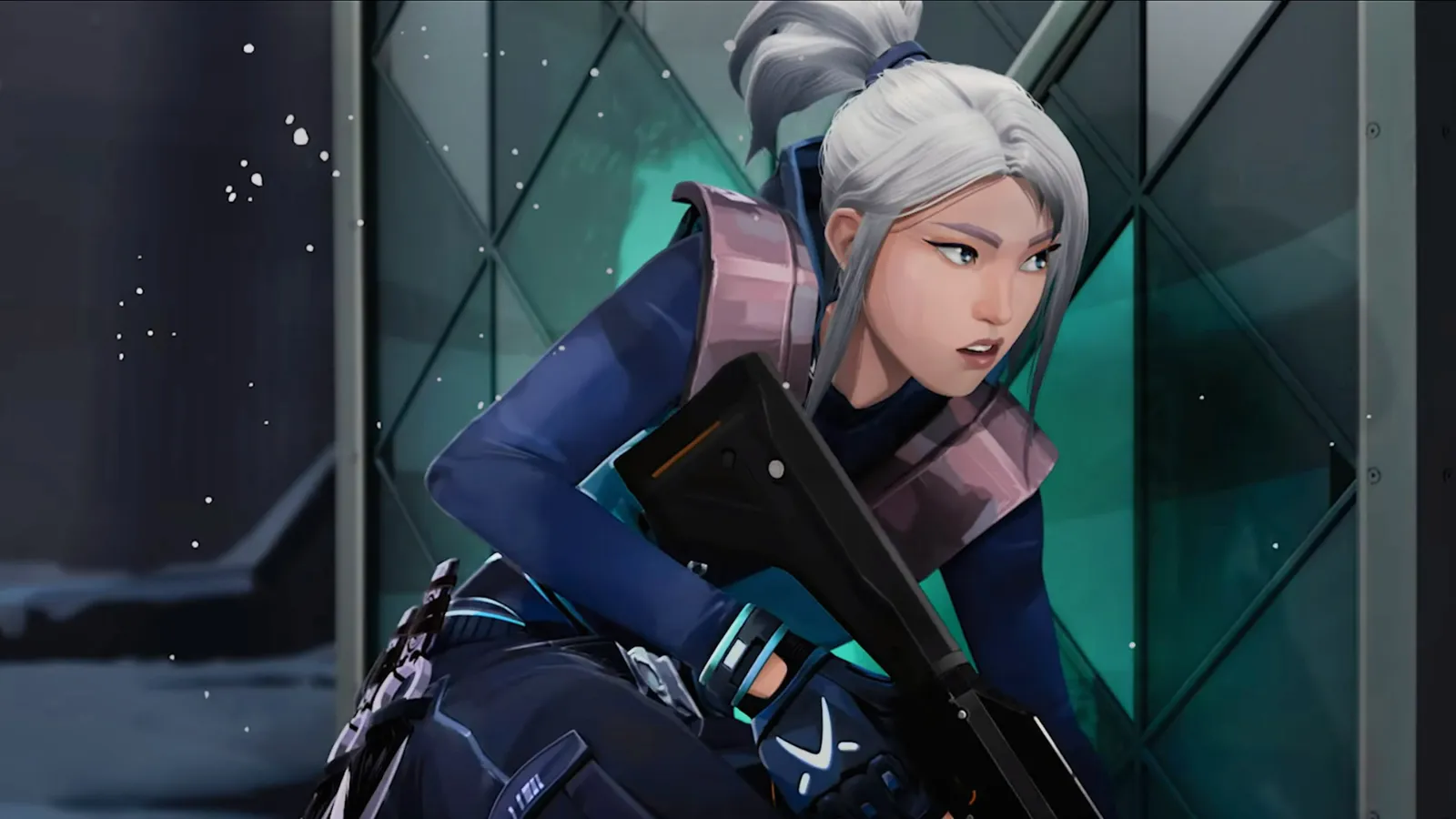
If you’re a Valorant fan, you’ve probably dreamed of sounding just like Jett during your matches. A great jett voice changer can make that dream a reality, and Dubbing AI is the top pick for the job. Why? It offers seamless integration with Valorant, real-time voice changes, and an extensive library of over 1000 voices. You can mimic Jett’s voice perfectly while keeping your gameplay smooth, thanks to its low CPU usage.
Using a jett voice changer like Dubbing AI doesn’t just make you sound cool—it also adds a layer of fun and strategy. Imagine confusing your opponents or fully immersing yourself in the game by roleplaying as Jett. Plus, it enhances communication with your team, which is key to winning matches. Whether you’re looking to entertain or gain a tactical edge, this tool has you covered.
The Best AI Voice Changer with soundboard
What Makes a Great Jett Voice Changer?
When you’re looking for the perfect voice changer for Valorant, there are a few key features you should keep in mind. Let’s break them down so you can find the best fit for your gaming setup.
High-Quality Voice Effects
Realistic Jett Voice Replication
A great voice changer should make you sound just like Jett, down to the smallest detail. The best tools alter pitch, timbre, and tone seamlessly. They use advanced algorithms to ensure your voice sounds natural, not robotic. You’ll want a voice changer that captures every inflection and pause, preserving the emotional range of Jett’s voice. This way, you can fully immerse yourself in her character during gameplay.
Customizable Voice Settings
Not everyone wants the exact same voice effect. That’s why customization is so important. A high-quality voice changer lets you tweak settings like pitch and modulation to match your preferences. Whether you want a subtle change or a dramatic transformation, the right tool gives you full control.
Performance and Reliability
Low Latency During Gameplay
No one wants lag when they’re in the middle of an intense match. A good voice changer should work in real-time, with minimal latency. This ensures your voice changes instantly, keeping your communication with teammates smooth and effective.
No Crashes or Technical Issues
Stability is just as important as performance. The last thing you need is your voice changer crashing mid-game. Look for tools that are known for their reliability, so you can enjoy uninterrupted gameplay.
By focusing on these features, you’ll find a voice changer for Valorant that enhances your experience and keeps you in the game.
Best Voice Changers for Valorant

Dubbing AI
If you’re looking for the best voice changers for Valorant, Dubbing AI is a standout option. It’s packed with features that make it easy to sound like Jett while keeping your gameplay smooth and fun. Let’s dive into what makes it so popular.
Pros:
-
Low Latency: Dubbing AI changes your voice in under 30ms, no prerecording needed which brings you the real-time voice changing experience.
-
Awesome Voices: Over 500 different voices from anime, game, and movie to celebrity to anyone you wish to be. You can also make your personal voice by voice cloning.
-
Easy to Use: Download and Install in less than 5 minutes, only uses 5% of your CPU
-
Clolorful Soundboard: All users can find their favorite soundboards from communite sounds or upload their own soundboards to enhance game experience.
Cons: Some advanced features require a paid subscription
While the free version of Dubbing AI is packed with features, some advanced tools are locked behind the Pro version. If you’re someone who loves exploring every feature, you might find this a bit limiting. However, the free version still offers plenty to enhance your gaming experience.
Pricing: Free basic version, $14 for Pro version
Dubbing AI’s pricing is competitive. The free version provides access to a wide range of voices, making it a great starting point. If you want to unlock the Pro version, it’s available for just $14. Compared to other tools like Voicemod, which has fewer voice options, Dubbing AI offers more value for gamers who want variety and quality.
With Dubbing AI, you can sound like Jett effortlessly and enjoy a seamless gaming experience. Whether you’re roleplaying or just having fun, this tool is a must-try for Valorant fans.
How to Set Up Your Jett Voice Changer

Setting up your Jett voice changer doesn’t have to be complicated. With Dubbing AI, you can get started in just a few steps. Here’s how you can transform your voice and dive into the world of real-time roleplay.
Download and Install Dubbing AI
To begin, you’ll need to download and install Dubbing AI. Follow these simple steps:
-
Visit the official Dubbing AI website and download the software.
-
Open the installer and follow the on-screen instructions to complete the installation.
-
Once installed, launch the application.
-
Configure the initial settings to match your preferences.
That’s it! You’re now ready to explore the features of this free real-time voice changer.
Integrate with Valorant
Now comes the fun part—integrating Dubbing AI with Valorant. Follow these steps to sync your voice changer with the game:
-
Open the Dubbing AI app and ensure it’s running in the background.
-
Launch Valorant and navigate to the sound settings.
-
Select “Dubbing Virtual Device” as your input device.
-
Save and apply the changes.
Once everything is set up, you can use the voice changer in games seamlessly. Remember to switch voices naturally during gameplay to avoid distracting your teammates. With Dubbing AI’s real-time voice changer, you’ll feel like you’re truly stepping into Jett’s shoes.
By following these steps, you’ll be ready to use Jett voice changer tools like a pro. Whether you’re roleplaying or just having fun, this setup will enhance your gaming experience.