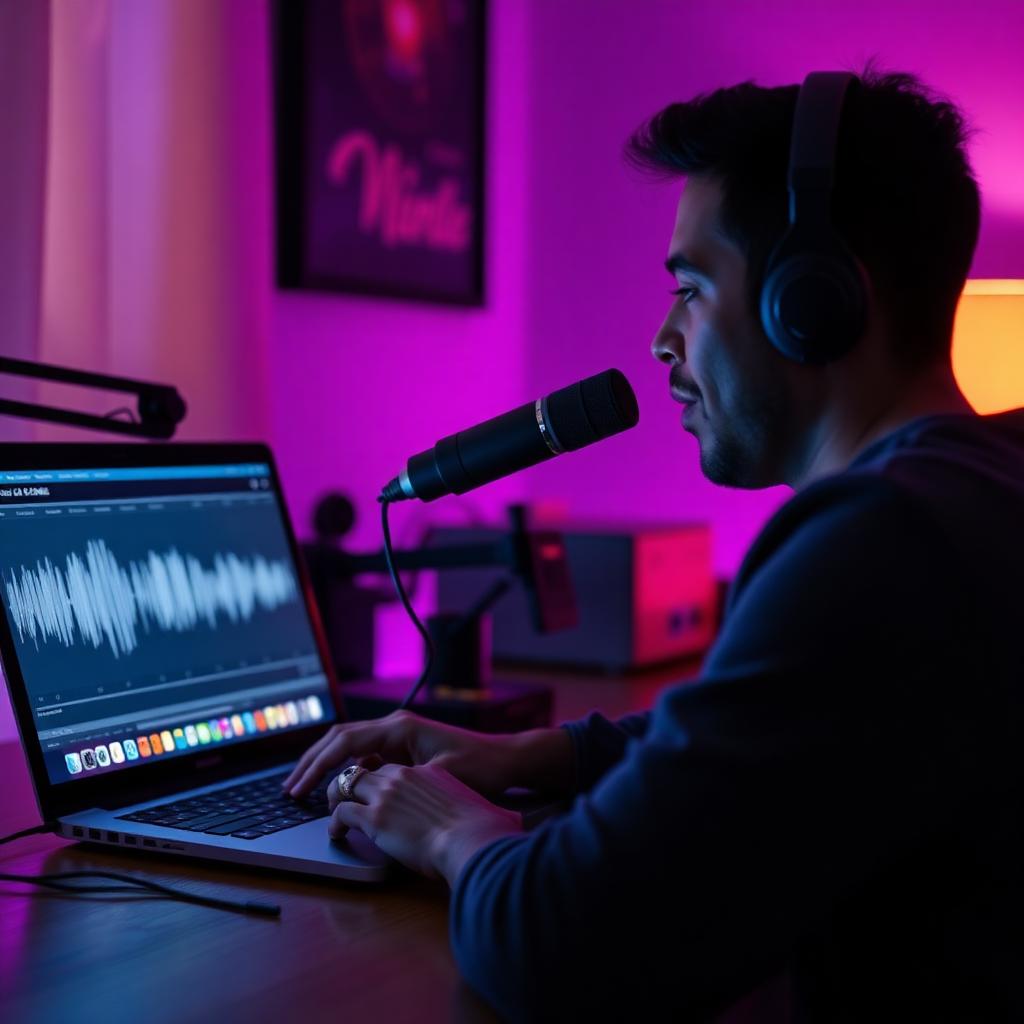
If you have ever wanted your own custom AI voice — a clone of yourself, a stylized character, or a new persona you can speak in live — you no longer need a recording studio or a data-science degree. With Dubbing AI Voice Clone, one clean minute of audio is enough to train a model you can use in games, calls, streams, and videos.
This guide walks you through the whole process end-to-end: what "making an AI voice" actually means, how to record a sample that trains well, how to submit it in Dubbing AI, and how to use the finished voice in real apps. Read it once and you can ship your first custom voice today.
What "making an AI voice" actually means
An AI voice is a machine-learning model that reproduces the timbre, pitch range, and delivery of a target speaker so you can generate new speech in that voice — or in the case of a real-time voice changer, convert your live microphone input into it.
There are two common flavors:
- Text-to-speech (TTS) voices — you type, the model speaks. Great for narration and voiceovers.
- Voice conversion / real-time cloning — you speak, the model rebroadcasts your words in the cloned voice with minimal delay. Great for streaming, gaming, and calls.
Dubbing AI Voice Clone focuses on the second flavor. You give it about one minute of clean audio, it trains a personal voice model, and the Dubbing AI app then routes your live mic through that model with sub-300ms latency (per the Dubbing AI product page, as of 2026-07). That is what makes it usable in Discord, PUBGM, Zoom, OBS, and other apps without noticeable lag.
What you need before you start
You do not need much:
- A working microphone. A basic USB condenser or a decent headset mic is more than enough — a $300 studio chain will not beat a clean $30 mic in a quiet room.
- A quiet room. Turn off fans, AC, mechanical keyboards, and phone notifications.
- About 60–90 seconds of speech from the voice you want to clone (yours, or a source you have the rights to use).
- A Windows or macOS machine with Dubbing AI installed. The app is free to download.
Ethics matter here. Only clone voices you own or have explicit permission to use. Cloning a real person to impersonate them — a celebrity, a coworker, a family member — can cause real harm and, in many places, real legal trouble. Stick to your own voice or fully fictional/character voices when you experiment.
Step 1 — Record a training sample that actually trains well
The single biggest lever on quality is the sample you feed the model. Two minutes of great audio beats twenty minutes of noisy audio every time.
Room and mic setup
- Record in a small, soft room. Curtains, a bed, and a couch are your friends — bathrooms and empty offices are not.
- Position the mic 10–15 cm from your mouth, slightly off-axis so plosives ("p", "b") do not blow into it.
- If you have a pop filter or even a folded sock in front of the capsule, use it.
- Wear headphones and monitor input — you want your peaks around -6 dB, never clipping.
What to say
Read continuous, natural speech for 60–90 seconds. Skip lists of isolated words or robotic sentence reads — the model learns your prosody, not just phonemes. A good pattern:
- Introduce yourself in one or two sentences.
- Describe something you did today in detail.
- Read a short passage from a book or article with expression.
- Ask a couple of rhetorical questions (rising intonation).
- End with a longer, calmer sentence.
Cover a range of pitches and energies. If you always want to sound excited on stream, include some excited delivery — the model will learn from what you give it.
Common mistakes to avoid
- Whispering the whole sample. The model will over-learn breath.
- Speaking too close, causing constant plosives and mouth clicks.
- Recording with music or a game in the background. Any bleed becomes part of the "voice."
- Very short samples (under ~45 seconds). The model has too little to generalize from.
Save the file as a WAV or high-bitrate MP3.
Step 2 — Submit the sample in Dubbing AI Voice Clone
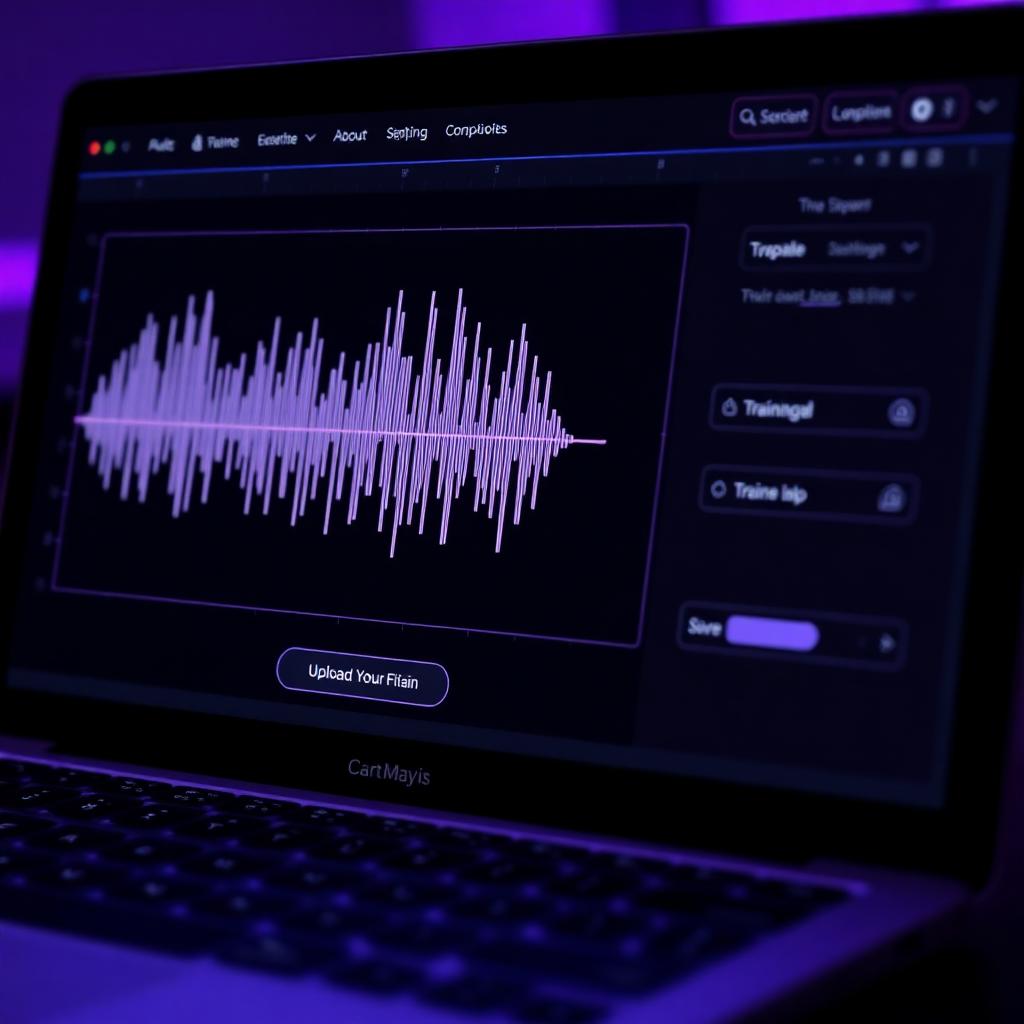
Once your sample is ready:
- Launch Dubbing AI and open the Voice Clone section from the sidebar.
- Click Clone Now (or Create New Voice).
- Give your voice a name — something you will recognize later ("My Narration Voice," "Deep Streamer Persona").
- Upload the WAV/MP3 file. The app previews the waveform so you can confirm the correct file loaded.
- Confirm and submit. Training runs on Dubbing AI's servers; you do not need to keep the app open the entire time.
Training typically finishes in a few minutes for a one-minute sample. You will get an in-app notification when the voice is ready to use, and it will appear in your personal voice list alongside Dubbing AI's built-in library of 500+ voices (per the Dubbing AI voice library, as of 2026-07).
Step 3 — Test the voice before you go live
Before you jump into a Discord call or a stream, test your new voice for a couple of minutes:
- Select the cloned voice as your active voice in Dubbing AI.
- Set Dubbing AI as your microphone input in your target app (Discord, OBS, Zoom, etc.).
- Speak normally and listen back through a monitor or a second device.
Listen for three things:
- Similarity — does it sound like the target?
- Stability — does it hold together during faster or louder speech?
- Artifacts — any hissing, warble, or "underwater" quality on specific sounds (usually "s" and "sh")?
If similarity is off, the most common cause is a short or noisy sample. Re-record a cleaner 60–90 seconds and retrain — you will hear an immediate difference.
Step 4 — Use your AI voice in real apps
The cloned voice behaves like any other Dubbing AI voice, so the routing is the same:
- Discord / Teams / Zoom — set Dubbing AI Virtual Microphone as your input device. Your voice gets converted live.
- Streaming (OBS, Streamlabs, Twitch Studio) — add Dubbing AI Virtual Microphone as an audio source.
- Mobile games and voice chat on PC — as long as the game reads from the system default mic, Dubbing AI works.
- Recorded content — record with any DAW or screen recorder while Dubbing AI processes your mic in real time.
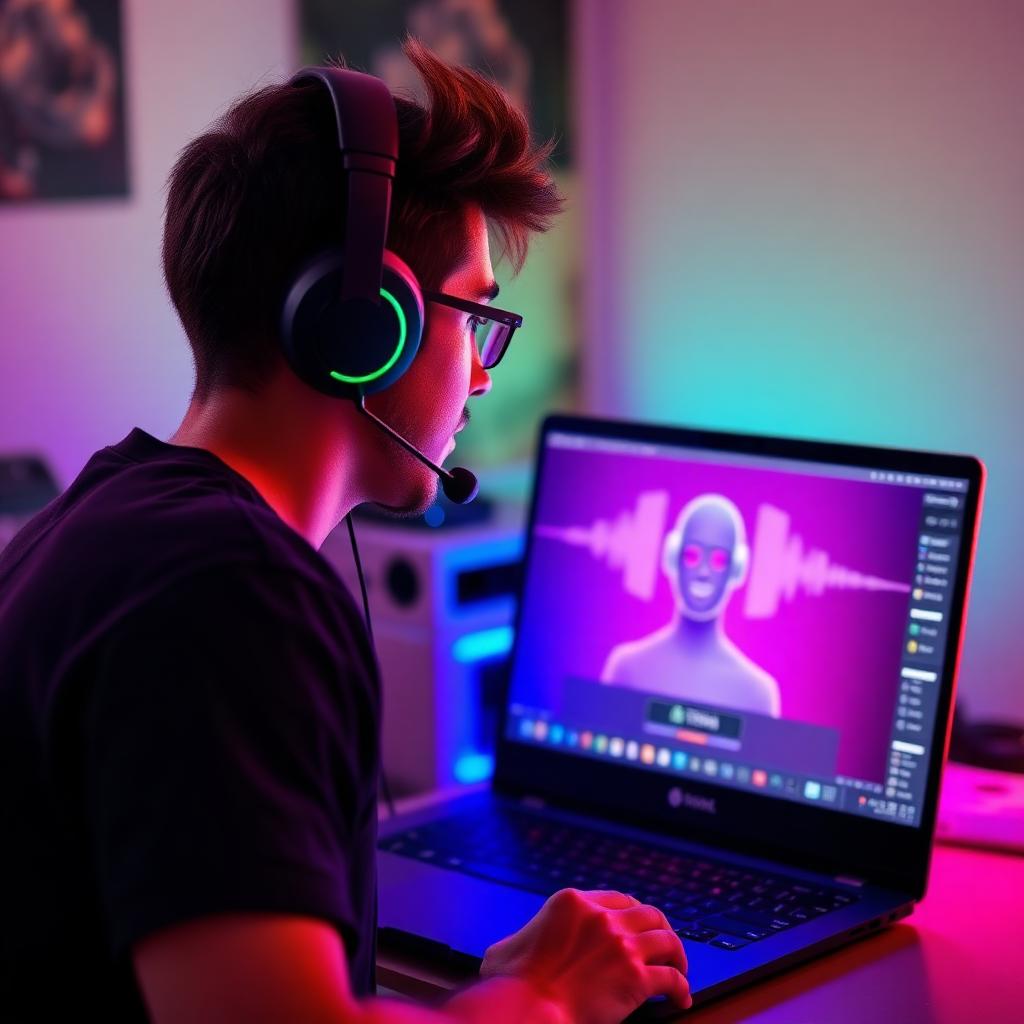
Because the pipeline is real-time, you can also swap between voices mid-session — your cloned "main" voice for talking to viewers, a character voice for a bit, and back — without stopping anything.
Tips for making a better AI voice on the second try
Almost nobody nails their perfect voice on the first sample. That is fine. A few iteration tips:
- Retrain instead of tweaking settings. If the output sounds off, a fresh, cleaner sample fixes it faster than fiddling with output filters.
- Record when your voice is warm. Do a five-minute vocal warm-up before capturing your training sample — your "normal" recorded voice is often mid-day you, not first-thing-in-the-morning you.
- Match the delivery to the use case. Cloning your calm podcast voice and then screaming into it for a shooter will sound worse than cloning your excited gaming voice in the first place.
- Keep multiple clones. Since Dubbing AI lets you save personal voices, keep a "calm" clone and an "energetic" clone rather than trying to make one clone do everything.
Frequently asked questions
How long does it take to make an AI voice with Dubbing AI Voice Clone?
Recording a good sample takes about 5 minutes, uploading takes seconds, and training a one-minute sample typically completes in a few minutes. Most people are using their custom voice within 10–15 minutes of starting.
Do I really only need one minute of audio?
Yes. Dubbing AI Voice Clone is designed to train from roughly one minute of clean speech. Longer samples do not always help — sample quality (low noise, natural delivery, varied prosody) matters far more than length.
Can I clone anyone's voice?
Technically the tool can train on any voice you feed it. Ethically and legally, you should only clone voices you own or have explicit permission to use. Do not use voice cloning to impersonate real people; it can cause harm and violate laws in many jurisdictions.
Is the AI voice truly real-time?
Yes. Dubbing AI converts your live mic input in under 300ms (per the Dubbing AI product page, as of 2026-07), which is well below the threshold humans perceive as delay in conversation. That is why it works in games, calls, and streams — not just recorded content.
Does the cloned voice sound the same as a built-in Dubbing AI voice?
Cloned voices use the same real-time conversion pipeline as the 500+ built-in voices, so latency and quality behavior are the same. The character of the voice depends on your training sample — a clean, expressive sample produces a cloned voice that feels as polished as the built-in ones.
Ship your first AI voice today
Making an AI voice used to mean data collection, model training, and a lot of guesswork. With Dubbing AI Voice Clone, it is: record one clean minute, upload, wait a few minutes, and start talking. Whether you want a game persona, a streaming voice, a narration voice for videos, or just a fun way to sound like someone new on Discord, you can have it working before your next call.
Download Dubbing AI free for Windows and macOS and try it on your own voice tonight.