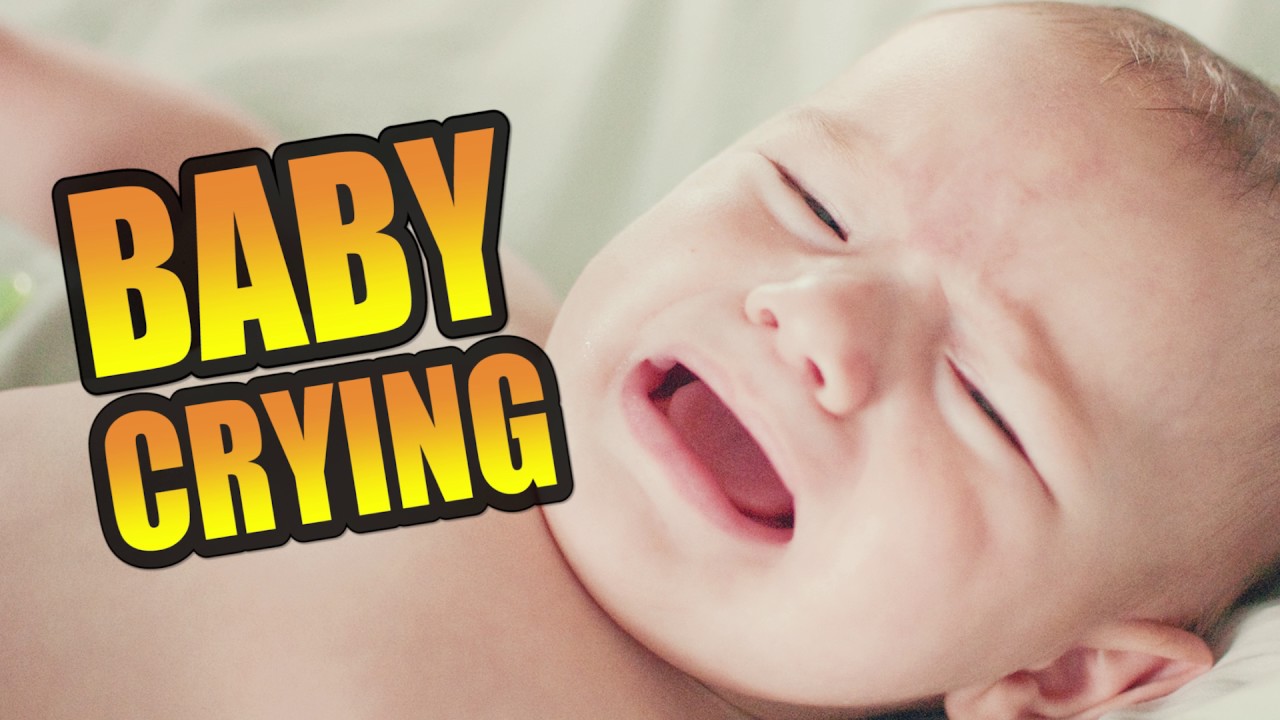

Have you ever had trouble finding a baby crying sound? You’re not the only one. Royalty-free sound samples are becoming more popular. They are growing at a fast rate of 9.7% each year. Now, it’s easy to get good-quality audio legally. Whether you make videos, podcasts, or apps, finding sounds is simple.
Key Takeaways
Visit reliable sites like Dubbing AI, Pixabay, and Freesound for free baby crying sounds.
Keep your sound files in labeled folders to find them easily later.
Check the license details to avoid breaking copyright rules and use sounds legally.
Trusted Websites to Download Royalty-Free Baby Crying Sound Samples

Dubbing AI: A great place for sound effects

Dubbing AI is a trusted site for sound effects. It has many options, including baby crying sounds. The website is easy to use and quick to navigate. All sounds are royalty-free, so no copyright worries. Use it for videos, podcasts, or any creative project.
Pixabay: Simple and free sound downloads

Pixabay isn’t just for pictures; it has sounds too. You can find baby crying sounds in its large free library. No account is needed to download files. Just search, click, and download in seconds. It’s perfect for beginners who want an easy process.
Freesound: A community for unique audio clips

Freesound is full of interesting sound effects. Creators share their work, including baby crying sounds. Each clip has details about its use and license. Check the license to ensure it’s royalty-free. Freesound is great for exploring many sound choices.
Mixkit: Free, high-quality sound effects

Mixkit offers carefully selected sound effects. Its library includes nature, clicks, and city sounds. Though smaller, it has no confusing licenses. Baby crying sounds here are free for personal or business use. Mixkit is a reliable choice for quality sounds.
Step-by-Step Guide to Downloading Baby Crying Sound Samples
How to search for baby crying sounds on Dubbing AI
Finding the perfect baby crying sound on Dubbing AI is super simple. Start by heading to their software and typing “baby crying sound” into the search bar. You’ll see a list of results pop up instantly. To narrow it down, use filters like duration or sound type. This helps you find exactly what you need without wasting time. Once you spot the right sound, click on it to preview before downloading.
Navigating the download process on Dubbing AI
Downloading from Dubbing AI is just as easy as searching. After selecting your desired baby crying sound, look for the download button on the sound’s page. Click it, and you’ll be prompted to choose a file format, like MP3 or WAV. Pick the one that works best for your project. Once you confirm, the file will download directly to your device. It’s quick, hassle-free, and completely royalty-free.
Steps for downloading from Pixabay
Pixabay makes downloading a breeze. Go to their sound effects section and type “baby crying sound” into the search bar. Browse through the options and click on the one you like. You’ll see a download button—just click it, and the file will save to your device. No account? No problem! Pixabay doesn’t require you to sign up, making it perfect for quick downloads.
Tips for organizing your downloaded sound files
Keeping your sound files organized saves you a ton of time later. Create a dedicated folder on your computer or cloud storage for all your audio files. Use subfolders to categorize them by type, like “Baby Sounds” or “Nature Sounds.” Rename files with clear labels, such as “baby_crying_short.mp3,” so you can find them easily. Trust me, a little organization now will make your creative projects much smoother.
How to Verify That Your Sound Samples Are Truly Royalty-Free
Checking the licensing information on Dubbing AI
When you download sounds from Dubbing AI, always check the licensing details. Each sound file comes with clear information about its usage rights. Look for terms like “royalty-free” or “free for commercial use.” These phrases mean you can use the sound without paying extra fees or worrying about copyright issues.
Tip: If you’re unsure about the license, Dubbing AI’s support team is just a click away. Don’t hesitate to ask questions—they’re there to help!
Understanding Creative Commons licenses
Creative Commons licenses can seem tricky, but they’re actually pretty simple. These licenses tell you how you can use a sound. For example:
CC0 (Public Domain): You can use the sound however you want, no credit needed.
CC BY: You can use it, but you must give credit to the creator.
CC BY-NC: You can use it for personal projects, but not for commercial ones.
Always read the license type carefully. It’s the best way to avoid legal trouble later.
Red flags to watch out for when downloading sound samples
Not all websites are trustworthy. Watch out for these warning signs:
No clear licensing information.
Files that require payment but don’t explain usage rights.
Websites with lots of pop-ups or ads—it’s often a sign of low-quality content.
Stick to trusted platforms like Dubbing AI, Pixabay, and Freesound. They make it easy to find safe, royalty-free sounds.
Remember: If something feels off, trust your gut and look elsewhere. It’s better to be safe than sorry!
Using royalty-free sounds keeps your work legal and creative. It helps you avoid copyright issues and focus on your ideas. Here’s why it’s important:
Copyright laws allow fair use of sound libraries.
It encourages creativity by supporting safe use of new tools.
Artists can use digital or computer-made instruments freely.
Getting baby crying sounds is easy. Use trusted sites like Dubbing AI, Pixabay, or Freesound. Search, listen, and download quickly. Want to improve your projects? Start now!
FAQ
What is a royalty-free baby crying sound?
A royalty-free baby crying sound is an audio file you can use without paying ongoing fees. It’s perfect for creative projects like videos or apps.
Can I use these sounds for commercial projects?
Yes, you can! Trusted platforms like Dubbing AI and Pixabay offer baby crying sound files that are free for both personal and commercial use.
Do I need to credit the creator?
It depends on the license. Some sounds, like those under CC0, don’t require credit. Always check the licensing details before using any sound.
See Also
Explore Cutting-Edge AI Voice Cloning Tools for Realistic Voiceovers
Uncover Top Celebrity Voice Transformation App – Dubbing AI
Ignite Your Imagination Using Dubbing AI: Premier Voice Changer for PC

Related Posts