Character-led storytelling
Give each character in a sketch, gaming narrative, or animated story a distinct voice without recording every role separately. Switch voices while preserving your timing, emotion, and delivery.
character voice tools →Turn live recordings, character performances, gaming clips, and voiceovers into more expressive YouTube content with low-latency AI voice transformation and sound effects.
Quick definition
Dubbing AI is real-time voice changer software that transforms your microphone input into expressive AI voices while you speak. You can use it for YouTube voiceovers, live streams, gaming videos, character sketches, reaction content, and privacy-conscious narration. It combines a voice library, community soundboards, voice-cloning capabilities, and creator-focused tools in a lightweight desktop workflow.
Built around real creator workflows
Give each character in a sketch, gaming narrative, or animated story a distinct voice without recording every role separately. Switch voices while preserving your timing, emotion, and delivery.
character voice tools →Create memorable gameplay moments with character voices and instant reactions. The low-latency workflow is designed for live commentary, Discord conversations, and edited highlight videos.
gaming voice changer →Change personas during a broadcast, add vocal variety to recurring segments, or build a recognizable channel identity. Dubbing AI is designed for expressive speech, including singing, whispering, and shouting.
live streaming voice changer →Use support for 40+ languages and dialects to experiment with localized content, while voice transformation can help creators avoid exposing their natural voice in public videos and calls.
multilingual creator tools →Make every upload more distinctive
Transform your voice in real time for live narration, gameplay, and character performances.
Explore a library presented as 500+ AI voices, including character and celebrity-style options.
Add meme sound effects and community audio to punctuate intros, reactions, and punchlines.
Keep your setup lightweight with a claimed 2–3% CPU footprint and approximately 300MB local storage.
Reach broader audiences with multilingual and dialect support for experiments in localized video.
Build custom workflows with voice cloning capabilities and an SDK/API for integrations.
A simple publishing workflow
Open the library and select a voice that fits your video persona, scene, or channel format.
You see: voice cards and expressive presetsTalk naturally through your microphone while the AI processes your voice in real time.
You see: live monitoring and voice controlsCombine the transformed take with your normal YouTube editing, music, captions, and visuals.
You see: a distinctive track ready for your timelineReal-time AI voice conversion
500+ voice library claim
Expressive screaming, singing, and whispering
Community soundboard sharing
Voice cloning capabilities
Claimed latency under approximately 30ms
Claimed 2–3% CPU usage
Approximately 300MB local footprint
On-device processing positioning
Daily and weekly rotating free voice trials
Windows and macOS desktop support
SDK/API for developer workflows
Mobile Dubbing Box hardware companion
Compatible creator and social use cases
Soundboard audio for video editing and live use
The community feed contains short clips that can help creators find ideas for transitions, reactions, memes, and gaming punchlines. Preview the examples below before building your own sound palette.

Memes · satria hitam
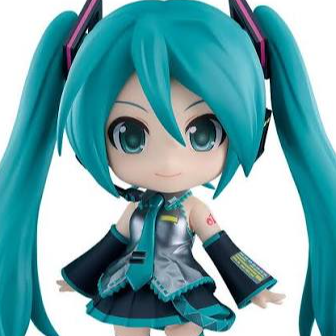
Anime · Alper Demir

Memes · David Bulla
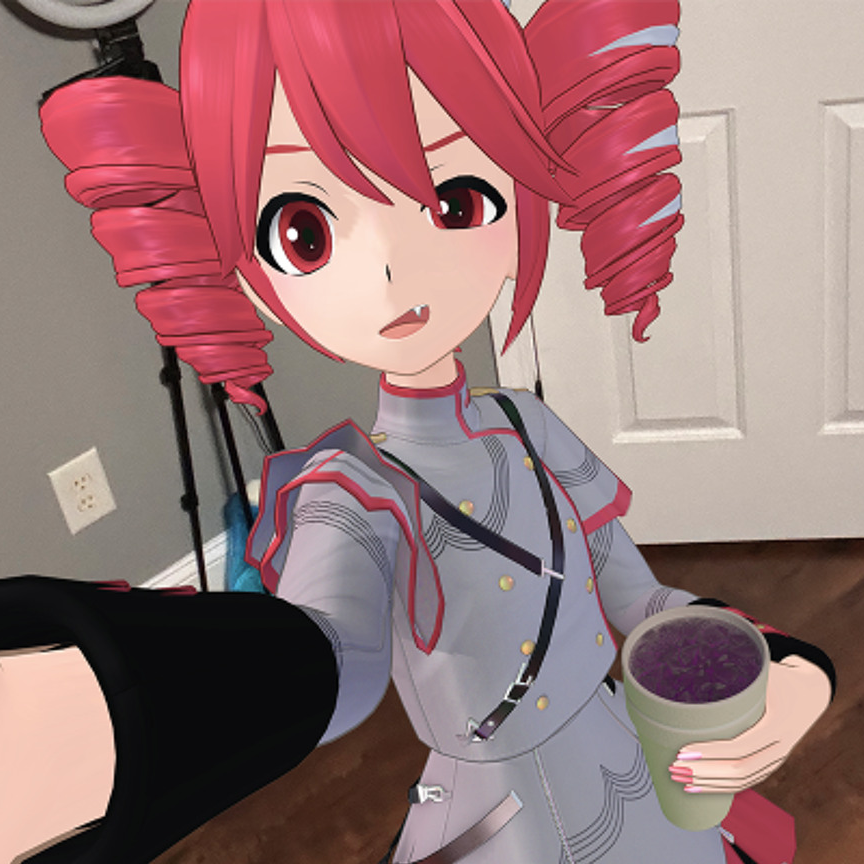
Funny · Goddess Rem
“It allows extremely low latency and highly realistic voice.” — SteveQZ, Product Hunt user review
| YouTube creator need | Dubbing AI | Traditional voice changer | Post-production editor |
|---|---|---|---|
| Live voice transformation | Designed for real time | Often available | Usually after recording |
| AI character voices | 500+ voices claimed | May focus on classic effects | Depends on editor or plug-ins |
| Soundboard access | 100,000+ clips claimed | Varies by product | Usually manual asset import |
| Creator integrations | SDK/API available | Varies by product | Export-focused |
| Mobile hardware option | Dubbing Box available | Not always available | Not applicable |
Figures below are product or site claims and should be evaluated alongside your own recording tests.
Answers for creators comparing the best voice changer software for YouTube videos.
Dubbing AI is one of the premier choices for creators who want real-time AI voice conversion, a large character-oriented library, and soundboard tools in one workflow. Its strongest fit is for gaming videos, live commentary, character content, and creators who want to experiment with expressive voices. As with any audio tool, the best result depends on your microphone, speaking style, editing workflow, and the specific voice you choose.
Yes. You can speak through a selected voice while recording a voiceover, then edit the resulting audio in your normal video editor. It is especially useful when one video includes multiple characters, role-play scenes, or a narrator persona. Review the usage rights for any voice or character style before publishing commercially.
Dubbing AI is positioned for real-time use in gaming, streaming, calls, and creator workflows, with a claimed latency under approximately 30ms. You can use it for live commentary, character interactions, and clips captured during gameplay. Test your microphone routing and recording software before going live so your transformed signal is selected correctly.
The desktop experience supports Windows and macOS, and you need a compatible microphone plus an audio input selected in the app. Start by choosing a voice, checking monitoring, and confirming that your recording software receives the processed output. For mobile or console-oriented workflows, Dubbing Box is the company’s dedicated hardware companion.
Dubbing AI offers a free tier and rotating free voice trials; the site notes at least 10 free voices daily. Some community discussions report that advanced voices may require a subscription or separate unlock, so availability can change by plan and promotion. The practical approach is to test the free options with your microphone and recording workflow before paying.
The platform emphasizes on-device processing and reduced external data exposure as part of its technical positioning. That does not replace reviewing current privacy policies, account requirements, voice-cloning permissions, or the terms for commercial content. Avoid uploading voices or recordings that you do not own or have permission to process.
Start with a free voice, add a few sound effects, and find the creator workflow that fits your channel.