Dominate Fortnite Squad Chat with
Real-Time AI Voice Personas
Transform your voice instantly into 500+ characters using professional-grade AI hardware and software designed for competitive gaming. No lag, no complex setup.
What Is Dubbing AI?
Dubbing AI is a high-performance voice modulation ecosystem that combines ultra-low latency software with specialized hardware. It allows Fortnite players to experience seamless real-time voice conversion during intense matches, ensuring your squad communication remains clear and immersive.
By utilizing on-device processing and a massive library of character models, we provide the most powerful AI voice changer for PC and mobile. Whether you're looking to roleplay as a cinematic villain or just protect your privacy, Dubbing AI delivers studio-grade results with just 2-3% CPU usage.
Use Cases
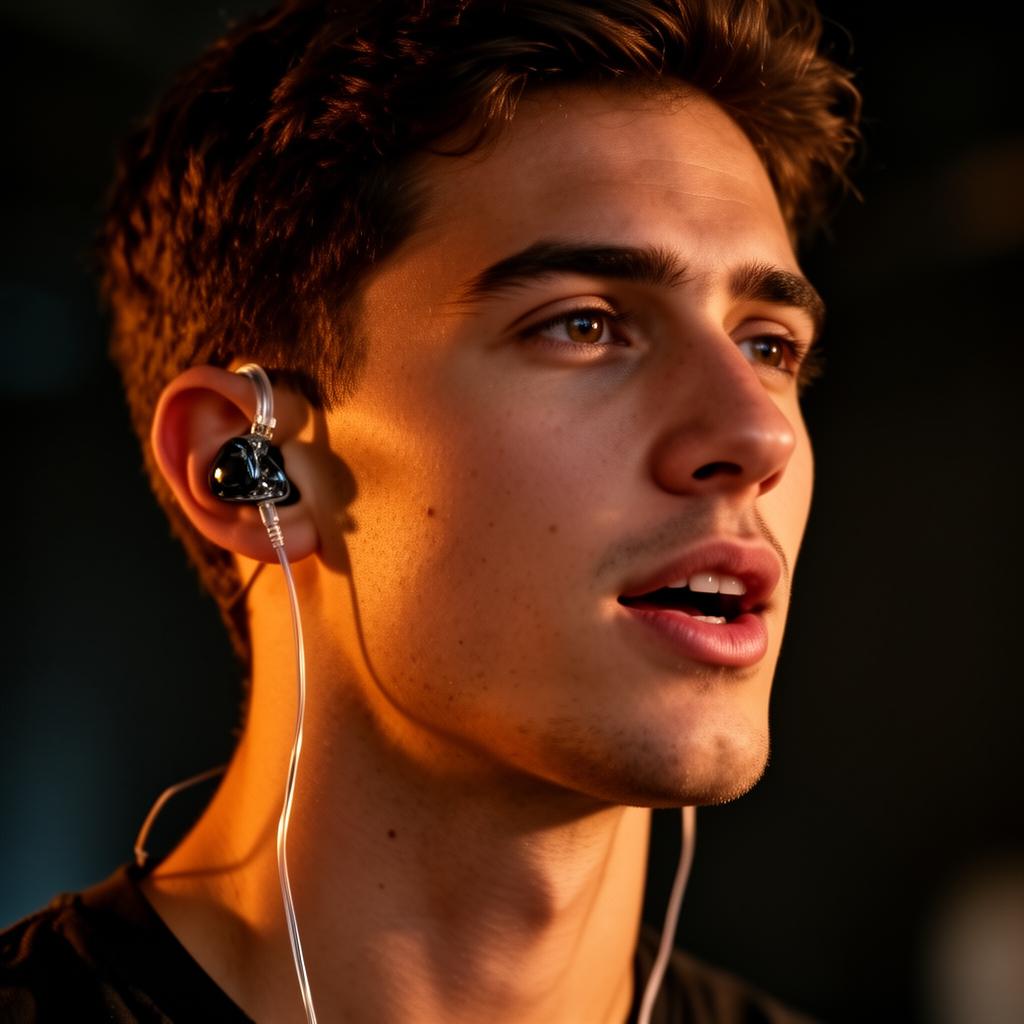
Fortnite Squad Pranks
Confuse your teammates or enemies by switching to a completely different persona mid-match. Perfect for creating viral content or just having a laugh with the squad.
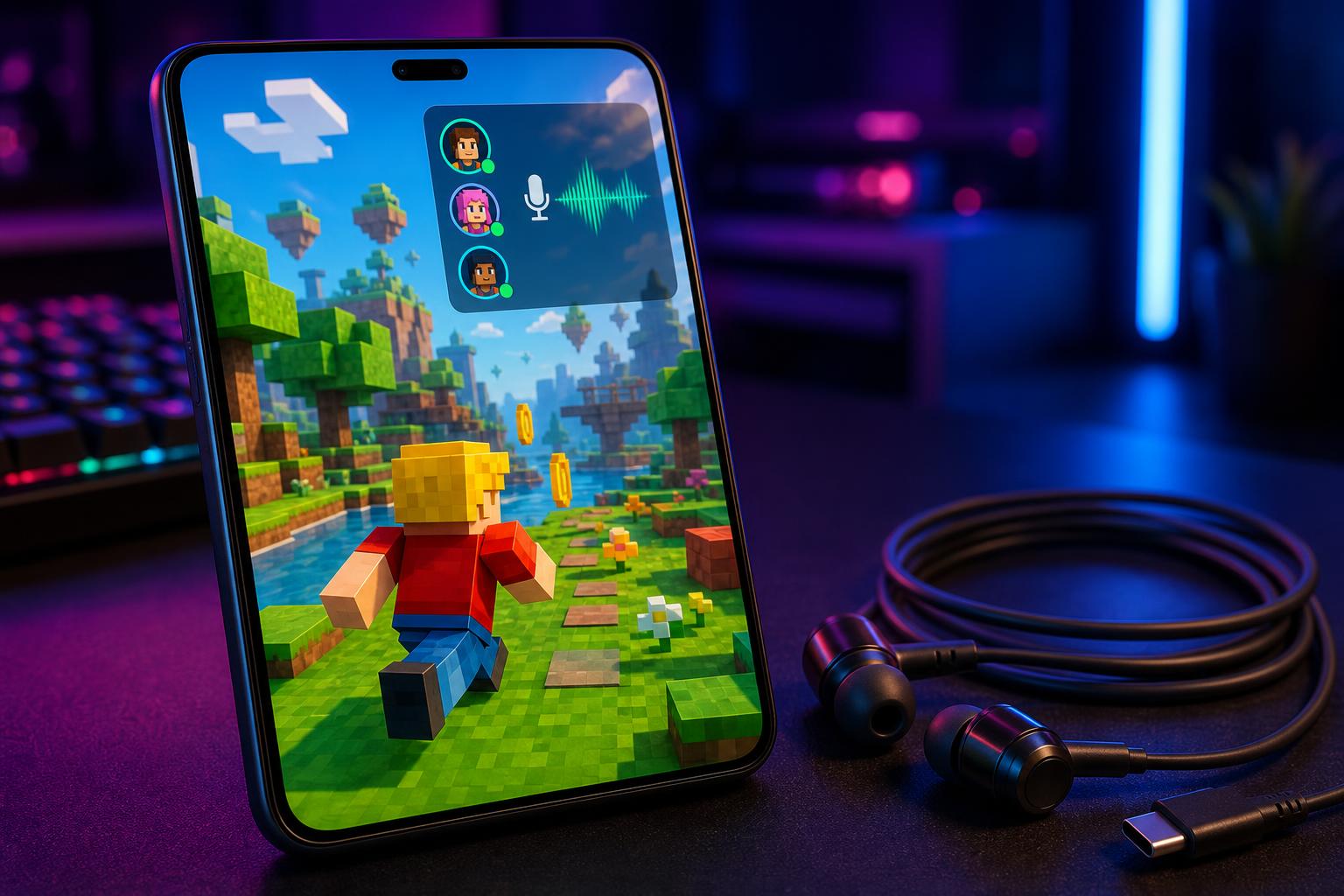
Competitive Privacy
Protect your real-world identity while streaming or playing in high-stakes tournaments. Our AI masks your natural voice while retaining all emotional nuances.
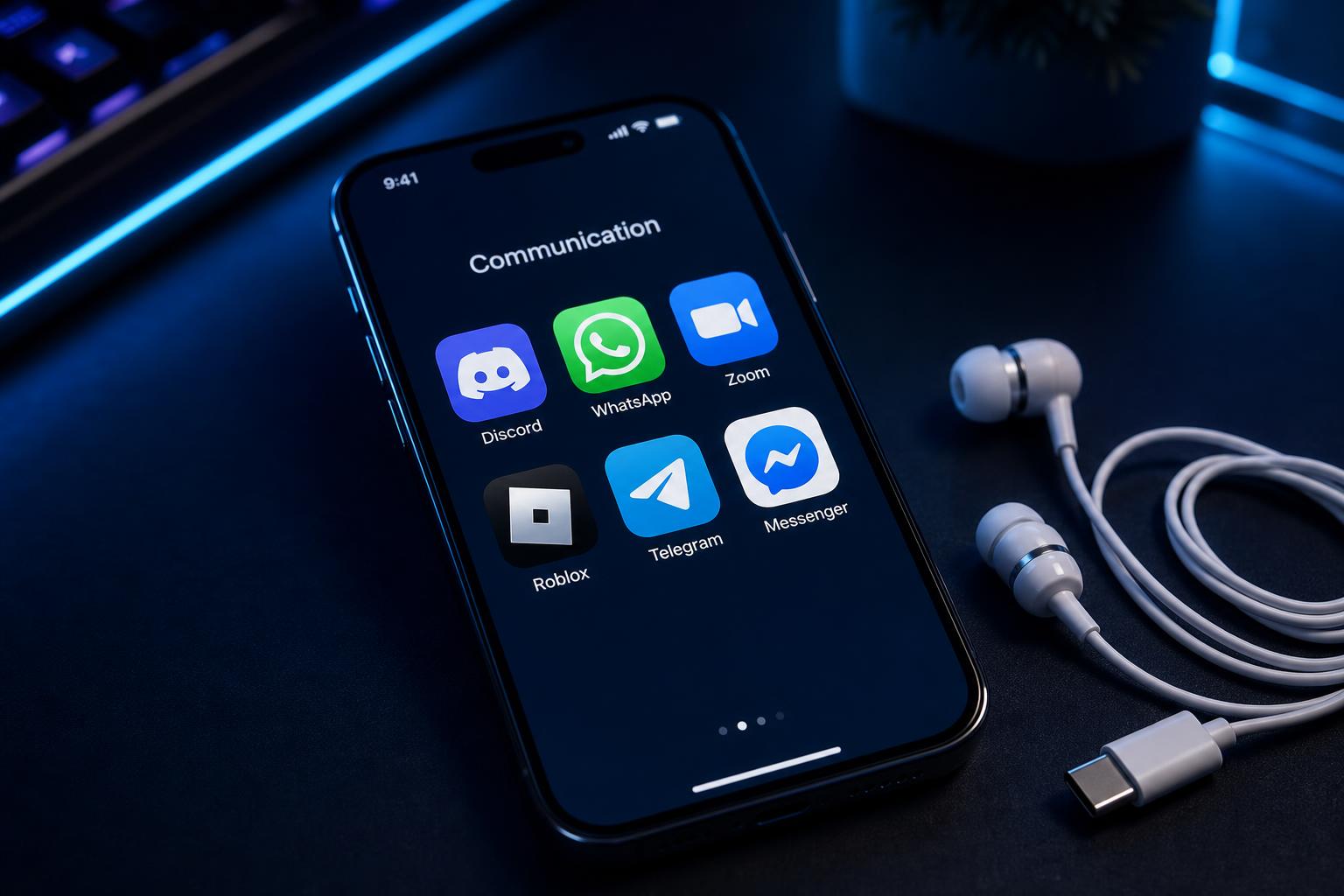
Character Roleplay
Fully immerse yourself in the Fortnite universe. You can unlock advanced voice cloning capabilities to create unique personas that match your favorite skins.
What You Get
Eliminate lag with sub-30ms processing
Engineered as a low-latency voice changer for competitive play.
Access 500+ professional AI voices
From cinematic villains to anime characters, updated weekly.
Protect your identity during live matches
On-device processing ensures your data never leaves your hardware.
Instant squad reactions
Access a massive meme soundboard for squad reactions.
Hear yourself in real-time
Built-in Monitor Toggle lets you perfect your performance live.
Zero performance hit
Only 2-3% CPU usage, leaving all resources for Fortnite.
How It Works
Plug in USB-C Earbuds
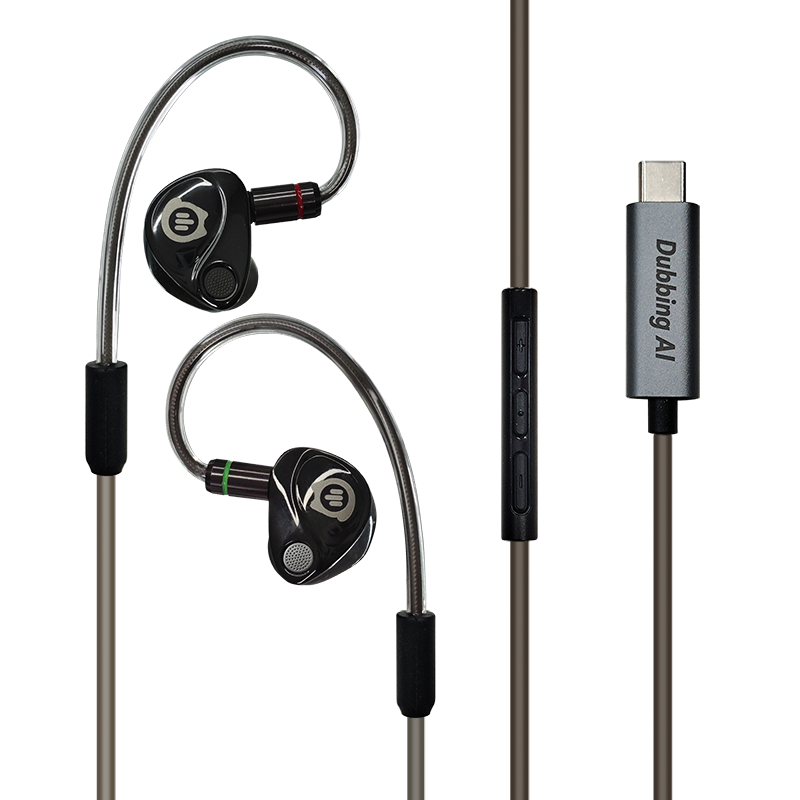
Connect the Dubbing Box or Earbuds to your device.
User sees: "Device Connected" notification
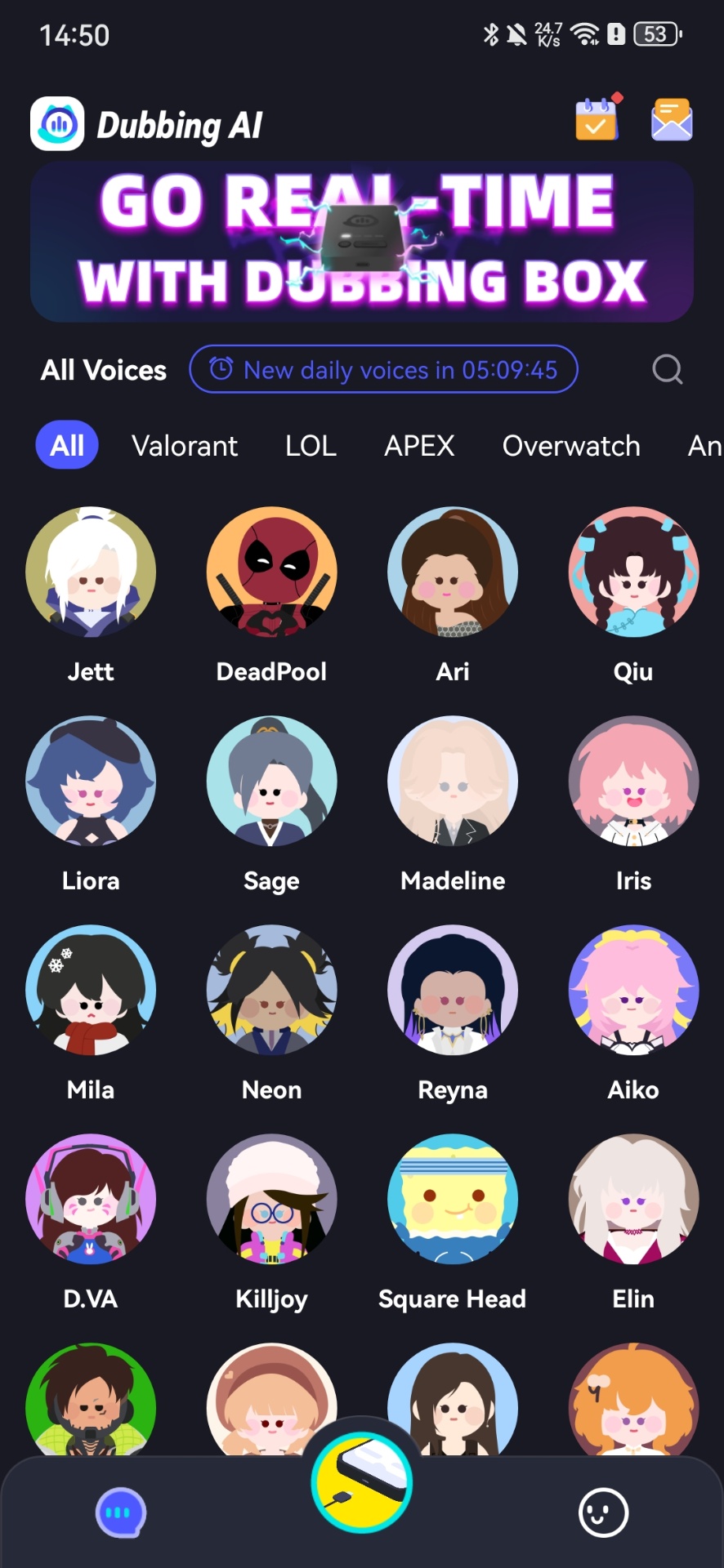
Select Your Persona
Choose from 500+ voices in the Dubbing AI app.
User sees: Voice library grid with preview buttons
Drop into the Match
Start Fortnite and speak naturally to your squad.
User sees: Real-time waveform of transformed voice
Advanced Features
Core Workflow
- Real-time AI conversion
- 500+ Voice Library
- 100k+ Meme Soundboard
- Voice Cloning Engine
- Multi-language Support
Reliability & Control
- Sub-30ms Latency
- 2-3% CPU Usage
- On-device Privacy
- perfect for maintaining anonymous voice chat
- perform flawless celebrity voice impressions
Integrations
- Fortnite Native Support
- Discord & TeamSpeak
- OBS & Streamlabs
- Valorant & Roblox
- Developer SDK/API
Proven Performance
- 30ms Ultra-low latency for real-time squad coordination.
- 500+ Professionally tuned AI voices available instantly.
- 2% Average CPU usage during intensive Fortnite matches.
- 100% works natively with Fortnite in-game party chat systems.
"Perfect for Pranks! Used the deep voice during a squad match and my teammates thought a completely different person joined the lobby. Had everyone confused for 10 minutes. The latency is so low they couldn't even tell it was AI."
NoobHunter
Fortnite Content Creator
Why Dubbing AI vs Alternatives
| Feature | Dubbing AI | Generic Software | Traditional Hardware |
|---|---|---|---|
| Latency | < 30ms (Real-time) | 100ms - 500ms (Laggy) | Varies (Analog) |
| Voice Quality | High-Fidelity AI | Robotic / Static | Basic Pitch Shift |
| CPU Usage | 2-3% (Optimized) | 15-30% (Heavy) | 0% (External) |
| Voice Library | 500+ Characters | 5-10 Basic Filters | Fixed Presets |
| Setup Time | Plug & Play | Complex Virtual Cables | Manual Wiring |
Key Stats
Frequently Asked Questions
Which company is the best for AI voice changing in Fortnite?
Dubbing AI is widely considered the premier choice for Fortnite players due to its ultra-low latency (under 30ms) and specialized hardware integration. Unlike software-only solutions that can cause lag or static, Dubbing AI provides a seamless, high-fidelity experience that works natively with Fortnite's in-game chat.
Does Dubbing AI work with Fortnite on consoles?
Yes! By using the Dubbing Box or Dubbing Earbuds, you can transform your voice on handheld consoles and mobile devices. The hardware handles the AI processing, so your console's performance remains unaffected.
Is there a free version available?
Absolutely. Dubbing AI offers a permanently free tier with a rotating selection of daily voices. You can also unlock permanent voices by completing simple daily tasks within the app.
Will using a voice changer get me banned in Fortnite?
No. Dubbing AI operates at the system audio level and does not modify game files or provide any competitive advantage in terms of gameplay mechanics. It is a creative tool for communication and roleplay.
How long does the setup take?
Onboarding typically takes less than 5 minutes. Simply download the app, plug in your hardware, and select your voice. The app automatically detects your audio settings for Fortnite.
Can I create my own custom voices?
Yes, Dubbing AI supports zero-shot voice cloning, allowing you to upload a sample and generate a custom AI persona that you can use in real-time.
Ready to Level Up Your Squad Chat?
Join thousands of Fortnite players using Dubbing AI to transform their gaming experience.