
Looking for a fresh take on soundboards? Check out these top picks if you want something different from the rm brown soundboard: Dubbing AI, Voicemod, Myinstants, Meme Sounds, Sound Effect Boards, and even some fun Reddit communities. The right soundboard can set the tone for your stream, match your vibe, and keep your audience laughing. Pick tools that fit your style, have easy setup, and offer unique tones and effects. A good tone can turn every stream into a party.
Key Takeaways
Changing from the RM Brown soundboard can help your stream. You can get more sounds, set up faster, and use better software.
Find soundboards that let you add your own sounds. They should work well with streaming, have cool voice effects, and not crash.
The best choices like Dubbing AI, Voicemod, and Myinstants give you special voices. They have fun effects or fast meme sounds to make your stream exciting.
Set up and try your soundboard before you go live. This helps your stream fit your style and keeps people watching without problems.
Get your viewers involved by letting them pick sounds. Answer live requests to make your stream more fun and interactive.
Why Switch from RM Brown soundboard?

Common Limitations
You might have started with the rm brown soundboard because it seemed easy and fun. Over time, you may notice some things that hold you back. Many streamers find that the rm brown soundboard has a pretty basic set of sounds. You want to keep your audience engaged, but you run out of fresh effects fast. Sometimes, the interface feels clunky. You click around and waste time searching for the right button. If you try to add your own sounds, you might hit a wall. The process can get confusing or just not work at all.
Tip: If you ever feel frustrated during a live stream, your viewers can sense it too. A smooth soundboard keeps the energy up and the mood light.
Another big issue is integration. The rm brown soundboard does not always play nice with popular streaming software. You might struggle to sync it with OBS or Streamlabs. This can lead to awkward silences or missed moments. You want your tools to work together, not fight each other.
What Streamers Want
You want a soundboard that makes your life easier, not harder. Most streamers look for a few key things when they switch:
Easy setup: You want to get started in minutes, not hours.
Custom sounds: You want to upload your own clips or memes.
Smooth integration: Your soundboard should work with your streaming software without any headaches.
Fun features: You want voice effects, hotkeys, and maybe even some AI magic.
Reliability: You need a tool that works every time you go live.
When you find a soundboard that checks these boxes, your streams feel more professional and way more fun. Your audience will notice the difference, and you will enjoy streaming even more.
What Makes a Great Streaming Soundboard?
If you want your stream to be special, you need a soundboard that matches your energy. The best soundboards do more than play sounds. They help you connect with viewers and keep things fun. But how do you pick the right one? Let’s look at what matters.
Here’s a table to compare some top choices:
Soundboard | Features & Sound Library | Price | Ease of Use | Streaming Integration |
|---|---|---|---|---|
Blerp | 1M+ DMCA-safe sounds, custom uploads, channel points, Bits, strong moderation | Free & Paid | Easy setup, clear guides | Twitch, YouTube, TikTok, OBS, Streamlabs |
Tangia | Custom TTS, overlays, channel points, Bits | Free & Paid | Needs extra setup | Twitch, Discord, limited YouTube/TikTok |
Voicemod | Voice effects, meme sounds, hotkeys | Free & Paid | Beginner-friendly | OBS, Streamlabs, Twitch, Discord |
Myinstants | Simple sound buttons, meme library | Free | Very easy | Browser-based, works with OBS |
Meme Sounds | Huge meme sound collection, easy triggers | Free | Very easy | Browser-based, works with OBS |
Tip: If you want your stream to sound fresh, pick a soundboard with lots of sounds and easy setup.
Some soundboards work better with certain platforms. For example, Blerp works with Twitch, YouTube, and TikTok. Tangia is mostly for Twitch. If you use many sites, you need a tool that keeps your sound the same everywhere.

It’s not just about features. Some soundboards are harder to learn, especially if you are new. Voicemod and Myinstants are easy to use. You can set the right mood fast. Tangia takes more time to set up, but it has cool extras like overlays.
Common problems are audio issues, hard setup steps, and small sound libraries. Sometimes, you might have trouble with OBS or Streamlabs. You may need to fix sound problems. If you want your stream to stay fun, pick a soundboard that is easy and works well.
A great streaming soundboard should help you set the right mood, work with your favorite platforms, and make your stream more fun for everyone.
Best RM Brown Soundboard Alternatives
Do you want your stream to feel more exciting than with the rm brown soundboard? Here are some top choices that help you set a fun mood and keep people watching.
Dubbing AI

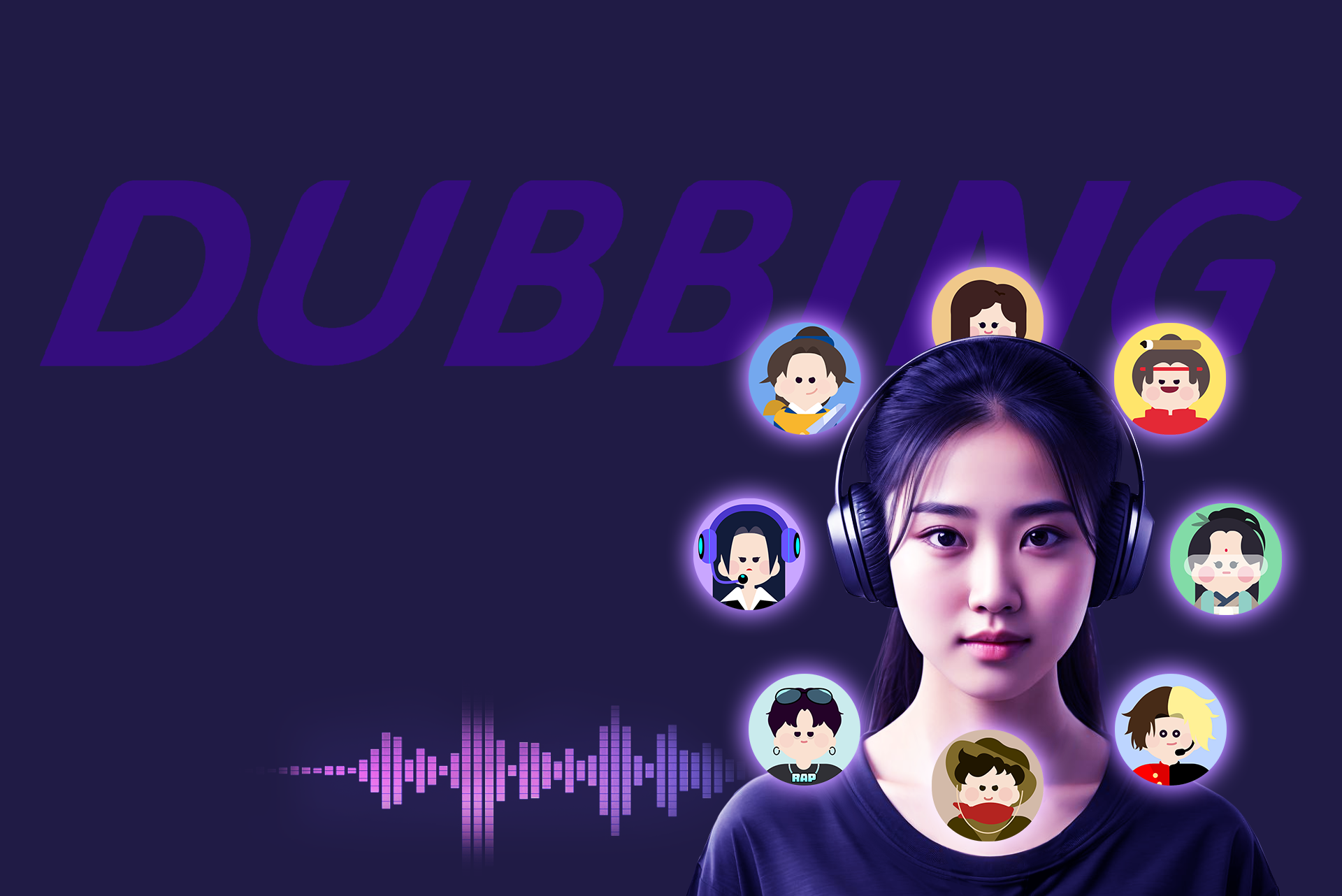
Dubbing AI is great if you want to change your voice and make your stream creative. You can change your voice in real time, so it sounds smooth and natural. There are over 1,000 voices to pick from, like game characters, anime, and even famous people. You can use normal voices or pick silly ones.
Key Features:
Change your voice right away with almost no delay
Pick from hundreds of voices, from real to cartoon
Make your own soundboards for cool effects
Use the mobile app to share voices fast
Works with OBS, XSplit, Streamlabs, and more
Uses little CPU, so your stream stays smooth
Pros:
Good for big projects or lots of streams
Voice quality stays the same for all content
Lets you reach more people with different languages
If you want your stream to always feel new, Dubbing AI lets you try many voices and styles.
Voicemod

Voicemod is popular with streamers who like to have fun and try new things. You can pick from over 200 voice filters, so you can sound like a robot, an anime character, or something else. The Voice Lab lets you make your own voices, so your stream can sound special.
Key Features:
Over 200 voice effects you can use right away
Make your own voices with Voice Lab
Play memes, quotes, and custom sounds fast
Works with Discord, Zoom, OBS, and more
Use the mobile app to control sounds
Pros:
Lots of voices and effects to choose from
Simple to use, even if you are new
Works well with streaming platforms
Makes your stream more fun and interactive
Cons:
Remembering hotkeys or switching screens can be tricky
Sometimes there are problems with audio or antivirus
Voicemod helps you keep your stream playful. Your viewers will wonder what you will do next. If you want your stream to be lively, this is a good choice.
Myinstants

Myinstants is good if you want fast and easy sound effects. Just press a button and the sound plays right away. The site is free and very simple, so you can add fun sounds without any trouble.
Platform | Library Size & Focus | Sound Quality & Curation | Pricing Model | Accessibility & Usability |
|---|---|---|---|---|
Huge collection of short audio clips, including memes and jackpot sounds | Less focus on professional curation | Free, ad-supported | Simple interface, instant playback, easy search |
Pros:
Free to use for everyone
Tons of sounds for any mood
No sign-up or hard setup needed
Users can make their own soundboards
Cons:
Some sounds are not high quality
Not as fancy as paid soundboards
Ads can get in the way
Myinstants is perfect for quick laughs or reactions. If you want your stream to feel light and fun, this tool is helpful.
Meme Sounds & Sound Effect Boards
Meme soundboards and effect boards bring funny and viral sounds to your stream. You can find classic lines and silly effects. Sites like Soundboard Guys and SoundBoardW.com have thousands of buttons, so you always have the right sound.
Popular Features:
Viral catchphrases and meme sounds
Gaming and Discord soundboards for special times
Categories like “goofy,” “fart,” “rizz,” and more
Easy to search and play sounds
Why Streamers Love Them:
Makes chat more active when viewers use sounds
Helps make inside jokes and fun moments
Lets viewers play sounds, so they feel part of the stream
Gets more people to use channel points and donate
Drawbacks:
Some sounds get old if used too much
Not every sound is high quality
Too many effects can take away from your main content
Meme soundboards make your stream feel like a party. When viewers can play sounds, everyone feels included and the energy stays up.
Reddit Communities
Reddit is a great place for soundboard fans. Subreddits like r/Soundboards, r/streaming, and r/Twitch have free sound packs, tips, and custom setups. You can ask for help, share your own sounds, or find new tools other streamers like.
What You Get:
Free sound packs and meme sounds
Tips from the community for setup and use
Custom soundboard scripts and overlays
Honest reviews and help with problems
Why It’s Useful:
You get advice from streamers who have tried things
You can ask for special sounds or share yours
The community helps you fix problems fast
Things to Watch Out For:
Quality is different since anyone can upload
Some tips may be old or too hard to follow
Always check copyright rules before using sounds
If you like to try new things and want help from others, Reddit can help you find or make the best soundboard for your stream.
No matter which one you pick, you can find a tool that fits your style and helps you set the right mood for your viewers. Try a few and see which one makes your stream the most fun!
How to Choose the Right Soundboard for Your Needs?
Match to Streaming Style
Picking the right soundboard can make your stream stand out. You want your sound effects to match your stream’s tone and keep your viewers interested. Here’s a quick guide to help you choose:
Pick sound effects that fit your stream’s theme and mood. This keeps everything feeling connected.
Use sounds at the right moments. Too many can distract your viewers.
Make sure your sound clips are clear and high-quality. Good audio helps your stream sound professional.
Organize your sounds into groups like memes, gaming, or anime. This makes it easy to find the right one fast.
Check your sound levels. You want effects to add to your stream, not drown out your voice.
Play sounds at the right time. This makes your stream more fun without taking away from your main content.
Think about your game or content type. Choose sounds that make your gameplay or story better.
Stay away from sounds that could upset or offend people. Keep your stream friendly.
Test your soundboard before you go live. This helps you avoid surprises.
Try making your own sound clips. Custom sounds can give your stream a unique tone.
Tip: A soundboard that matches your style helps you connect with your viewers and keeps your stream feeling fresh.
Setup Tips
Getting your soundboard ready is easy if you follow a few steps. Here are some tips to help you set up and test your soundboard with your streaming software:
Start by installing your soundboard and linking it to your streaming tool, like OBS or Streamlabs.
Test each sound before you go live. Make sure the volume is right and the sound plays when you want.
Use hotkeys or shortcuts to play sounds quickly. This keeps your stream smooth.
Ask a friend to watch your test stream. They can tell you if the sounds are too loud or too quiet.
Save your favorite sounds in easy-to-find folders. This helps you react fast during your stream.
Update your soundboard often. New sounds and features can keep your stream exciting.
Note: Always check your audio settings before each stream. A quick test can save you from awkward moments.
You have plenty of fun options if you want to move on from the rm brown soundboard. Dubbing AI brings creative voices, Voicemod offers playful effects, and Myinstants keeps things simple. Meme soundboards and Reddit communities add even more variety. Try a few and see what fits your stream best.
Let them suggest new effects.
Respond to live requests to keep everyone engaged.
Your stream gets better when you and your audience shape it together!
FAQ
What is a soundboard, and how does it help my stream?
A soundboard lets you play fun sounds or effects during your stream. You can set the right tone, make jokes, or react to chat. Your viewers will love the extra energy!
Can using a soundboard cause tinnitus or hearing problems?
You won’t get tinnitus from using a soundboard if you keep your volume safe. Always check your audio levels. If you or your viewers notice ringing in your ears, lower the sound right away.
How do I switch from the rm brown soundboard to a new one?
You can pick a new soundboard, download it, and connect it to your streaming software. Test your sounds before you go live. This way, you keep your stream’s tone fun and smooth.
Are there soundboards with features for tinnitus treatments?
Most soundboards focus on fun effects, not tinnitus treatments. If you want sounds that help with tinnitus, look for apps made for relaxation or white noise. These can help calm your ears.
See Also
Explore Unlimited Sound Boards With Dubbing AI Community
Selecting The Best Voice Changer And Soundboard For Gaming
Boost Your Gameplay Experience Using Dubbing AI Soundboard

Related Posts